> ## Documentation Index
> Fetch the complete documentation index at: https://learn.playlab.ai/llms.txt
> Use this file to discover all available pages before exploring further.

# Playlab changelog

> Track all the latest updates, features, and improvements to Playlab

Stay up to date with the latest changes, new features, and improvements to Playlab. We're constantly evolving to better serve educators and learners worldwide.

## June 26, 2026

### Fewer chat errors and steadier streaming

<div style={{ display:"inline-flex",gap:"6px",marginBottom:"12px",flexWrap:"wrap" }}>
  <span style={{ backgroundColor:"#10b981",color:"white",padding:"2px 8px",fontSize:"11px",fontWeight:"500",borderRadius:"4px",textTransform:"uppercase",letterSpacing:"0.025em" }}>
    🌍 Public
  </span>

  <span style={{ backgroundColor:"#dc2626",color:"white",padding:"2px 8px",fontSize:"11px",fontWeight:"500",borderRadius:"4px",textTransform:"uppercase",letterSpacing:"0.025em" }}>
    🐛 Fix
  </span>
</div>

We chipped away at the occasional errors some people hit when sending chat messages, and made chat streaming more resilient — a dropped or interrupted connection no longer turns into a server error. Conversations should feel steadier, especially on shaky networks.

### Smoother organization invitations

<div style={{ display:"inline-flex",gap:"6px",marginBottom:"12px",flexWrap:"wrap" }}>
  <span style={{ backgroundColor:"#10b981",color:"white",padding:"2px 8px",fontSize:"11px",fontWeight:"500",borderRadius:"4px",textTransform:"uppercase",letterSpacing:"0.025em" }}>
    🌍 Public
  </span>

  <span style={{ backgroundColor:"#3b82f6",color:"white",padding:"2px 8px",fontSize:"11px",fontWeight:"500",borderRadius:"4px",textTransform:"uppercase",letterSpacing:"0.025em" }}>
    🆕 New
  </span>
</div>

Organization invitations can now place new members straight into the **workspaces and groups** they should belong to, so they land in the right places on their first sign-in. We also fixed email invitations that could fail on a capitalization mismatch (email matching is now case-insensitive) and resolved invite errors that could occur after a workspace was migrated.

> [Adding members and inviting users](/getstarted/Adding%20Members%20to%20your%20Workspace)

### Adding a group to a workspace is temporarily paused

<div style={{ display:"inline-flex",gap:"6px",marginBottom:"12px",flexWrap:"wrap" }}>
  <span style={{ backgroundColor:"#10b981",color:"white",padding:"2px 8px",fontSize:"11px",fontWeight:"500",borderRadius:"4px",textTransform:"uppercase",letterSpacing:"0.025em" }}>
    🌍 Public
  </span>

  <span style={{ backgroundColor:"#f59e0b",color:"white",padding:"2px 8px",fontSize:"11px",fontWeight:"500",borderRadius:"4px",textTransform:"uppercase",letterSpacing:"0.025em" }}>
    🔄 Update
  </span>
</div>

While we improve how groups and workspaces work together, adding a **Group** directly to a workspace is temporarily unavailable. You can still bring a whole team into a workspace by setting up the workspaces (and groups) on an **organization invitation** instead.

> [Creating a Group](/getstarted/Creating%20a%20Group) · [Adding members and inviting users](/getstarted/Adding%20Members%20to%20your%20Workspace)

### Refreshed organization roles

<div style={{ display:"inline-flex",gap:"6px",marginBottom:"12px",flexWrap:"wrap" }}>
  <span style={{ backgroundColor:"#10b981",color:"white",padding:"2px 8px",fontSize:"11px",fontWeight:"500",borderRadius:"4px",textTransform:"uppercase",letterSpacing:"0.025em" }}>
    🌍 Public
  </span>

  <span style={{ backgroundColor:"#f59e0b",color:"white",padding:"2px 8px",fontSize:"11px",fontWeight:"500",borderRadius:"4px",textTransform:"uppercase",letterSpacing:"0.025em" }}>
    🔄 Update
  </span>
</div>

We refreshed the organization-level roles into a clearer set: **Owner** (all-access), **Creator** (build apps, collections, and workspaces), **Editor** (build apps and collections), **Viewer** (view and use apps), and **Workspace-only** (apps in assigned workspaces only). Existing members carry over to the closest equivalent role.

> [Org permissions and roles](/features/Org%20Permissions%20and%20Roles)

### Builder tooling improvements

<div style={{ display:"inline-flex",gap:"6px",marginBottom:"12px",flexWrap:"wrap" }}>
  <span style={{ backgroundColor:"#10b981",color:"white",padding:"2px 8px",fontSize:"11px",fontWeight:"500",borderRadius:"4px",textTransform:"uppercase",letterSpacing:"0.025em" }}>
    🌍 Public
  </span>

  <span style={{ backgroundColor:"#f59e0b",color:"white",padding:"2px 8px",fontSize:"11px",fontWeight:"500",borderRadius:"4px",textTransform:"uppercase",letterSpacing:"0.025em" }}>
    🔄 Update
  </span>
</div>

A couple of quality-of-life upgrades in the Builder:

* **Tools, organized.** The Builder Tools pane is now grouped into collapsible categories, so the tool you need is easier to find.
* **Cleaner Google Drive exports.** Exporting to Google Drive now creates a **Google Doc (Markdown)** by default instead of HTML — easier to read and edit once it lands in Drive.

> [Exporting to Google Drive](/features/Exporting%20to%20Google%20Drive)

### Builder Insights: Active Apps widget and faster Org Insights

<div style={{ display:"inline-flex",gap:"6px",marginBottom:"12px",flexWrap:"wrap" }}>
  <span style={{ backgroundColor:"#10b981",color:"white",padding:"2px 8px",fontSize:"11px",fontWeight:"500",borderRadius:"4px",textTransform:"uppercase",letterSpacing:"0.025em" }}>
    🌍 Public
  </span>

  <span style={{ backgroundColor:"#3b82f6",color:"white",padding:"2px 8px",fontSize:"11px",fontWeight:"500",borderRadius:"4px",textTransform:"uppercase",letterSpacing:"0.025em" }}>
    🆕 New
  </span>
</div>

Builder Insights now includes an **Active Apps** widget, so you can see which of your apps are actually getting used at a glance. Organization Insights also got faster — key metrics like Active Members, Top Apps, and Total App Sessions now load more quickly.

> [Organization-level insights](/features/Org-Level%20Insights)

### Workspace activity respects membership

<div style={{ display:"inline-flex",gap:"6px",marginBottom:"12px",flexWrap:"wrap" }}>
  <span style={{ backgroundColor:"#10b981",color:"white",padding:"2px 8px",fontSize:"11px",fontWeight:"500",borderRadius:"4px",textTransform:"uppercase",letterSpacing:"0.025em" }}>
    🌍 Public
  </span>

  <span style={{ backgroundColor:"#6366f1",color:"white",padding:"2px 8px",fontSize:"11px",fontWeight:"500",borderRadius:"4px",textTransform:"uppercase",letterSpacing:"0.025em" }}>
    🛡️ Trust
  </span>
</div>

A workspace's Activity now shows activity only from members of that workspace — activity from people outside it no longer appears. (Anonymous activity still shows up.)

> [Reviewing student activity](/getstarted/Reviewing%20Activity)

## June 22, 2026

### Tighter access controls on Activity

<div style={{ display:"inline-flex",gap:"6px",marginBottom:"12px",flexWrap:"wrap" }}>
  <span style={{ backgroundColor:"#10b981",color:"white",padding:"2px 8px",fontSize:"11px",fontWeight:"500",borderRadius:"4px",textTransform:"uppercase",letterSpacing:"0.025em" }}>
    🌍 Public
  </span>

  <span style={{ backgroundColor:"#6366f1",color:"white",padding:"2px 8px",fontSize:"11px",fontWeight:"500",borderRadius:"4px",textTransform:"uppercase",letterSpacing:"0.025em" }}>
    🛡️ Trust
  </span>
</div>

We strengthened the access controls around Activity. Workspace and organization Activity is now only visible to the roles meant to see it, closing gaps where some members could reach Activity they shouldn't. No action is needed on your part.

> [Reviewing Activity](/getstarted/Reviewing%20Activity) · [Workspace roles and permissions](/features/Workspace%20Roles%20and%20Permissions)

### Cleaner moderated-member data

<div style={{ display:"inline-flex",gap:"6px",marginBottom:"12px",flexWrap:"wrap" }}>
  <span style={{ backgroundColor:"#10b981",color:"white",padding:"2px 8px",fontSize:"11px",fontWeight:"500",borderRadius:"4px",textTransform:"uppercase",letterSpacing:"0.025em" }}>
    🌍 Public
  </span>

  <span style={{ backgroundColor:"#f59e0b",color:"white",padding:"2px 8px",fontSize:"11px",fontWeight:"500",borderRadius:"4px",textTransform:"uppercase",letterSpacing:"0.025em" }}>
    🔄 Update
  </span>
</div>

The widgets and exports behind moderated-member views are now faster and more reliable. **Playlab staff accounts are also excluded from moderated user lists**, so the people you review are only the members of your own organization.

> [Safety and moderation updates](/features/Safety%20and%20Moderation%20Updates) · [Centralized monitoring](/features/Reviewing%20App%20Activity)

### Search and filters stay put on empty results

<div style={{ display:"inline-flex",gap:"6px",marginBottom:"12px",flexWrap:"wrap" }}>
  <span style={{ backgroundColor:"#10b981",color:"white",padding:"2px 8px",fontSize:"11px",fontWeight:"500",borderRadius:"4px",textTransform:"uppercase",letterSpacing:"0.025em" }}>
    🌍 Public
  </span>

  <span style={{ backgroundColor:"#dc2626",color:"white",padding:"2px 8px",fontSize:"11px",fontWeight:"500",borderRadius:"4px",textTransform:"uppercase",letterSpacing:"0.025em" }}>
    🐛 Fix
  </span>
</div>

Fixed an issue where a search or filter that returned no results would hide the search box and filter controls — leaving you stuck with no way to adjust or clear them. The controls now stay visible on empty states, so you can always change or reset your view.

### Collections are now always available

<div style={{ display:"inline-flex",gap:"6px",marginBottom:"12px",flexWrap:"wrap" }}>
  <span style={{ backgroundColor:"#10b981",color:"white",padding:"2px 8px",fontSize:"11px",fontWeight:"500",borderRadius:"4px",textTransform:"uppercase",letterSpacing:"0.025em" }}>
    🌍 Public
  </span>

  <span style={{ backgroundColor:"#f59e0b",color:"white",padding:"2px 8px",fontSize:"11px",fontWeight:"500",borderRadius:"4px",textTransform:"uppercase",letterSpacing:"0.025em" }}>
    🔄 Update
  </span>
</div>

Collections are now turned on everywhere — every organization and personal account can create and share Collections with no setup. The **New Collection** button now appears only for people with permission to create them, and we fixed a role-sync issue so workspace Owner permissions stay consistent.

> [Share with Collections](/features/collections/What%20are%20Collections) · [Creating and sharing a Collection](/features/collections/Creating%20and%20Sharing%20a%20Collection)

### Workspace reference library retired for new projects

<div style={{ display:"inline-flex",gap:"6px",marginBottom:"12px",flexWrap:"wrap" }}>
  <span style={{ backgroundColor:"#10b981",color:"white",padding:"2px 8px",fontSize:"11px",fontWeight:"500",borderRadius:"4px",textTransform:"uppercase",letterSpacing:"0.025em" }}>
    🌍 Public
  </span>

  <span style={{ backgroundColor:"#f59e0b",color:"white",padding:"2px 8px",fontSize:"11px",fontWeight:"500",borderRadius:"4px",textTransform:"uppercase",letterSpacing:"0.025em" }}>
    🔄 Update
  </span>
</div>

For projects on the new Playlab, the workspace-level reference library is no longer shown. Shared references now live at the **organization level**, available to apps across all of your workspaces — one source of truth instead of one library per workspace.

> [Organization Reference Library](/features/Organizational%20References)

## June 17, 2026

### Builder Insights now has a date-range filter

<div style={{ display:"inline-flex",gap:"6px",marginBottom:"12px",flexWrap:"wrap" }}>
  <span style={{ backgroundColor:"#10b981",color:"white",padding:"2px 8px",fontSize:"11px",fontWeight:"500",borderRadius:"4px",textTransform:"uppercase",letterSpacing:"0.025em" }}>
    🌍 Public
  </span>

  <span style={{ backgroundColor:"#3b82f6",color:"white",padding:"2px 8px",fontSize:"11px",fontWeight:"500",borderRadius:"4px",textTransform:"uppercase",letterSpacing:"0.025em" }}>
    🆕 New
  </span>
</div>

You can now scope Insights to a specific window. Pick **7d**, **30d**, **90d**, or a **custom range**, and every number on the page updates to match — so it's easier to compare engagement week over week or zero in on a single unit.

> [Organization-level insights](/features/Org-Level%20Insights)

### Manage workspace members and roles in one place

<div style={{ display:"inline-flex",gap:"6px",marginBottom:"12px",flexWrap:"wrap" }}>
  <span style={{ backgroundColor:"#10b981",color:"white",padding:"2px 8px",fontSize:"11px",fontWeight:"500",borderRadius:"4px",textTransform:"uppercase",letterSpacing:"0.025em" }}>
    🌍 Public
  </span>

  <span style={{ backgroundColor:"#f59e0b",color:"white",padding:"2px 8px",fontSize:"11px",fontWeight:"500",borderRadius:"4px",textTransform:"uppercase",letterSpacing:"0.025em" }}>
    🔄 Update
  </span>
</div>

The workspace **Members** page now shows every member at once and lets you change roles right in the list — no separate dialog. Assign **Owner**, **Facilitator**, or **Participant** inline as your class or team changes.

> [Workspace roles and permissions](/features/Workspace%20Roles%20and%20Permissions) · [Adding members](/getstarted/Adding%20Members%20to%20your%20Workspace)

### Washington, D.C. added to the standards graph

<div style={{ display:"inline-flex",gap:"6px",marginBottom:"12px",flexWrap:"wrap" }}>
  <span style={{ backgroundColor:"#10b981",color:"white",padding:"2px 8px",fontSize:"11px",fontWeight:"500",borderRadius:"4px",textTransform:"uppercase",letterSpacing:"0.025em" }}>
    🌍 Public
  </span>

  <span style={{ backgroundColor:"#3b82f6",color:"white",padding:"2px 8px",fontSize:"11px",fontWeight:"500",borderRadius:"4px",textTransform:"uppercase",letterSpacing:"0.025em" }}>
    🆕 New
  </span>
</div>

The **State Standards** knowledge graph tool now covers **Washington, D.C.** Select it in the state filter to pull D.C.-aligned standards into your apps.

> [State standards knowledge graph tool](/features/MCP%20Standards)

## June 10, 2026

### My Projects is now your default landing page

<div style={{ display:"inline-flex",gap:"6px",marginBottom:"12px",flexWrap:"wrap" }}>
  <span style={{ backgroundColor:"#10b981",color:"white",padding:"2px 8px",fontSize:"11px",fontWeight:"500",borderRadius:"4px",textTransform:"uppercase",letterSpacing:"0.025em" }}>
    🌍 Public
  </span>

  <span style={{ backgroundColor:"#f59e0b",color:"white",padding:"2px 8px",fontSize:"11px",fontWeight:"500",borderRadius:"4px",textTransform:"uppercase",letterSpacing:"0.025em" }}>
    🔄 Update
  </span>
</div>

When you sign in, Playlab now opens to **My Projects** — one home for the work you own across every organization. The separate **My Workspaces** view has been retired; your workspaces are still reachable from each organization in the sidebar.

> [Navigating Playlab](/getstarted/Navigating%20Playlab)

### A smoother invite flow

<div style={{ display:"inline-flex",gap:"6px",marginBottom:"12px",flexWrap:"wrap" }}>
  <span style={{ backgroundColor:"#10b981",color:"white",padding:"2px 8px",fontSize:"11px",fontWeight:"500",borderRadius:"4px",textTransform:"uppercase",letterSpacing:"0.025em" }}>
    🌍 Public
  </span>

  <span style={{ backgroundColor:"#f59e0b",color:"white",padding:"2px 8px",fontSize:"11px",fontWeight:"500",borderRadius:"4px",textTransform:"uppercase",letterSpacing:"0.025em" }}>
    🔄 Update
  </span>
</div>

We tightened how people are invited to workspaces and organizations. Signing in from an invite link now works smoothly end to end, so new members land in the right place on the first try.

> [Adding members and inviting users](/getstarted/Adding%20Members%20to%20your%20Workspace)

## June 5, 2026

### Manage a Collection's apps from inside the Collection

<div style={{ display:"inline-flex",gap:"6px",marginBottom:"12px",flexWrap:"wrap" }}>
  <span style={{ backgroundColor:"#10b981",color:"white",padding:"2px 8px",fontSize:"11px",fontWeight:"500",borderRadius:"4px",textTransform:"uppercase",letterSpacing:"0.025em" }}>
    🌍 Public
  </span>

  <span style={{ backgroundColor:"#f59e0b",color:"white",padding:"2px 8px",fontSize:"11px",fontWeight:"500",borderRadius:"4px",textTransform:"uppercase",letterSpacing:"0.025em" }}>
    🔄 Update
  </span>
</div>

You can now add and remove apps directly from a Collection's page. Open a Collection and click **Add apps** in the toolbar to search and add apps you have access to, or open any app card's menu and choose **Remove from collection** to take it out — the app itself isn't deleted. Works in both your org's Collections tab and your personal My Collections view.

> [Managing apps in a Collection](/features/collections/Managing%20Apps%20in%20a%20Collection)

## June 1, 2026

### A major Playlab update: org deployment, Collections, and a new permissions model

<div style={{ display:"inline-flex",gap:"6px",marginBottom:"12px",flexWrap:"wrap" }}>
  <span style={{ backgroundColor:"#10b981",color:"white",padding:"2px 8px",fontSize:"11px",fontWeight:"500",borderRadius:"4px",textTransform:"uppercase",letterSpacing:"0.025em" }}>
    🌍 Public
  </span>

  <span style={{ backgroundColor:"#3b82f6",color:"white",padding:"2px 8px",fontSize:"11px",fontWeight:"500",borderRadius:"4px",textTransform:"uppercase",letterSpacing:"0.025em" }}>
    🆕 New
  </span>
</div>

Our biggest release reorganizes Playlab around four containers — organization, workspace, app, and collection — so sharing, deploying, and monitoring work at the scale of districts and networks. The building experience inside an app is unchanged. The main things:

* **Share apps with Collections** — bundle a curated set of apps and share it across whole organizations; publish an update once and every recipient sees the new version.
* **One app, many workspaces** — add the same app to as many workspaces as you need, with activity segmented per class and a single update reaching all of them.
* **A new permissions model** — apps now start private; grant Editor or Viewer access per app, and use workspace toggles to control who can build, see, and share.
* **Centralized org monitoring** — activity, flagged messages, and per-student detail now roll up to the organization level.

> [Read the full Q2 2026 update](/changelog/Playlab%20Q2%202026%20Update) · [What's new and migration guides](/whatsnew/What's%20New)

## May 22, 2026

### Gemini 3.5 Flash now available in the Builder

<div style={{ display:"inline-flex",gap:"6px",marginBottom:"12px",flexWrap:"wrap" }}>
  <span style={{ backgroundColor:"#10b981",color:"white",padding:"2px 8px",fontSize:"11px",fontWeight:"500",borderRadius:"4px",textTransform:"uppercase",letterSpacing:"0.025em" }}>
    🌍 Public
  </span>

  <span style={{ backgroundColor:"#8b5cf6",color:"white",padding:"2px 8px",fontSize:"11px",fontWeight:"500",borderRadius:"4px",textTransform:"uppercase",letterSpacing:"0.025em" }}>
    🆕 New Model
  </span>
</div>

Google's newest frontier Flash model, released on May 19, 2026, is now selectable in any app's model picker. **Gemini 3.5 Flash** beats Gemini 3.1 Pro on coding and agentic benchmarks while running roughly four times faster, and brings a 1M-token input context window with a January 2025 knowledge cutoff. It accepts text, image, audio, and video inputs — well suited for long-horizon agentic workflows and multimodal building.

> [Selecting an LLM](/features/Selecting%20an%20LLM)

### SOC 2 Type II Audit Completed

<div style={{ display:"inline-flex",gap:"6px",marginBottom:"12px",flexWrap:"wrap" }}>
  <span style={{ backgroundColor:"#10b981",color:"white",padding:"2px 8px",fontSize:"11px",fontWeight:"500",borderRadius:"4px",textTransform:"uppercase",letterSpacing:"0.025em" }}>
    🌍 Public
  </span>

  <span style={{ backgroundColor:"#6366f1",color:"white",padding:"2px 8px",fontSize:"11px",fontWeight:"500",borderRadius:"4px",textTransform:"uppercase",letterSpacing:"0.025em" }}>
    🛡️ Trust
  </span>
</div>

Playlab has completed its SOC 2 Type II audit. The report is available to request from our [Trust Center](https://trust.playlab.ai/), along with our other security and compliance documentation.

> [Privacy and Security](/faq/Privacy%20and%20Security)

## May 21, 2026

### Knowledge Cutoff Dates in the LLM Selector

<div style={{ display:"inline-flex",gap:"6px",marginBottom:"12px",flexWrap:"wrap" }}>
  <span style={{ backgroundColor:"#10b981",color:"white",padding:"2px 8px",fontSize:"11px",fontWeight:"500",borderRadius:"4px",textTransform:"uppercase",letterSpacing:"0.025em" }}>
    🌍 Public
  </span>

  <span style={{ backgroundColor:"#f59e0b",color:"white",padding:"2px 8px",fontSize:"11px",fontWeight:"500",borderRadius:"4px",textTransform:"uppercase",letterSpacing:"0.025em" }}>
    🔄 Update
  </span>
</div>

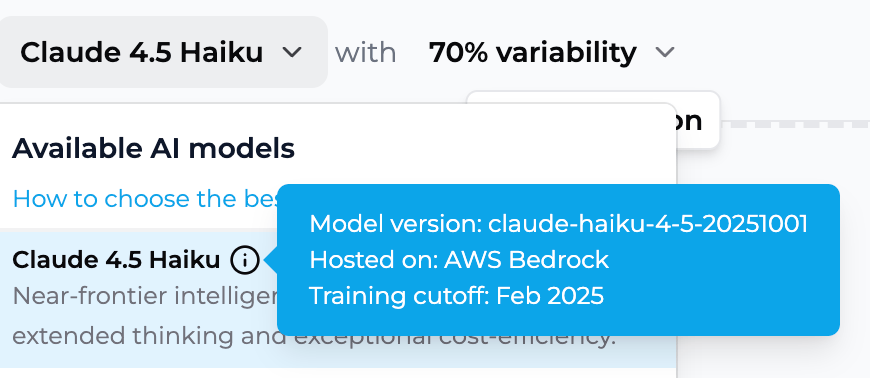
Each model in the LLM selector now surfaces its training knowledge cutoff right in the picker tooltip, so you can see how current a model's knowledge is before choosing it for your app.

<div style={{ textAlign: "center" }}>
  <img src="https://mintcdn.com/playlabai/MB54mLvHimQQLexo/images/cutoffdate.png?fit=max&auto=format&n=MB54mLvHimQQLexo&q=85&s=e54b7386070a8781d4e681e7daa04827" width="500" className="border border-gray-300 rounded-md shadow-sm" data-path="images/cutoffdate.png" />
</div>

> [Selecting an LLM](/features/Selecting%20an%20LLM)

### Wide Tables in Conversation History

<div style={{ display:"inline-flex",gap:"6px",marginBottom:"12px",flexWrap:"wrap" }}>
  <span style={{ backgroundColor:"#10b981",color:"white",padding:"2px 8px",fontSize:"11px",fontWeight:"500",borderRadius:"4px",textTransform:"uppercase",letterSpacing:"0.025em" }}>
    🌍 Public
  </span>

  <span style={{ backgroundColor:"#f59e0b",color:"white",padding:"2px 8px",fontSize:"11px",fontWeight:"500",borderRadius:"4px",textTransform:"uppercase",letterSpacing:"0.025em" }}>
    🔄 Update
  </span>
</div>

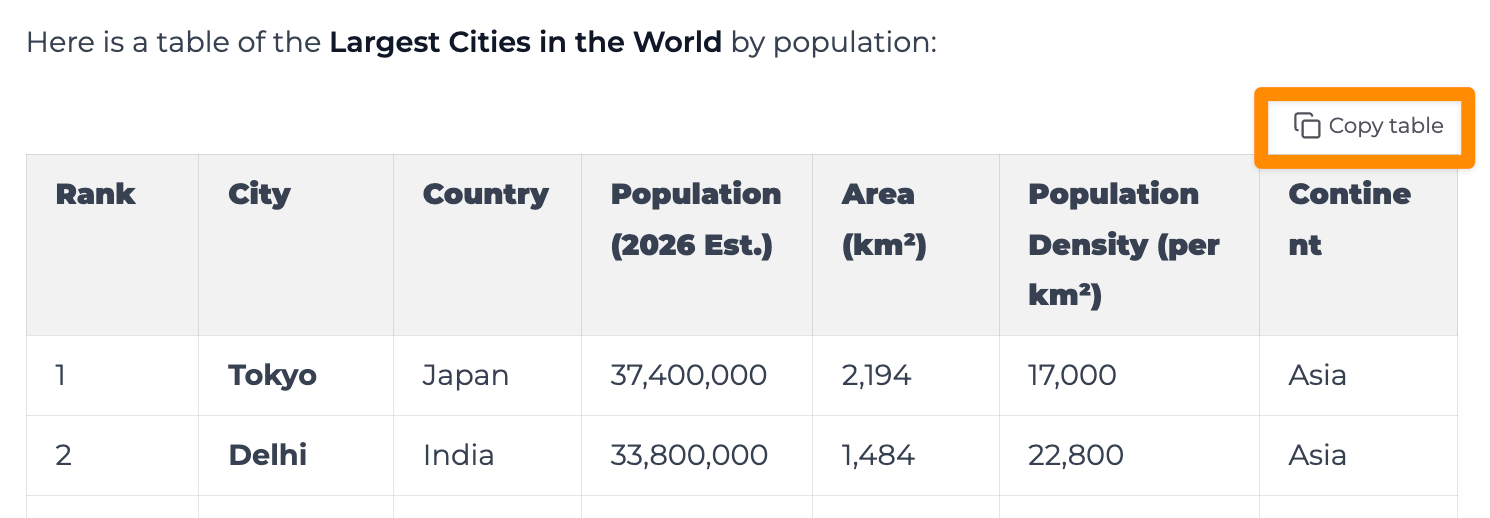
Wide tables in conversation history now render with better usability — easier to read, scan, and copy results that exceed the standard message width.

<div style={{ textAlign: "center" }}>
  <img src="https://mintcdn.com/playlabai/MB54mLvHimQQLexo/images/copytable.png?fit=max&auto=format&n=MB54mLvHimQQLexo&q=85&s=ffc6f447526edc1dc069a0985340f017" width="500" className="border border-gray-300 rounded-md shadow-sm" data-path="images/copytable.png" />
</div>

## May 14, 2026

### Smoother Invitation Flow

<div style={{ display:"inline-flex",gap:"6px",marginBottom:"12px",flexWrap:"wrap" }}>
  <span style={{ backgroundColor:"#10b981",color:"white",padding:"2px 8px",fontSize:"11px",fontWeight:"500",borderRadius:"4px",textTransform:"uppercase",letterSpacing:"0.025em" }}>
    🌍 Public
  </span>

  <span style={{ backgroundColor:"#f59e0b",color:"white",padding:"2px 8px",fontSize:"11px",fontWeight:"500",borderRadius:"4px",textTransform:"uppercase",letterSpacing:"0.025em" }}>
    🔄 Update
  </span>
</div>

We've refreshed the flow for inviting members into a workspace or organization. Sending invites, picking roles, and confirming who's joined is now clearer and faster from start to finish.

> [Adding Members to your Workspace](/getstarted/Adding%20Members%20to%20your%20Workspace)

### Workspace & Collection Tooltips and Unified Titles

<div style={{ display:"inline-flex",gap:"6px",marginBottom:"12px",flexWrap:"wrap" }}>
  <span style={{ backgroundColor:"#10b981",color:"white",padding:"2px 8px",fontSize:"11px",fontWeight:"500",borderRadius:"4px",textTransform:"uppercase",letterSpacing:"0.025em" }}>
    🌍 Public
  </span>

  <span style={{ backgroundColor:"#f59e0b",color:"white",padding:"2px 8px",fontSize:"11px",fontWeight:"500",borderRadius:"4px",textTransform:"uppercase",letterSpacing:"0.025em" }}>
    🔄 Update
  </span>
</div>

Workspaces and Collections now show info tooltips on hover so it's easier to remember what each space is for at a glance. Page titles across the product have also been unified so navigation feels more cohesive.

### Navigation Polish

<div style={{ display:"inline-flex",gap:"6px",marginBottom:"12px",flexWrap:"wrap" }}>
  <span style={{ backgroundColor:"#10b981",color:"white",padding:"2px 8px",fontSize:"11px",fontWeight:"500",borderRadius:"4px",textTransform:"uppercase",letterSpacing:"0.025em" }}>
    🌍 Public
  </span>

  <span style={{ backgroundColor:"#f59e0b",color:"white",padding:"2px 8px",fontSize:"11px",fontWeight:"500",borderRadius:"4px",textTransform:"uppercase",letterSpacing:"0.025em" }}>
    🔄 Update
  </span>
</div>

Several navigation surfaces got a polish pass: cleaner empty states, refined Collection action menus, and a tidied recipient dropdown when sharing.

### File Type Icons in Downloads

<div style={{ display:"inline-flex",gap:"6px",marginBottom:"12px",flexWrap:"wrap" }}>
  <span style={{ backgroundColor:"#10b981",color:"white",padding:"2px 8px",fontSize:"11px",fontWeight:"500",borderRadius:"4px",textTransform:"uppercase",letterSpacing:"0.025em" }}>
    🌍 Public
  </span>

  <span style={{ backgroundColor:"#f59e0b",color:"white",padding:"2px 8px",fontSize:"11px",fontWeight:"500",borderRadius:"4px",textTransform:"uppercase",letterSpacing:"0.025em" }}>
    🔄 Update
  </span>
</div>

Downloadable files now show distinct icons by type — PDFs, DOCX, PPTX, and other formats are easier to spot when scanning a conversation.

### Ongoing Moderation Improvements

<div style={{ display:"inline-flex",gap:"6px",marginBottom:"12px",flexWrap:"wrap" }}>
  <span style={{ backgroundColor:"#10b981",color:"white",padding:"2px 8px",fontSize:"11px",fontWeight:"500",borderRadius:"4px",textTransform:"uppercase",letterSpacing:"0.025em" }}>
    🌍 Public
  </span>

  <span style={{ backgroundColor:"#f59e0b",color:"white",padding:"2px 8px",fontSize:"11px",fontWeight:"500",borderRadius:"4px",textTransform:"uppercase",letterSpacing:"0.025em" }}>
    🔄 Update
  </span>
</div>

We've simplified and generalized our moderation settings so they're easier to tune over time. No action needed — this lays the groundwork for more precise moderation behavior in future releases.

> [Learn more about Safety and Moderation Updates](/features/Safety%20and%20Moderation%20Updates)

## April 29, 2026

### Accessibility: Working Toward WCAG 2.0 AA

<div style={{ display:"inline-flex",gap:"6px",marginBottom:"12px",flexWrap:"wrap" }}>
  <span style={{ backgroundColor:"#10b981",color:"white",padding:"2px 8px",fontSize:"11px",fontWeight:"500",borderRadius:"4px",textTransform:"uppercase",letterSpacing:"0.025em" }}>
    🌍 Public
  </span>

  <span style={{ backgroundColor:"#3b82f6",color:"white",padding:"2px 8px",fontSize:"11px",fontWeight:"500",borderRadius:"4px",textTransform:"uppercase",letterSpacing:"0.025em" }}>
    🆕 New
  </span>
</div>

Playlab is actively working toward **WCAG 2.0 AA** accessibility conformance. We've added visible focus indicators throughout the interface and accessible labels on every icon button, making Playlab significantly easier to navigate by keyboard and with screen readers. A formal audit and VPAT are in progress.

> [Learn more about Accessibility in Playlab](/faq/Accessibility)

## April 14, 2026

### New DPA Policy Pages

<div style={{ display:"inline-flex",gap:"6px",marginBottom:"12px",flexWrap:"wrap" }}>
  <span style={{ backgroundColor:"#10b981",color:"white",padding:"2px 8px",fontSize:"11px",fontWeight:"500",borderRadius:"4px",textTransform:"uppercase",letterSpacing:"0.025em" }}>
    🌍 Public
  </span>

  <span style={{ backgroundColor:"#3b82f6",color:"white",padding:"2px 8px",fontSize:"11px",fontWeight:"500",borderRadius:"4px",textTransform:"uppercase",letterSpacing:"0.025em" }}>
    🆕 New
  </span>
</div>

Published a US DPA and an EU/UK GDPR DPA (with incorporated Standard Contractual Clauses) for partners who need Playlab's data processing terms in writing. Both are now listed on the Data Privacy Agreements page.

> [View Data Privacy Agreements](/faq/Data%20Privacy%20Agreements)

### OpenAI GPT 5.4

<div style={{ display:"inline-flex",gap:"6px",marginBottom:"12px",flexWrap:"wrap" }}>
  <span style={{ backgroundColor:"#10b981",color:"white",padding:"2px 8px",fontSize:"11px",fontWeight:"500",borderRadius:"4px",textTransform:"uppercase",letterSpacing:"0.025em" }}>
    🌍 Public
  </span>

  <span style={{ backgroundColor:"#f59e0b",color:"white",padding:"2px 8px",fontSize:"11px",fontWeight:"500",borderRadius:"4px",textTransform:"uppercase",letterSpacing:"0.025em" }}>
    🔄 Update
  </span>
</div>

GPT 5.2 has been upgraded to **GPT 5.4**. Apps previously using GPT 5.2 will automatically use the new version.

### Gemini 2.x Deprecated

<div style={{ display:"inline-flex",gap:"6px",marginBottom:"12px",flexWrap:"wrap" }}>
  <span style={{ backgroundColor:"#10b981",color:"white",padding:"2px 8px",fontSize:"11px",fontWeight:"500",borderRadius:"4px",textTransform:"uppercase",letterSpacing:"0.025em" }}>
    🌍 Public
  </span>

  <span style={{ backgroundColor:"#f59e0b",color:"white",padding:"2px 8px",fontSize:"11px",fontWeight:"500",borderRadius:"4px",textTransform:"uppercase",letterSpacing:"0.025em" }}>
    🔄 Update
  </span>
</div>

Gemini 2.5 Pro and Gemini 2.5 Flash have been deprecated in favor of the Gemini 3.x family. Use **Gemini 3.1 Pro**, **Gemini 3 Pro**, or **Gemini 3 Flash** going forward.

### Join Online Learning

<div style={{ display:"inline-flex",gap:"6px",marginBottom:"12px",flexWrap:"wrap" }}>
  <span style={{ backgroundColor:"#10b981",color:"white",padding:"2px 8px",fontSize:"11px",fontWeight:"500",borderRadius:"4px",textTransform:"uppercase",letterSpacing:"0.025em" }}>
    🌍 Public
  </span>

  <span style={{ backgroundColor:"#f59e0b",color:"white",padding:"2px 8px",fontSize:"11px",fontWeight:"500",borderRadius:"4px",textTransform:"uppercase",letterSpacing:"0.025em" }}>
    🔄 Update
  </span>
</div>

The "Find a PLC" link has been renamed to **Join Online Learning** and now points to the Playlab Luma events page, where you can browse and register for upcoming workshops and learning sessions.

### Builder Conversations in Activity View

<div style={{ display:"inline-flex",gap:"6px",marginBottom:"12px",flexWrap:"wrap" }}>
  <span style={{ backgroundColor:"#10b981",color:"white",padding:"2px 8px",fontSize:"11px",fontWeight:"500",borderRadius:"4px",textTransform:"uppercase",letterSpacing:"0.025em" }}>
    🌍 Public
  </span>

  <span style={{ backgroundColor:"#3b82f6",color:"white",padding:"2px 8px",fontSize:"11px",fontWeight:"500",borderRadius:"4px",textTransform:"uppercase",letterSpacing:"0.025em" }}>
    🆕 New
  </span>
</div>

Your own test conversations from Builder preview mode now appear in the Activity view alongside end-user conversations, including any moderated or flagged messages from those test sessions. This makes it easier to review how your app behaves during testing and spot moderation issues before sharing your app.

> [Learn more about Escalating Flagged Conversations](/features/Escalating%20Flagged%20Conversations)

## April 6, 2026

### Faster PPTX Uploads

<div style={{ display:"inline-flex",gap:"6px",marginBottom:"12px",flexWrap:"wrap" }}>
  <span style={{ backgroundColor:"#10b981",color:"white",padding:"2px 8px",fontSize:"11px",fontWeight:"500",borderRadius:"4px",textTransform:"uppercase",letterSpacing:"0.025em" }}>
    🌍 Public
  </span>

  <span style={{ backgroundColor:"#f59e0b",color:"white",padding:"2px 8px",fontSize:"11px",fontWeight:"500",borderRadius:"4px",textTransform:"uppercase",letterSpacing:"0.025em" }}>
    🔄 Update
  </span>
</div>

PPTX conversion now runs through pandoc, matching our DOCX pipeline. Expect faster uploads and more consistent results when referencing PowerPoint files in Playlab apps.

## April 3, 2026

### Self-Harm Notification Alerts

<div style={{ display:"inline-flex",gap:"6px",marginBottom:"12px",flexWrap:"wrap" }}>
  <span style={{ backgroundColor:"#10b981",color:"white",padding:"2px 8px",fontSize:"11px",fontWeight:"500",borderRadius:"4px",textTransform:"uppercase",letterSpacing:"0.025em" }}>
    🌍 Public
  </span>

  <span style={{ backgroundColor:"#3b82f6",color:"white",padding:"2px 8px",fontSize:"11px",fontWeight:"500",borderRadius:"4px",textTransform:"uppercase",letterSpacing:"0.025em" }}>
    🆕 New
  </span>
</div>

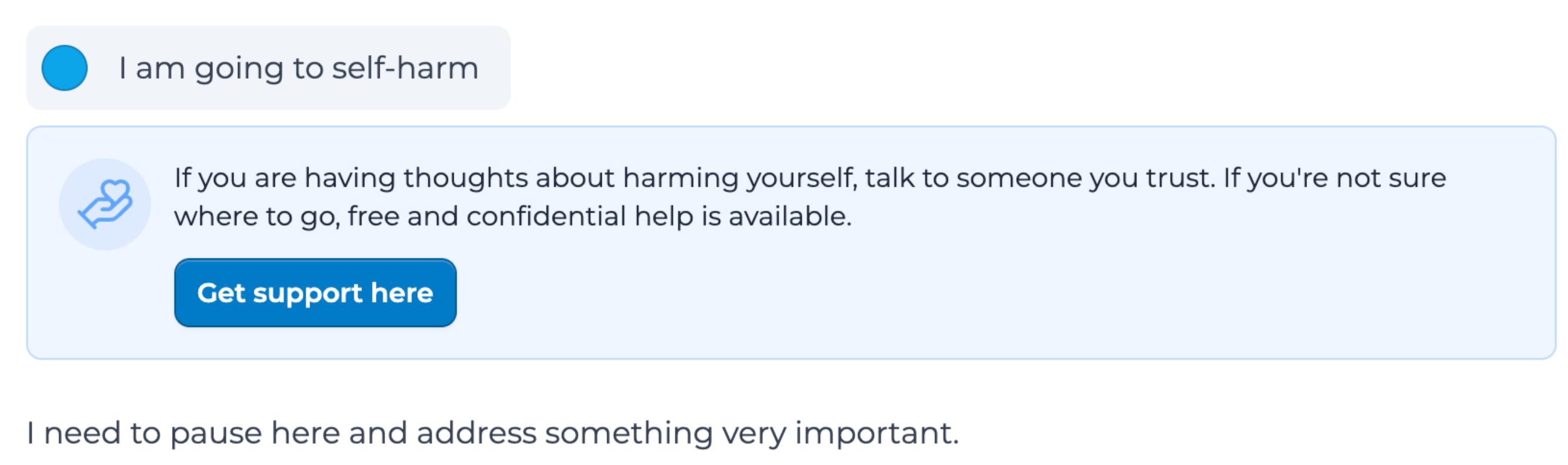
Org admins now receive real-time urgent notifications when messages are flagged for self-harm, separate from the standard 72-hour moderation digest. These alerts ensure immediate visibility for the people responsible for student safety.

<Frame>
  <img src="https://mintcdn.com/playlabai/d5UJzKsmbseBtJcq/images/selfharmnotification.png?fit=max&auto=format&n=d5UJzKsmbseBtJcq&q=85&s=8afe11b01b8e67450d5423c1f49c31b2" alt="Self-harm notification alert" width="2668" height="792" data-path="images/selfharmnotification.png" />
</Frame>

> [Learn more about safety notifications](/features/Safety%20and%20Moderation%20Updates)

## March 30, 2026

### Document Editor Enabled for Everyone
<div style={{ display:"inline-flex",gap:"6px",marginBottom:"12px",flexWrap:"wrap" }}>
  <span style={{ backgroundColor:"#10b981",color:"white",padding:"2px 8px",fontSize:"11px",fontWeight:"500",borderRadius:"4px",textTransform:"uppercase",letterSpacing:"0.025em" }}>
    🌍 Public
  </span>

  <span style={{ backgroundColor:"#3b82f6",color:"white",padding:"2px 8px",fontSize:"11px",fontWeight:"500",borderRadius:"4px",textTransform:"uppercase",letterSpacing:"0.025em" }}>
    🆕 New
  </span>
</div>

The document editor is now available for all users.

<Frame>
  <img src="https://mintcdn.com/playlabai/TeM8xpCTexW1JRr9/images/doceditoricon.png?fit=max&auto=format&n=TeM8xpCTexW1JRr9&q=85&s=e82abb24c3b247698e5ecf7e4f4fd59a" alt="Doc Editor icon" width="914" height="246" data-path="images/doceditoricon.png" />
</Frame>

> [Learn more about the Doc Editor](/features/Doc%20Editor)

### Safety Notifications and Moderation Updates
<div style={{ display:"inline-flex",gap:"6px",marginBottom:"12px",flexWrap:"wrap" }}>
  <span style={{ backgroundColor:"#10b981",color:"white",padding:"2px 8px",fontSize:"11px",fontWeight:"500",borderRadius:"4px",textTransform:"uppercase",letterSpacing:"0.025em" }}>
    🌍 Public
  </span>

  <span style={{ backgroundColor:"#3b82f6",color:"white",padding:"2px 8px",fontSize:"11px",fontWeight:"500",borderRadius:"4px",textTransform:"uppercase",letterSpacing:"0.025em" }}>
    🆕 New
  </span>
</div>

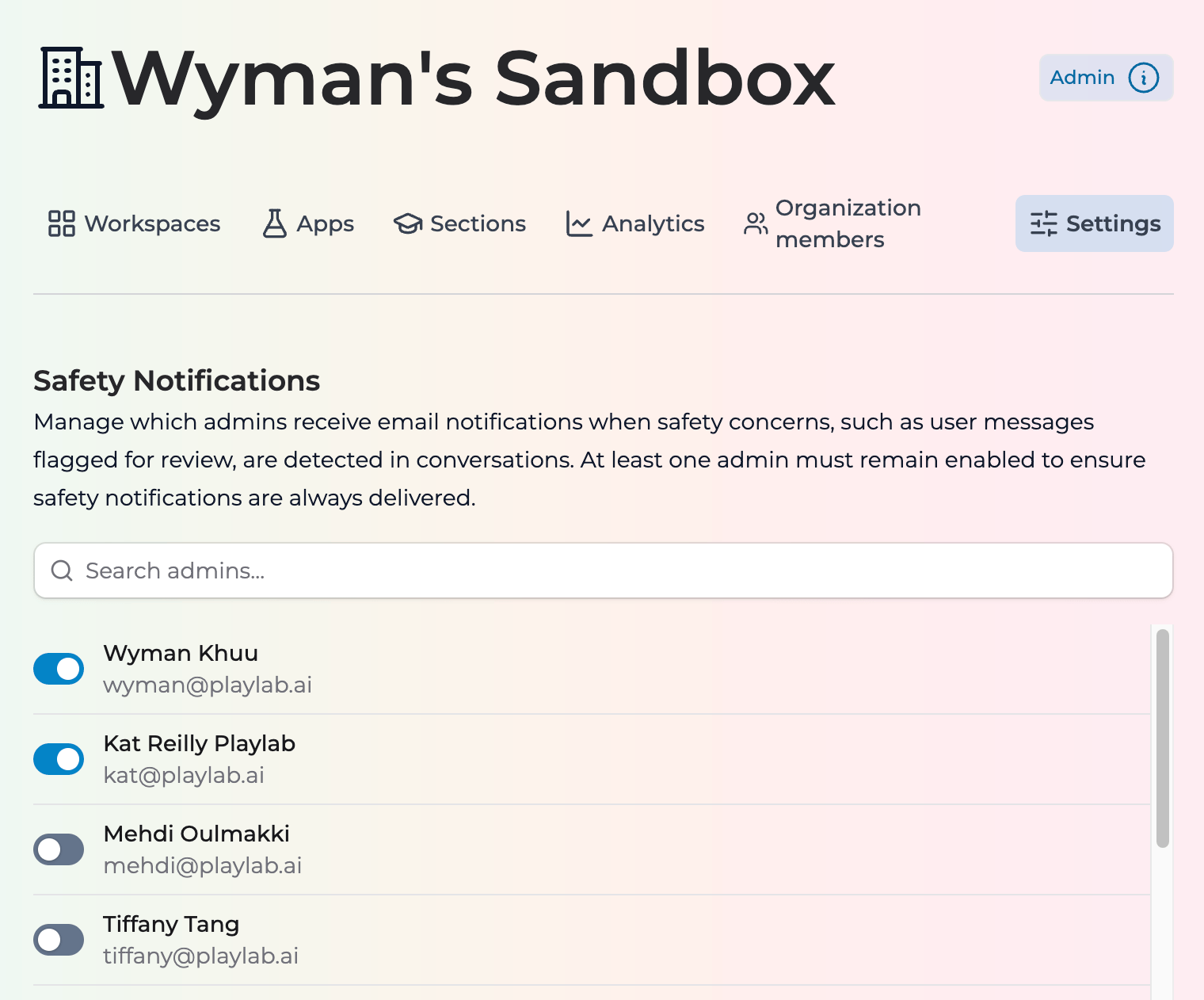
* Org admins now see an onboarding modal for Safety Notifications settings and can opt out of notifications
* Updated moderation prompts and PII descriptions to reduce false positives, allow IEP details, and permit answer keys
* App instructions are now moderated against Playlab's usage policy
* Org admins receive a 72-hour digest email summarizing moderation activity
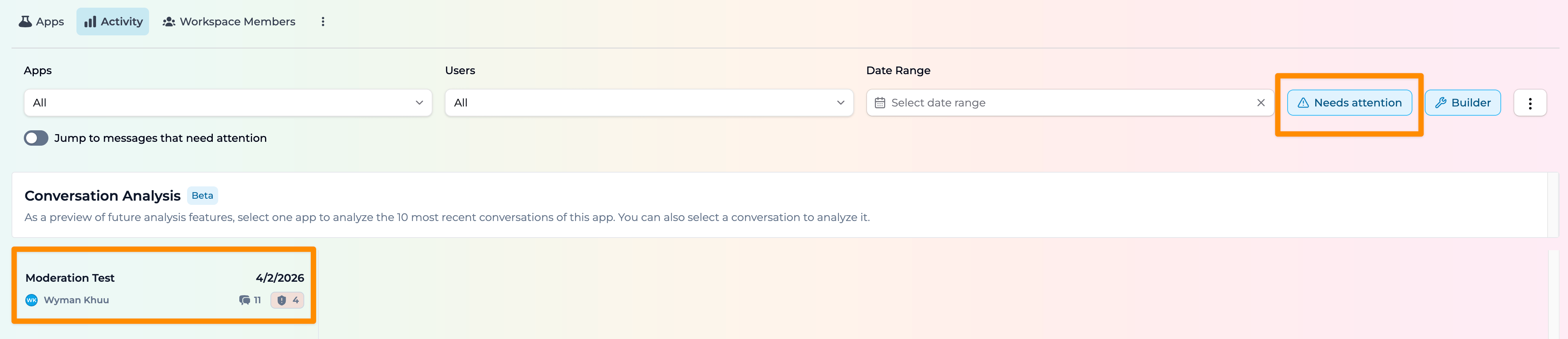
* New "Needs Attention" filter in Activity view for moderated and reported messages

<Frame>
  <img src="https://mintcdn.com/playlabai/FhWz0bxYM5KL6MDS/images/safetynotifications.png?fit=max&auto=format&n=FhWz0bxYM5KL6MDS&q=85&s=16f3afc876741f24e6367cf0658ef3ac" alt="Safety Notifications onboarding modal" width="1520" height="1262" data-path="images/safetynotifications.png" />
</Frame>

<Frame>
  <img src="https://mintcdn.com/playlabai/GnTiw_MDRr96h7ty/images/needsattention.png?fit=max&auto=format&n=GnTiw_MDRr96h7ty&q=85&s=1e1d8e9409cc61390c734269e2addb2a" alt="Needs Attention filter in Activity view" width="4082" height="882" data-path="images/needsattention.png" />
</Frame>

> [Learn more about safety notifications](/features/Safety%20and%20Moderation%20Updates)

### Ghana Year 3 Curriculum Update
<div style={{ display:"inline-flex",gap:"6px",marginBottom:"12px",flexWrap:"wrap" }}>
  <span style={{ backgroundColor:"#10b981",color:"white",padding:"2px 8px",fontSize:"11px",fontWeight:"500",borderRadius:"4px",textTransform:"uppercase",letterSpacing:"0.025em" }}>
    🌍 Public
  </span>

  <span style={{ backgroundColor:"#f59e0b",color:"white",padding:"2px 8px",fontSize:"11px",fontWeight:"500",borderRadius:"4px",textTransform:"uppercase",letterSpacing:"0.025em" }}>
    🔄 Update
  </span>
</div>

Added Islamic Religious Studies, PEH Elective, Robotics, and ICT to the Year 3 Ghana Knowledge MCP subject list.

## March 15, 2026

### Embed Tool-Generated Images in DOCX Exports

<div style={{ display:"inline-flex",gap:"6px",marginBottom:"12px",flexWrap:"wrap" }}>
  <span style={{ backgroundColor:"#10b981",color:"white",padding:"2px 8px",fontSize:"11px",fontWeight:"500",borderRadius:"4px",textTransform:"uppercase",letterSpacing:"0.025em" }}>
    🌍 Public
  </span>

  <span style={{ backgroundColor:"#3b82f6",color:"white",padding:"2px 8px",fontSize:"11px",fontWeight:"500",borderRadius:"4px",textTransform:"uppercase",letterSpacing:"0.025em" }}>
    🆕 New
  </span>
</div>

Tool-generated images are now embedded directly in DOCX exports.

### Doc Editor in Builder Preview

<div style={{ display:"inline-flex",gap:"6px",marginBottom:"12px",flexWrap:"wrap" }}>
  <span style={{ backgroundColor:"#7c3aed",color:"white",padding:"2px 8px",fontSize:"11px",fontWeight:"500",borderRadius:"4px",textTransform:"uppercase",letterSpacing:"0.025em" }}>
    🏢 Enterprise
  </span>

  <span style={{ backgroundColor:"#3b82f6",color:"white",padding:"2px 8px",fontSize:"11px",fontWeight:"500",borderRadius:"4px",textTransform:"uppercase",letterSpacing:"0.025em" }}>
    🆕 New
  </span>
</div>

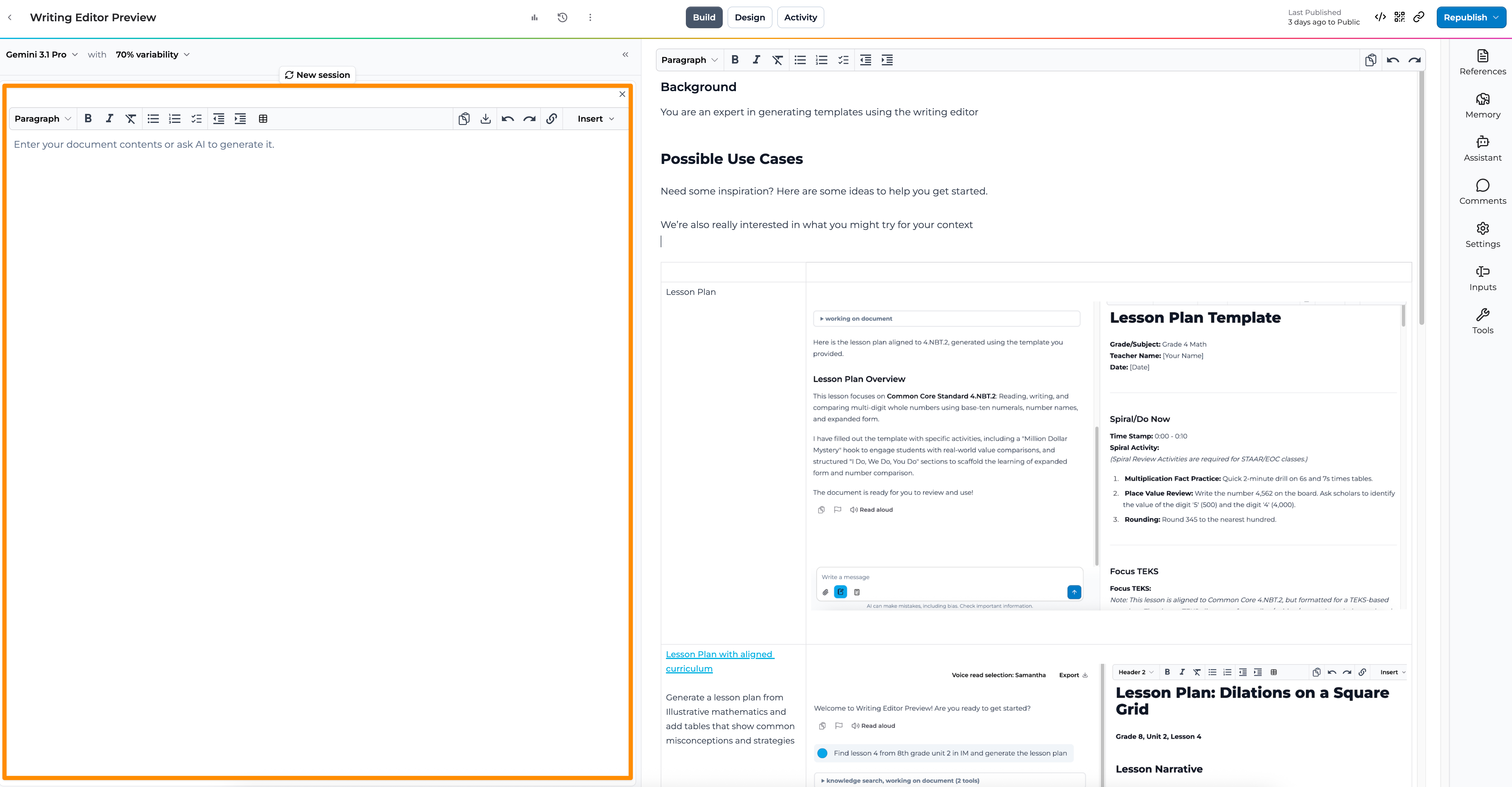
The doc editor is now supported in Builder preview mode.

<Frame>
  <img src="https://mintcdn.com/playlabai/GnTiw_MDRr96h7ty/images/doceditorinbuilder.png?fit=max&auto=format&n=GnTiw_MDRr96h7ty&q=85&s=824de6d29ce4f00380ed179d54eaf00a" alt="Doc Editor in Builder preview" width="5046" height="2626" data-path="images/doceditorinbuilder.png" />
</Frame>

## March 1, 2026

### Moderation Feedback UI
<div style={{ display:"inline-flex",gap:"6px",marginBottom:"12px",flexWrap:"wrap" }}>
  <span style={{ backgroundColor:"#10b981",color:"white",padding:"2px 8px",fontSize:"11px",fontWeight:"500",borderRadius:"4px",textTransform:"uppercase",letterSpacing:"0.025em" }}>
    🌍 Public
  </span>

  <span style={{ backgroundColor:"#3b82f6",color:"white",padding:"2px 8px",fontSize:"11px",fontWeight:"500",borderRadius:"4px",textTransform:"uppercase",letterSpacing:"0.025em" }}>
    🆕 New
  </span>
</div>

Added a new moderation feedback interface for reviewing blocked content, allowing users to provide feedback on moderation decisions.

## February 28, 2026

### New AI Models: Claude 4.6, Gemini 3.1 Pro, GPT 5.2, and More

<div style={{ display:"inline-flex",gap:"6px",marginBottom:"12px",flexWrap:"wrap" }}>
  <span style={{ backgroundColor:"#10b981",color:"white",padding:"2px 8px",fontSize:"11px",fontWeight:"500",borderRadius:"4px",textTransform:"uppercase",letterSpacing:"0.025em" }}>
    🌍 Public
  </span>

  <span style={{ backgroundColor:"#f59e0b",color:"white",padding:"2px 8px",fontSize:"11px",fontWeight:"500",borderRadius:"4px",textTransform:"uppercase",letterSpacing:"0.025em" }}>
    🔄 Update
  </span>
</div>

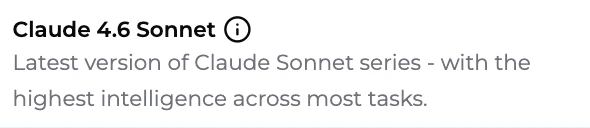
Upgraded available AI models including **Claude Sonnet 4.6**, **Claude Opus 4.6**, **Gemini 3.1 Pro**, **Gemini 3 Flash**, **GPT 5.2**, and **Kimi K2.5**. The default model for all new apps is now **Claude Sonnet 4.6**.

<Frame>
  <img src="https://mintcdn.com/playlabai/1AiTLJjxcvVkl_Ew/images/sonnet4.6.png?fit=max&auto=format&n=1AiTLJjxcvVkl_Ew&q=85&s=98d5d45782e564ab0e1131def2466f31" alt="New Default Model: Claude Sonnet 4.6" width="590" height="128" data-path="images/sonnet4.6.png" />
</Frame>

> [Learn more about selecting LLMs for your context](/features/Selecting%20an%20LLM)

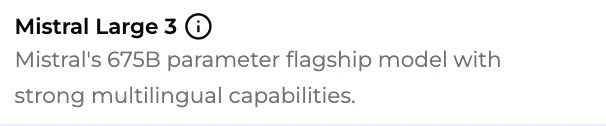
### New Model: Mistral Large 3
<div style={{ display:"inline-flex",gap:"6px",marginBottom:"12px",flexWrap:"wrap" }}>
  <span style={{ backgroundColor:"#10b981",color:"white",padding:"2px 8px",fontSize:"11px",fontWeight:"500",borderRadius:"4px",textTransform:"uppercase",letterSpacing:"0.025em" }}>
    🌍 Public
  </span>

  <span style={{ backgroundColor:"#3b82f6",color:"white",padding:"2px 8px",fontSize:"11px",fontWeight:"500",borderRadius:"4px",textTransform:"uppercase",letterSpacing:"0.025em" }}>
    🆕 New
  </span>
</div>

**Mistral Large 3** is now available — Mistral's latest large language model.

<Frame>
  <img src="https://mintcdn.com/playlabai/w6hY55mySeJ0fvWU/images/mistrallg3.png?fit=max&auto=format&n=w6hY55mySeJ0fvWU&q=85&s=470157e7b634b0b2dc996b06628b6a49" alt="Mistral Large 3" width="606" height="126" data-path="images/mistrallg3.png" />
</Frame>

### Character Count for App Descriptions
<div style={{ display:"inline-flex",gap:"6px",marginBottom:"12px",flexWrap:"wrap" }}>
  <span style={{ backgroundColor:"#10b981",color:"white",padding:"2px 8px",fontSize:"11px",fontWeight:"500",borderRadius:"4px",textTransform:"uppercase",letterSpacing:"0.025em" }}>
    🌍 Public
  </span>

  <span style={{ backgroundColor:"#3b82f6",color:"white",padding:"2px 8px",fontSize:"11px",fontWeight:"500",borderRadius:"4px",textTransform:"uppercase",letterSpacing:"0.025em" }}>
    🆕 New
  </span>
</div>

App description fields now display a character count indicator to help stay within limits.

## February 25, 2026

### Moderation: Conversation Context

<div style={{ display:"inline-flex",gap:"6px",marginBottom:"12px",flexWrap:"wrap" }}>
  <span style={{ backgroundColor:"#10b981",color:"white",padding:"2px 8px",fontSize:"11px",fontWeight:"500",borderRadius:"4px",textTransform:"uppercase",letterSpacing:"0.025em" }}>
    🌍 Public
  </span>

  <span style={{ backgroundColor:"#f59e0b",color:"white",padding:"2px 8px",fontSize:"11px",fontWeight:"500",borderRadius:"4px",textTransform:"uppercase",letterSpacing:"0.025em" }}>
    🔄 Update
  </span>
</div>

Chat message moderation now includes conversation context, enabling more accurate moderation decisions.

## February 22, 2026

### Model Updates: Older Models Deprecated

<div style={{ display:"inline-flex",gap:"6px",marginBottom:"12px",flexWrap:"wrap" }}>
  <span style={{ backgroundColor:"#10b981",color:"white",padding:"2px 8px",fontSize:"11px",fontWeight:"500",borderRadius:"4px",textTransform:"uppercase",letterSpacing:"0.025em" }}>
    🌍 Public
  </span>

  <span style={{ backgroundColor:"#f59e0b",color:"white",padding:"2px 8px",fontSize:"11px",fontWeight:"500",borderRadius:"4px",textTransform:"uppercase",letterSpacing:"0.025em" }}>
    🔄 Update
  </span>
</div>

Deprecated older models in favor of more capable newer versions:

**Anthropic:** Opus 3/4 → Opus 4.5, Haiku 3.5 → Haiku 4.5, Sonnet 3.7/4 → Sonnet 4.5

**OpenAI:** GPT 4.1 → GPT 5.1, GPT 4.1 Nano/5 Nano → GPT 5 Mini, GPT-4o → GPT 5.1, o3 Mini → GPT 5.1, GPT OSS 20B → GPT OSS 120B

> [Learn more about selecting LLMs for your context](/features/Selecting%20an%20LLM)

### New Knowledge Graph Content: Bookworms & Texas

<div style={{ display:"inline-flex",gap:"6px",marginBottom:"12px",flexWrap:"wrap" }}>
  <span style={{ backgroundColor:"#8b5cf6",color:"white",padding:"2px 8px",fontSize:"11px",fontWeight:"500",borderRadius:"4px",textTransform:"uppercase",letterSpacing:"0.025em" }}>
    🔑 Org Only
  </span>

  <span style={{ backgroundColor:"#3b82f6",color:"white",padding:"2px 8px",fontSize:"11px",fontWeight:"500",borderRadius:"4px",textTransform:"uppercase",letterSpacing:"0.025em" }}>
    🆕 New
  </span>
</div>

Added Bookworms curriculum and Texas state resources to Knowledge Graph tools.

## February 13, 2026

### Safety: Moderated Message Notifications

<div style={{ display:"inline-flex",gap:"6px",marginBottom:"12px",flexWrap:"wrap" }}>
  <span style={{ backgroundColor:"#10b981",color:"white",padding:"2px 8px",fontSize:"11px",fontWeight:"500",borderRadius:"4px",textTransform:"uppercase",letterSpacing:"0.025em" }}>
    🌍 Public
  </span>

  <span style={{ backgroundColor:"#f59e0b",color:"white",padding:"2px 8px",fontSize:"11px",fontWeight:"500",borderRadius:"4px",textTransform:"uppercase",letterSpacing:"0.025em" }}>
    🔄 Update
  </span>
</div>

Users are now notified when their message is moderated, with updated language making it clear the user did nothing wrong.

### App Activity Export

<div style={{ display:"inline-flex",gap:"6px",marginBottom:"12px",flexWrap:"wrap" }}>
  <span style={{ backgroundColor:"#8b5cf6",color:"white",padding:"2px 8px",fontSize:"11px",fontWeight:"500",borderRadius:"4px",textTransform:"uppercase",letterSpacing:"0.025em" }}>
    🔑 Org Only
  </span>

  <span style={{ backgroundColor:"#3b82f6",color:"white",padding:"2px 8px",fontSize:"11px",fontWeight:"500",borderRadius:"4px",textTransform:"uppercase",letterSpacing:"0.025em" }}>
    🆕 New
  </span>
</div>

App creators in organizations can now export their app's conversation activity as a JSON file.

## February 12, 2026

### Accessibility Improvements

<div style={{ display:"inline-flex",gap:"6px",marginBottom:"12px",flexWrap:"wrap" }}>
  <span style={{ backgroundColor:"#10b981",color:"white",padding:"2px 8px",fontSize:"11px",fontWeight:"500",borderRadius:"4px",textTransform:"uppercase",letterSpacing:"0.025em" }}>
    🌍 Public
  </span>

  <span style={{ backgroundColor:"#f59e0b",color:"white",padding:"2px 8px",fontSize:"11px",fontWeight:"500",borderRadius:"4px",textTransform:"uppercase",letterSpacing:"0.025em" }}>
    🔄 Update
  </span>
</div>

Screen reader and keyboard navigation improvements — announcement messages, feedback, and chat messages now surface correctly for assistive technologies.

### Deep Link to Conversation Messages

<div style={{ display:"inline-flex",gap:"6px",marginBottom:"12px",flexWrap:"wrap" }}>
  <span style={{ backgroundColor:"#10b981",color:"white",padding:"2px 8px",fontSize:"11px",fontWeight:"500",borderRadius:"4px",textTransform:"uppercase",letterSpacing:"0.025em" }}>
    🌍 Public
  </span>

  <span style={{ backgroundColor:"#3b82f6",color:"white",padding:"2px 8px",fontSize:"11px",fontWeight:"500",borderRadius:"4px",textTransform:"uppercase",letterSpacing:"0.025em" }}>
    🆕 New
  </span>
</div>

You can now deep link to a specific message in a conversation. This is used for moderated message review and can also be used to share specific moments in a conversation.

### Fix: YouTube Video Embedding in Design Panel

<div style={{ display:"inline-flex",gap:"6px",marginBottom:"12px",flexWrap:"wrap" }}>
  <span style={{ backgroundColor:"#10b981",color:"white",padding:"2px 8px",fontSize:"11px",fontWeight:"500",borderRadius:"4px",textTransform:"uppercase",letterSpacing:"0.025em" }}>
    🌍 Public
  </span>

  <span style={{ backgroundColor:"#dc2626",color:"white",padding:"2px 8px",fontSize:"11px",fontWeight:"500",borderRadius:"4px",textTransform:"uppercase",letterSpacing:"0.025em" }}>
    🐛 Fix
  </span>
</div>

Resolved an issue where YouTube videos were not embedding properly in the design panel.

### Builder Default Prompt Template Updated

<div style={{ display:"inline-flex",gap:"6px",marginBottom:"12px",flexWrap:"wrap" }}>
  <span style={{ backgroundColor:"#10b981",color:"white",padding:"2px 8px",fontSize:"11px",fontWeight:"500",borderRadius:"4px",textTransform:"uppercase",letterSpacing:"0.025em" }}>
    🌍 Public
  </span>

  <span style={{ backgroundColor:"#f59e0b",color:"white",padding:"2px 8px",fontSize:"11px",fontWeight:"500",borderRadius:"4px",textTransform:"uppercase",letterSpacing:"0.025em" }}>
    🔄 Update
  </span>
</div>

The default prompt template for the app builder now includes success criteria to help guide more effective app creation.

### Improved Moderation Language in Activity View

<div style={{ display:"inline-flex",gap:"6px",marginBottom:"12px",flexWrap:"wrap" }}>
  <span style={{ backgroundColor:"#10b981",color:"white",padding:"2px 8px",fontSize:"11px",fontWeight:"500",borderRadius:"4px",textTransform:"uppercase",letterSpacing:"0.025em" }}>
    🌍 Public
  </span>

  <span style={{ backgroundColor:"#f59e0b",color:"white",padding:"2px 8px",fontSize:"11px",fontWeight:"500",borderRadius:"4px",textTransform:"uppercase",letterSpacing:"0.025em" }}>
    🔄 Update
  </span>
</div>

Improved the language displayed when viewing moderated user messages in the activity feed.

## January 14, 2026

### Canvas SSO & Deep Linking for All Organizations

<div style={{ display:"inline-flex",gap:"6px",marginBottom:"12px",flexWrap:"wrap" }}>
  <span style={{ backgroundColor:"#8b5cf6",color:"white",padding:"2px 8px",fontSize:"11px",fontWeight:"500",borderRadius:"4px",textTransform:"uppercase",letterSpacing:"0.025em" }}>
    🔑 Org Only
  </span>

  <span style={{ backgroundColor:"#3b82f6",color:"white",padding:"2px 8px",fontSize:"11px",fontWeight:"500",borderRadius:"4px",textTransform:"uppercase",letterSpacing:"0.025em" }}>
    🆕 New
  </span>
</div>

Canvas SSO and deep linking are now available for any organization — no longer limited to specific institutions. Organizations using Canvas can now enable SSO and direct users to specific apps or conversations via deep links.

## December 19, 2025

### Default Model Updated to Claude Sonnet 4.5

<div style={{ display:"inline-flex",gap:"6px",marginBottom:"12px",flexWrap:"wrap" }}>
  <span style={{ backgroundColor:"#10b981",color:"white",padding:"2px 8px",fontSize:"11px",fontWeight:"500",borderRadius:"4px",textTransform:"uppercase",letterSpacing:"0.025em" }}>
    🌍 Public
  </span>

  <span style={{ backgroundColor:"#f59e0b",color:"white",padding:"2px 8px",fontSize:"11px",fontWeight:"500",borderRadius:"4px",textTransform:"uppercase",letterSpacing:"0.025em" }}>
    🔄 Update
  </span>
</div>

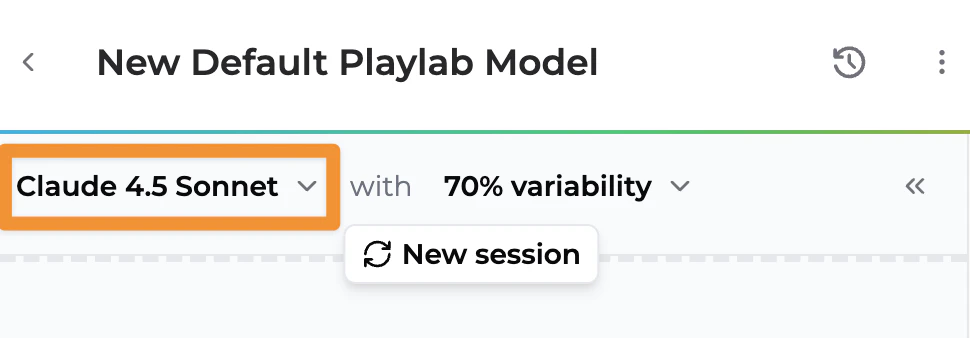
The default model for all new apps is now **Claude Sonnet 4.5**. This update brings improved reasoning capabilities and better performance to your Playlab apps right out of the box.

<Frame>
  <img src="https://mintcdn.com/playlabai/Wd67IPQFlc9vVaXN/images/claude4.5default.png?fit=max&auto=format&n=Wd67IPQFlc9vVaXN&q=85&s=f6c025af0ce129c8a19c451e3901731a" alt="New Default Model" width="970" height="338" data-path="images/claude4.5default.png" />
</Frame>

> [Learn more about selecing LLMs for your context](/features/Selecting%20an%20LLM)

## December 7, 2025

### New AI Models: Claude Opus 4.5, Gemini 3 Pro, and ChatGPT 5.1
<div style={{ display:"inline-flex",gap:"6px",marginBottom:"12px",flexWrap:"wrap" }}>
  <span style={{ backgroundColor:"#10b981",color:"white",padding:"2px 8px",fontSize:"11px",fontWeight:"500",borderRadius:"4px",textTransform:"uppercase",letterSpacing:"0.025em" }}>
    🌍 Public
  </span>

  <span style={{ backgroundColor:"#3b82f6",color:"white",padding:"2px 8px",fontSize:"11px",fontWeight:"500",borderRadius:"4px",textTransform:"uppercase",letterSpacing:"0.025em" }}>
    🆕 New
  </span>
</div>

Three powerful new frontier models are now available in Playlab. **Claude Opus 4.5** is the most powerful Claude model, built for complex reasoning and creative tasks. **Gemini 3 Pro**is Google's most advanced model with strong logic and reasoning capabilities. **ChatGPT 5.1** is OpenAI's latest model optimized for natural conversation and versatile tasks.

> [Learn more about selecing LLMs for your context](/features/Selecting%20an%20LLM)

### Private Workspace Creation Removed

<div style={{ display:"inline-flex",gap:"6px",marginBottom:"12px",flexWrap:"wrap" }}>
  <span style={{ backgroundColor:"#10b981",color:"white",padding:"2px 8px",fontSize:"11px",fontWeight:"500",borderRadius:"4px",textTransform:"uppercase",letterSpacing:"0.025em" }}>
    🌍 Public
  </span>

  <span style={{ backgroundColor:"#f59e0b",color:"white",padding:"2px 8px",fontSize:"11px",fontWeight:"500",borderRadius:"4px",textTransform:"uppercase",letterSpacing:"0.025em" }}>
    🔄 Update
  </span>
</div>

Playlab accounts can no longer create private workspaces outside of organizations. Users can still create workspaces inside organizations if they have the Creator role or above.

This is a change to ensure that there is more transparency and safety in regards to how Playlab is used by different users.

> [Learn more about creating workspaces](/getstarted/Creating%20Your%20Own%20Workspace)

## November 17, 2025

### Spanish Mode Now Available

<div style={{ display:"inline-flex",gap:"6px",marginBottom:"12px",flexWrap:"wrap" }}>
  <span style={{ backgroundColor:"#10b981",color:"white",padding:"2px 8px",fontSize:"11px",fontWeight:"500",borderRadius:"4px",textTransform:"uppercase",letterSpacing:"0.025em" }}>
    🌍 Public
  </span>

  <span style={{ backgroundColor:"#3b82f6",color:"white",padding:"2px 8px",fontSize:"11px",fontWeight:"500",borderRadius:"4px",textTransform:"uppercase",letterSpacing:"0.025em" }}>
    🆕 New
  </span>
</div>

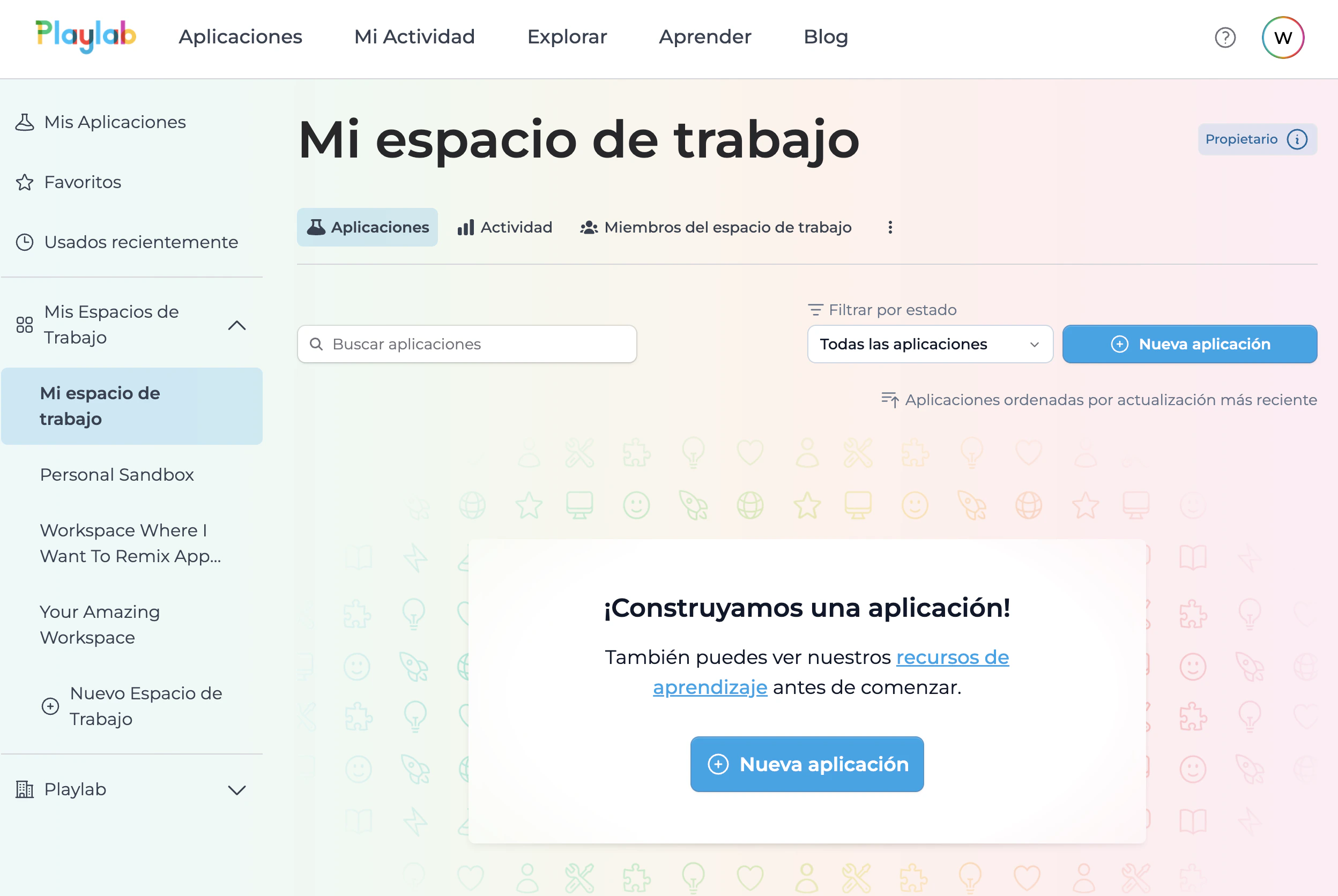
Spanish mode is now enabled in Playlab, allowing users to access the platform interface in Spanish. This includes translations across the builder, tools, references pane, and more.

<Frame>
  <img src="https://mintcdn.com/playlabai/KWMVj5rxPHar8rIQ/images/spanish.png?fit=max&auto=format&n=KWMVj5rxPHar8rIQ&q=85&s=a6369a7f201c8f4efa9d81b5751451e8" alt="Spanish" width="2496" height="1672" data-path="images/spanish.png" />
</Frame>

> [Learn more about Spanish Mode](/features/Spanish%20Mode)

> [Más información sobre el Modo Español](/features/Modo%20Espanol)

## November 15, 2025

### Tool Support for Playlab API

<div style={{ display:"inline-flex",gap:"6px",marginBottom:"12px",flexWrap:"wrap" }}>
  <span style={{ backgroundColor:"#10b981",color:"white",padding:"2px 8px",fontSize:"11px",fontWeight:"500",borderRadius:"4px",textTransform:"uppercase",letterSpacing:"0.025em" }}>
    🔑 Org Only
  </span>

  <span style={{ backgroundColor:"#3b82f6",color:"white",padding:"2px 8px",fontSize:"11px",fontWeight:"500",borderRadius:"4px",textTransform:"uppercase",letterSpacing:"0.025em" }}>
    🆕 New
  </span>
</div>

Tools are now supported in the Playlab API, enabling more powerful programmatic interactions with your apps.

### Improved Markdown Handling

<div style={{ display:"inline-flex",gap:"6px",marginBottom:"12px",flexWrap:"wrap" }}>
  <span style={{ backgroundColor:"#10b981",color:"white",padding:"2px 8px",fontSize:"11px",fontWeight:"500",borderRadius:"4px",textTransform:"uppercase",letterSpacing:"0.025em" }}>
    🌍 Public
  </span>

  <span style={{ backgroundColor:"#f59e0b",color:"white",padding:"2px 8px",fontSize:"11px",fontWeight:"500",borderRadius:"4px",textTransform:"uppercase",letterSpacing:"0.025em" }}>
    🔄 Update
  </span>
</div>

Enhanced markdown handling in chat input for better formatting support.

## November 11, 2025

### Voice Input for Organizations

<div style={{ display:"inline-flex",gap:"6px",marginBottom:"12px",flexWrap:"wrap" }}>
  <span style={{ backgroundColor:"#10b981",color:"white",padding:"2px 8px",fontSize:"11px",fontWeight:"500",borderRadius:"4px",textTransform:"uppercase",letterSpacing:"0.025em" }}>
    🌍 Public
  </span>

  <span style={{ backgroundColor:"#3b82f6",color:"white",padding:"2px 8px",fontSize:"11px",fontWeight:"500",borderRadius:"4px",textTransform:"uppercase",letterSpacing:"0.025em" }}>
    🆕 New
  </span>
</div>

Voice Input is now available for apps within organizations. This feature is opt-in and must be enabled in both the organization settings and individual app settings.

<iframe src="https://drive.google.com/file/d/1K_K_4EdZP9VUQZIDm6J_K8vMr5WdoGpl/preview" frameBorder="0" webkitAllowFullScreen mozAllowFullScreen allowFullScreen style={{ width: "100%", maxWidth: "720px", aspectRatio: "16 / 9", margin: "1.5rem auto", display: "block" }} />

<figcaption>How to use voice input in Playlab</figcaption>

> [Learn more about Voice Input](/features/Voice%20Input)

## November 6, 2025

### New Homepage Design

<div style={{ display:"inline-flex",gap:"6px",marginBottom:"12px",flexWrap:"wrap" }}>
  <span style={{ backgroundColor:"#10b981",color:"white",padding:"2px 8px",fontSize:"11px",fontWeight:"500",borderRadius:"4px",textTransform:"uppercase",letterSpacing:"0.025em" }}>
    🌍 Public
  </span>

  <span style={{ backgroundColor:"#3b82f6",color:"white",padding:"2px 8px",fontSize:"11px",fontWeight:"500",borderRadius:"4px",textTransform:"uppercase",letterSpacing:"0.025em" }}>
    🆕 New
  </span>
</div>

Playlab's homepage has been completely redesigned with improved storytelling, clearer copy, and better visual presentation.

<Frame>
  <img src="https://mintcdn.com/playlabai/A1IbyLZRPZ4zhe8N/images/newgtmwebsite.png?fit=max&auto=format&n=A1IbyLZRPZ4zhe8N&q=85&s=d1ab4db2711666e0ba4e625347ac9fb9" alt="NewGTM" width="2202" height="2360" data-path="images/newgtmwebsite.png" />
</Frame>

## November 5, 2025

### Export to DOCX Available to All Users
<div style={{ display:"inline-flex",gap:"6px",marginBottom:"12px",flexWrap:"wrap" }}>
  <span style={{ backgroundColor:"#10b981",color:"white",padding:"2px 8px",fontSize:"11px",fontWeight:"500",borderRadius:"4px",textTransform:"uppercase",letterSpacing:"0.025em" }}>
    🌍 Public
  </span>

  <span style={{ backgroundColor:"#3b82f6",color:"white",padding:"2px 8px",fontSize:"11px",fontWeight:"500",borderRadius:"4px",textTransform:"uppercase",letterSpacing:"0.025em" }}>
    🆕 New
  </span>
</div>

The DOCX export tool is now available to all users, allowing AI to create downloadable Word documents directly from chat conversations.

<iframe src="https://drive.google.com/file/d/16SA5tLi3atBRLQtLwJjdjO_P-QooAlof/preview" frameBorder="0" webkitAllowFullScreen mozAllowFullScreen allowFullScreen style={{ width: "100%", maxWidth: "720px", aspectRatio: "16 / 9", margin: "1.5rem auto", display: "block" }} />

<figcaption>How to export to docx in Playlab</figcaption>

> [Learn more about DOCX Export](/features/Exporting%20to%20Docx)

## November 4, 2025

### Improved Rich Text Formatting for Google Docs Export

<div style={{ display:"inline-flex",gap:"6px",marginBottom:"12px",flexWrap:"wrap" }}>
  <span style={{ backgroundColor:"#10b981",color:"white",padding:"2px 8px",fontSize:"11px",fontWeight:"500",borderRadius:"4px",textTransform:"uppercase",letterSpacing:"0.025em" }}>
    🌍 Public
  </span>

  <span style={{ backgroundColor:"#f59e0b",color:"white",padding:"2px 8px",fontSize:"11px",fontWeight:"500",borderRadius:"4px",textTransform:"uppercase",letterSpacing:"0.025em" }}>
    🔄 Update
  </span>
</div>

Greatly improved rich text formatting support when exporting Google Docs. Math formulas now render correctly instead of displaying raw KaTeX syntax.

## October 29, 2025

### Fixed Haiku 4.5 Sequential Tool Usage

<div style={{ display:"inline-flex",gap:"6px",marginBottom:"12px",flexWrap:"wrap" }}>
  <span style={{ backgroundColor:"#10b981",color:"white",padding:"2px 8px",fontSize:"11px",fontWeight:"500",borderRadius:"4px",textTransform:"uppercase",letterSpacing:"0.025em" }}>
    🌍 Public
  </span>

  <span style={{ backgroundColor:"#dc2626",color:"white",padding:"2px 8px",fontSize:"11px",fontWeight:"500",borderRadius:"4px",textTransform:"uppercase",letterSpacing:"0.025em" }}>
    🐛 Fix
  </span>
</div>

Resolved an issue where Haiku 4.5 was refusing to call more than one tool in sequence per turn.

## October 24, 2025

### Network Error Fix

<div style={{ display:"inline-flex",gap:"6px",marginBottom:"12px",flexWrap:"wrap" }}>
  <span style={{ backgroundColor:"#10b981",color:"white",padding:"2px 8px",fontSize:"11px",fontWeight:"500",borderRadius:"4px",textTransform:"uppercase",letterSpacing:"0.025em" }}>
    🌍 Public
  </span>

  <span style={{ backgroundColor:"#dc2626",color:"white",padding:"2px 8px",fontSize:"11px",fontWeight:"500",borderRadius:"4px",textTransform:"uppercase",letterSpacing:"0.025em" }}>
    🐛 Fix
  </span>
</div>

Fixed the "network error" issue that occurred when AI took more than 60 seconds to respond. Responses may now take several minutes in extreme cases, but the error should no longer appear.

### MCP RAG Tools Moved to References Pane

<div style={{ display:"inline-flex",gap:"6px",marginBottom:"12px",flexWrap:"wrap" }}>
  <span style={{ backgroundColor:"#10b981",color:"white",padding:"2px 8px",fontSize:"11px",fontWeight:"500",borderRadius:"4px",textTransform:"uppercase",letterSpacing:"0.025em" }}>
    🌍 Public
  </span>

  <span style={{ backgroundColor:"#f59e0b",color:"white",padding:"2px 8px",fontSize:"11px",fontWeight:"500",borderRadius:"4px",textTransform:"uppercase",letterSpacing:"0.025em" }}>
    🔄 Update
  </span>
</div>

MCP RAG tools and Knowledge Graph tools have been moved into the References pane for better organization. The Search References tool now falls back to traditional reference snippets for models that don't support tool calls.

<iframe src="https://drive.google.com/file/d/1pl1UX0LSFm14uXtXH5CQOoJ6tZiivKt0/preview" frameBorder="0" webkitAllowFullScreen mozAllowFullScreen allowFullScreen style={{ width: "100%", maxWidth: "720px", aspectRatio: "16 / 9", margin: "1.5rem auto", display: "block" }} />

<figcaption>How to leverage MCP References</figcaption>

> [Learn more about MCP Tools](/features/MCP%20tools)

## October 23, 2025

### Updated State Standards Tool

<div style={{ display:"inline-flex",gap:"6px",marginBottom:"12px",flexWrap:"wrap" }}>
  <span style={{ backgroundColor:"#10b981",color:"white",padding:"2px 8px",fontSize:"11px",fontWeight:"500",borderRadius:"4px",textTransform:"uppercase",letterSpacing:"0.025em" }}>
    🌍 Public
  </span>

  <span style={{ backgroundColor:"#f59e0b",color:"white",padding:"2px 8px",fontSize:"11px",fontWeight:"500",borderRadius:"4px",textTransform:"uppercase",letterSpacing:"0.025em" }}>
    🔄 Update
  </span>
</div>

Released an improved version of the State Standards Tool with better accuracy, including proper support for TEKS standards.

### Updated CZI Knowledge Graph

<div style={{ display:"inline-flex",gap:"6px",marginBottom:"12px",flexWrap:"wrap" }}>
  <span style={{ backgroundColor:"#10b981",color:"white",padding:"2px 8px",fontSize:"11px",fontWeight:"500",borderRadius:"4px",textTransform:"uppercase",letterSpacing:"0.025em" }}>
    🌍 Public
  </span>

  <span style={{ backgroundColor:"#f59e0b",color:"white",padding:"2px 8px",fontSize:"11px",fontWeight:"500",borderRadius:"4px",textTransform:"uppercase",letterSpacing:"0.025em" }}>
    🔄 Update
  </span>
</div>

Updated the CZI Knowledge Graph to the latest version provided by CZI.

## October 18, 2025

### Improved Evaluation Prompts

<div style={{ display:"inline-flex",gap:"6px",marginBottom:"12px",flexWrap:"wrap" }}>
  <span style={{ backgroundColor:"#10b981",color:"white",padding:"2px 8px",fontSize:"11px",fontWeight:"500",borderRadius:"4px",textTransform:"uppercase",letterSpacing:"0.025em" }}>
    🌍 Public
  </span>

  <span style={{ backgroundColor:"#f59e0b",color:"white",padding:"2px 8px",fontSize:"11px",fontWeight:"500",borderRadius:"4px",textTransform:"uppercase",letterSpacing:"0.025em" }}>
    🔄 Update
  </span>
</div>

Enhanced evaluation prompts with additional guidance: "For each metric, make sure you can find an example of how it is achieved in the conversation and double-check your assessment." This should improve the accuracy of evaluations.

## October 16, 2025

### Fixed Haiku 4.5 Tool Usage

<div style={{ display:"inline-flex",gap:"6px",marginBottom:"12px",flexWrap:"wrap" }}>
  <span style={{ backgroundColor:"#10b981",color:"white",padding:"2px 8px",fontSize:"11px",fontWeight:"500",borderRadius:"4px",textTransform:"uppercase",letterSpacing:"0.025em" }}>
    🌍 Public
  </span>

  <span style={{ backgroundColor:"#dc2626",color:"white",padding:"2px 8px",fontSize:"11px",fontWeight:"500",borderRadius:"4px",textTransform:"uppercase",letterSpacing:"0.025em" }}>
    🐛 Fix
  </span>
</div>

Resolved an issue where Haiku 4.5 was not properly using tools.

## October 15, 2025

### Math Equation Input

<div style={{ display:"inline-flex",gap:"6px",marginBottom:"12px",flexWrap:"wrap" }}>
  <span style={{ backgroundColor:"#10b981",color:"white",padding:"2px 8px",fontSize:"11px",fontWeight:"500",borderRadius:"4px",textTransform:"uppercase",letterSpacing:"0.025em" }}>
    🌍 Public
  </span>

  <span style={{ backgroundColor:"#3b82f6",color:"white",padding:"2px 8px",fontSize:"11px",fontWeight:"500",borderRadius:"4px",textTransform:"uppercase",letterSpacing:"0.025em" }}>
    🆕 New
  </span>
</div>

Introduced the ability to add math equations in chat via an equation modal with preview. A calculator-like UI component makes it easier to input mathematical expressions.

<iframe src="https://drive.google.com/file/d/1hl1Z1-xWcXXCqjSh7ImkWUPb9O36e3wA/preview" frameBorder="0" webkitAllowFullScreen mozAllowFullScreen allowFullScreen style={{ width: "100%", maxWidth: "720px", aspectRatio: "16 / 9", margin: "1.5rem auto", display: "block" }} />

<figcaption>How to insert math equations in Playlab</figcaption>

> [Learn more about Math Inputs](/features/Math%20Inputs)

### Claude Haiku 4.5 Released

<div style={{ display:"inline-flex",gap:"6px",marginBottom:"12px",flexWrap:"wrap" }}>
  <span style={{ backgroundColor:"#10b981",color:"white",padding:"2px 8px",fontSize:"11px",fontWeight:"500",borderRadius:"4px",textTransform:"uppercase",letterSpacing:"0.025em" }}>
    🌍 Public
  </span>

  <span style={{ backgroundColor:"#3b82f6",color:"white",padding:"2px 8px",fontSize:"11px",fontWeight:"500",borderRadius:"4px",textTransform:"uppercase",letterSpacing:"0.025em" }}>
    🆕 New
  </span>
</div>

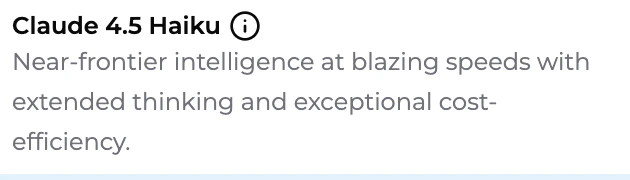
Claude Haiku 4.5 is now available for use in your apps.

<Frame>
  <img src="https://mintcdn.com/playlabai/X7Y-ehyZTHMEBx8X/images/claude4.5haiku.png?fit=max&auto=format&n=X7Y-ehyZTHMEBx8X&q=85&s=6c6fd776b63b4d66269d8a948430f57a" alt="Claude 4.5 Haiku" width="630" height="180" data-path="images/claude4.5haiku.png" />
</Frame>

## October 6, 2025

### Qualitative Feedback for App Evaluations
<div style={{ display:"inline-flex",gap:"6px",marginBottom:"12px",flexWrap:"wrap" }}>
  <span style={{ backgroundColor:"#10b981",color:"white",padding:"2px 8px",fontSize:"11px",fontWeight:"500",borderRadius:"4px",textTransform:"uppercase",letterSpacing:"0.025em" }}>
    🌍 Public
  </span>

  <span style={{ backgroundColor:"#3b82f6",color:"white",padding:"2px 8px",fontSize:"11px",fontWeight:"500",borderRadius:"4px",textTransform:"uppercase",letterSpacing:"0.025em" }}>
    🆕 New
  </span>
</div>

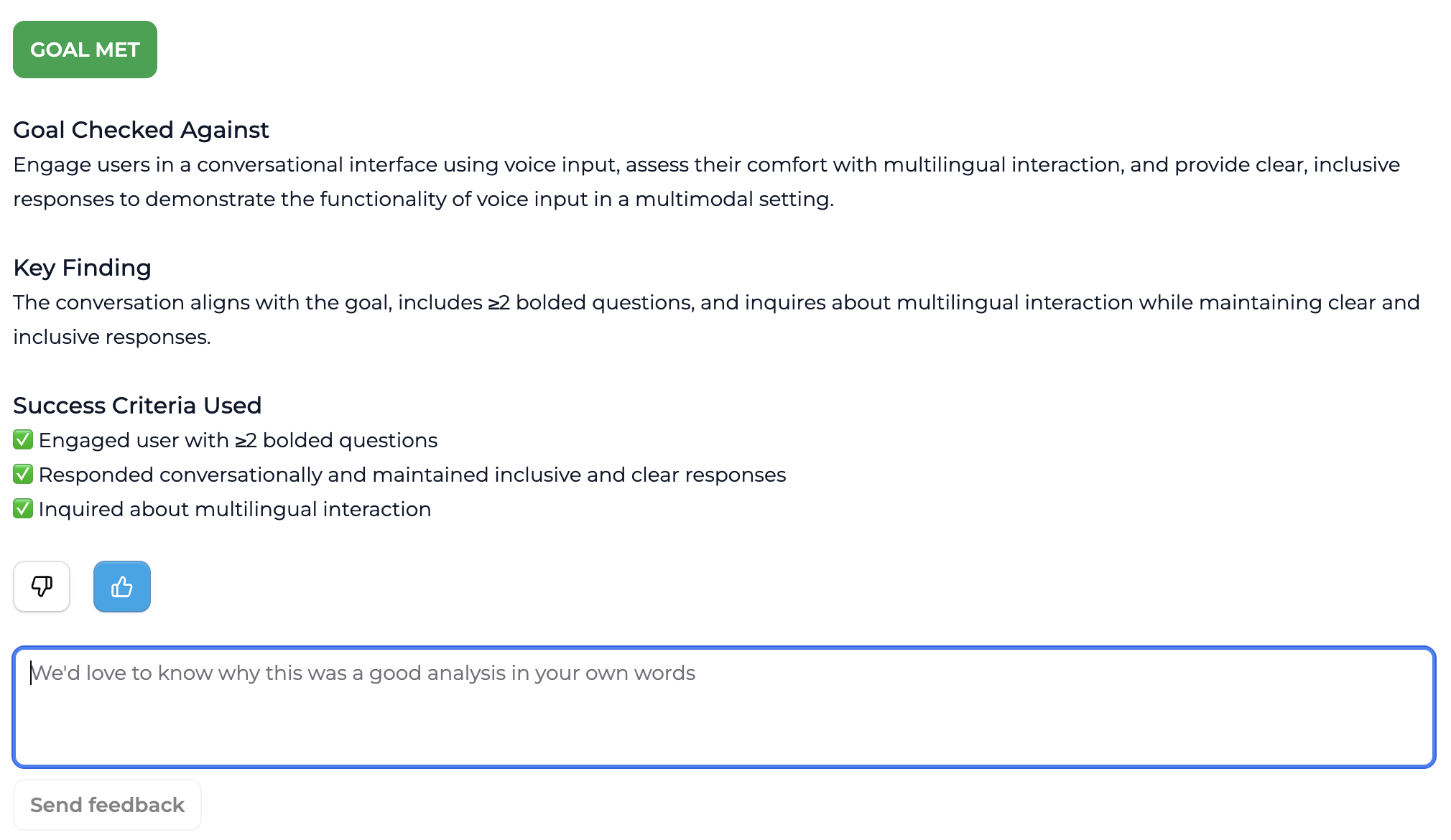
You can now leave qualitative text feedback on app evaluations. After selecting thumbs up or thumbs down, a text input field appears for additional comments.

<Frame>
  <img src="https://mintcdn.com/playlabai/A1IbyLZRPZ4zhe8N/images/qfeedback.png?fit=max&auto=format&n=A1IbyLZRPZ4zhe8N&q=85&s=798a88b06360d6723615a2e5efca8619" alt="Qualitative Feedback" width="2020" height="1170" data-path="images/qfeedback.png" />
</Frame>

## October 1, 2025

### Tool UI and Project Enhancements

<div style={{ display:"inline-flex",gap:"6px",marginBottom:"12px",flexWrap:"wrap" }}>
  <span style={{ backgroundColor:"#10b981",color:"white",padding:"2px 8px",fontSize:"11px",fontWeight:"500",borderRadius:"4px",textTransform:"uppercase",letterSpacing:"0.025em" }}>
    🌍 Public
  </span>

  <span style={{ backgroundColor:"#f59e0b",color:"white",padding:"2px 8px",fontSize:"11px",fontWeight:"500",borderRadius:"4px",textTransform:"uppercase",letterSpacing:"0.025em" }}>
    🔄 Update
  </span>
</div>

Search type MCP tools including Knowledge Graph tools now have their results collapsed by default in the chat UI. This addresses UX issues around the org knowledge graph tool and improves tools generally.

<div style={{ position: "relative", paddingBottom: "60%", height: 0 }}>
  <iframe src="https://www.loom.com/embed/605a26bb42b0492cb8bca522a94e69eb?sid=0b6d0644-0ba1-4b68-a461-d397768f1b06" frameBorder="0" webkitAllowFullScreen mozAllowFullScreen allowFullScreen style={{ position: "absolute", top: 0, left: 0, width: "100%", height: "100%" }} />
</div>

> [Learn more about MCP Tools](/features/MCP%20tools)

Project names can now be up to 100 characters long in the inline project name editor in the Builder, giving you more flexibility in naming your projects.

## September 30, 2025

### App Evaluations in App Activity

<div style={{ display:"inline-flex",gap:"6px",marginBottom:"12px",flexWrap:"wrap" }}>
  <span style={{ backgroundColor:"#10b981",color:"white",padding:"2px 8px",fontSize:"11px",fontWeight:"500",borderRadius:"4px",textTransform:"uppercase",letterSpacing:"0.025em" }}>
    🌍 Public
  </span>

  <span style={{ backgroundColor:"#3b82f6",color:"white",padding:"2px 8px",fontSize:"11px",fontWeight:"500",borderRadius:"4px",textTransform:"uppercase",letterSpacing:"0.025em" }}>
    🆕 New
  </span>
</div>

Individual App Activity Review allows you to dive deep into the usage analytics and performance metrics of a specific Playlab app. Unlike workspace activity review which shows usage across all your apps, this feature provides focused insights into how users interact with a particular app, including conversation patterns, feature usage, and engagement metrics.

Think of it as having a microscope for your app's performance. While workspace activity gives you the big picture across all your apps, individual app activity lets you examine the details of how one specific app is performing and being used by your audience.

<div style={{ position: "relative", paddingBottom: "60%", height: 0 }}>
  <iframe src="https://www.loom.com/embed/7ef9194938d84791969bf76ef015cd04?sid=d50edccc-bb41-4112-a308-f98b4118e7e4" frameBorder="0" webkitAllowFullScreen mozAllowFullScreen allowFullScreen style={{ position: "absolute", top: 0, left: 0, width: "100%", height: "100%" }} />
</div>

> [Learn more about Individual App Activity](/features/Reviewing%20App%20Activity)

### Claude Sonnet 4.5 Now Available

<div style={{ display:"inline-flex",gap:"6px",marginBottom:"12px",flexWrap:"wrap" }}>
  <span style={{ backgroundColor:"#10b981",color:"white",padding:"2px 8px",fontSize:"11px",fontWeight:"500",borderRadius:"4px",textTransform:"uppercase",letterSpacing:"0.025em" }}>
    🌍 Public
  </span>

  <span style={{ backgroundColor:"#3b82f6",color:"white",padding:"2px 8px",fontSize:"11px",fontWeight:"500",borderRadius:"4px",textTransform:"uppercase",letterSpacing:"0.025em" }}>
    🆕 New
  </span>

  We have updated our available models to include Anthropic's Claude Sonnet 4.5 LLM.

  <Frame>
    <img src="https://mintcdn.com/playlabai/WtEJnZKMzHKNYhAL/images/Changelog/claude45.png?fit=max&auto=format&n=WtEJnZKMzHKNYhAL&q=85&s=f773ea9cbc7a0cd6050249c98b03dab7" alt="Claude 4.5" width="626" height="118" data-path="images/Changelog/claude45.png" />
  </Frame>
</div>

## September 11, 2025

### 3 New AI models to build with

<div style={{ display:"inline-flex",gap:"6px",marginBottom:"12px",flexWrap:"wrap" }}>
  <span style={{ backgroundColor:"#10b981",color:"white",padding:"2px 8px",fontSize:"11px",fontWeight:"500",borderRadius:"4px",textTransform:"uppercase",letterSpacing:"0.025em" }}>
    🌍 Public
  </span>

  <span style={{ backgroundColor:"#3b82f6",color:"white",padding:"2px 8px",fontSize:"11px",fontWeight:"500",borderRadius:"4px",textTransform:"uppercase",letterSpacing:"0.025em" }}>
    🆕 New
  </span>
</div>

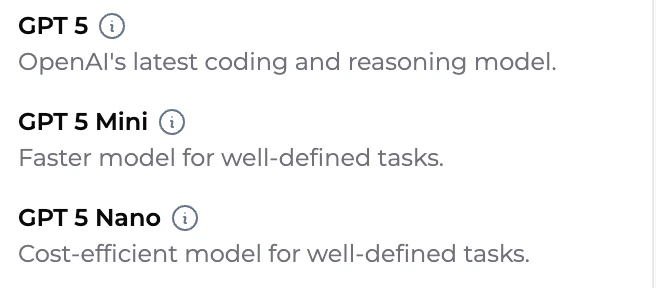
We've added three new models into Playlab. GPT-5, GPT-5 Mini, and GPT-5 Nano are now available to build with.

<Frame>
  <img src="https://mintcdn.com/playlabai/HxlXjKNdyJBwtTEB/images/Changelog/gpt5models.png?fit=max&auto=format&n=HxlXjKNdyJBwtTEB&q=85&s=23ceeb0e0fabeb10a6d2a11683a786c1" alt="changelog" width="656" height="288" data-path="images/Changelog/gpt5models.png" />
</Frame>

### Enabled Markdown Support in Chat Window
<div style={{ display:"inline-flex",gap:"6px",marginBottom:"12px",flexWrap:"wrap" }}>
  <span style={{ backgroundColor:"#10b981",color:"white",padding:"2px 8px",fontSize:"11px",fontWeight:"500",borderRadius:"4px",textTransform:"uppercase",letterSpacing:"0.025em" }}>
    🌍 Public
  </span>

  <span style={{ backgroundColor:"#3b82f6",color:"white",padding:"2px 8px",fontSize:"11px",fontWeight:"500",borderRadius:"4px",textTransform:"uppercase",letterSpacing:"0.025em" }}>
    🆕 New
  </span>
</div>

You can now enter markdown formatting into the Playlab chat window and it will be converted to have proper formatting.

<div style={{ position: "relative", paddingBottom: "60%", height: 0 }}>
  <iframe src="https://www.loom.com/embed/6c1cc967d33f47bcba269a9ac3142150?sid=a1756e0f-9fd2-4cad-8b14-40ed5b8e32f2" frameBorder="0" webkitAllowFullScreen mozAllowFullScreen allowFullScreen style={{ position: "absolute", top: 0, left: 0, width: "100%", height: "100%" }} />
</div>

## September 10, 2025

### Submitting feedback in Playlab

<div style={{ display:"inline-flex",gap:"6px",marginBottom:"12px",flexWrap:"wrap" }}>
  <span style={{ backgroundColor:"#10b981",color:"white",padding:"2px 8px",fontSize:"11px",fontWeight:"500",borderRadius:"4px",textTransform:"uppercase",letterSpacing:"0.025em" }}>
    🌍 Public
  </span>

  <span style={{ backgroundColor:"#3b82f6",color:"white",padding:"2px 8px",fontSize:"11px",fontWeight:"500",borderRadius:"4px",textTransform:"uppercase",letterSpacing:"0.025em" }}>
    🆕 New
  </span>
</div>

We've made it easier than for Playlab useres to share their thoughts and suggestions with our team. The new feedback system allows you to quickly report bugs, request features, or share general feedback directly from within Playlab.

<div style={{ position: "relative", paddingBottom: "60%", height: 0 }}>
  <iframe src="https://www.loom.com/embed/88d7398c5ffb4d09bae1d63b7fc22499?sid=0325e575-3f42-4c62-926e-f1e6eddae197" frameBorder="0" webkitAllowFullScreen mozAllowFullScreen allowFullScreen style={{ position: "absolute", top: 0, left: 0, width: "100%", height: "100%" }} />
</div>

> [Learn more about Submitting Feedback](/features/Submitting%20Feedback/)

## August 30, 2025

### Updated Public Change Log

<div style={{ display:"inline-flex",gap:"6px",marginBottom:"12px",flexWrap:"wrap" }}>
  <span style={{ backgroundColor:"#10b981",color:"white",padding:"2px 8px",fontSize:"11px",fontWeight:"500",borderRadius:"4px",textTransform:"uppercase",letterSpacing:"0.025em" }}>
    🌍 Public
  </span>

  <span style={{ backgroundColor:"#f59e0b",color:"white",padding:"2px 8px",fontSize:"11px",fontWeight:"500",borderRadius:"4px",textTransform:"uppercase",letterSpacing:"0.025em" }}>
    🔄 Update
  </span>
</div>

We've enhanced our public change log with improved formatting and better organization. The updated change log now provides clearer visibility into feature releases, updates, and improvements across all Playlab tools and services.

This update includes streamlined navigation, better categorization of changes, and enhanced visual indicators for different types of updates to help users quickly identify relevant improvements to their workflow.

<Frame>
  <img src="https://mintcdn.com/playlabai/oPyz4U7ghsY8kZx6/images/Changelog/changelog.png?fit=max&auto=format&n=oPyz4U7ghsY8kZx6&q=85&s=69dfb0a11d105ad8471781bd349ebbd1" alt="changelog" width="2892" height="2586" data-path="images/Changelog/changelog.png" />
</Frame>

> [View the complete change log history](/changelog/)

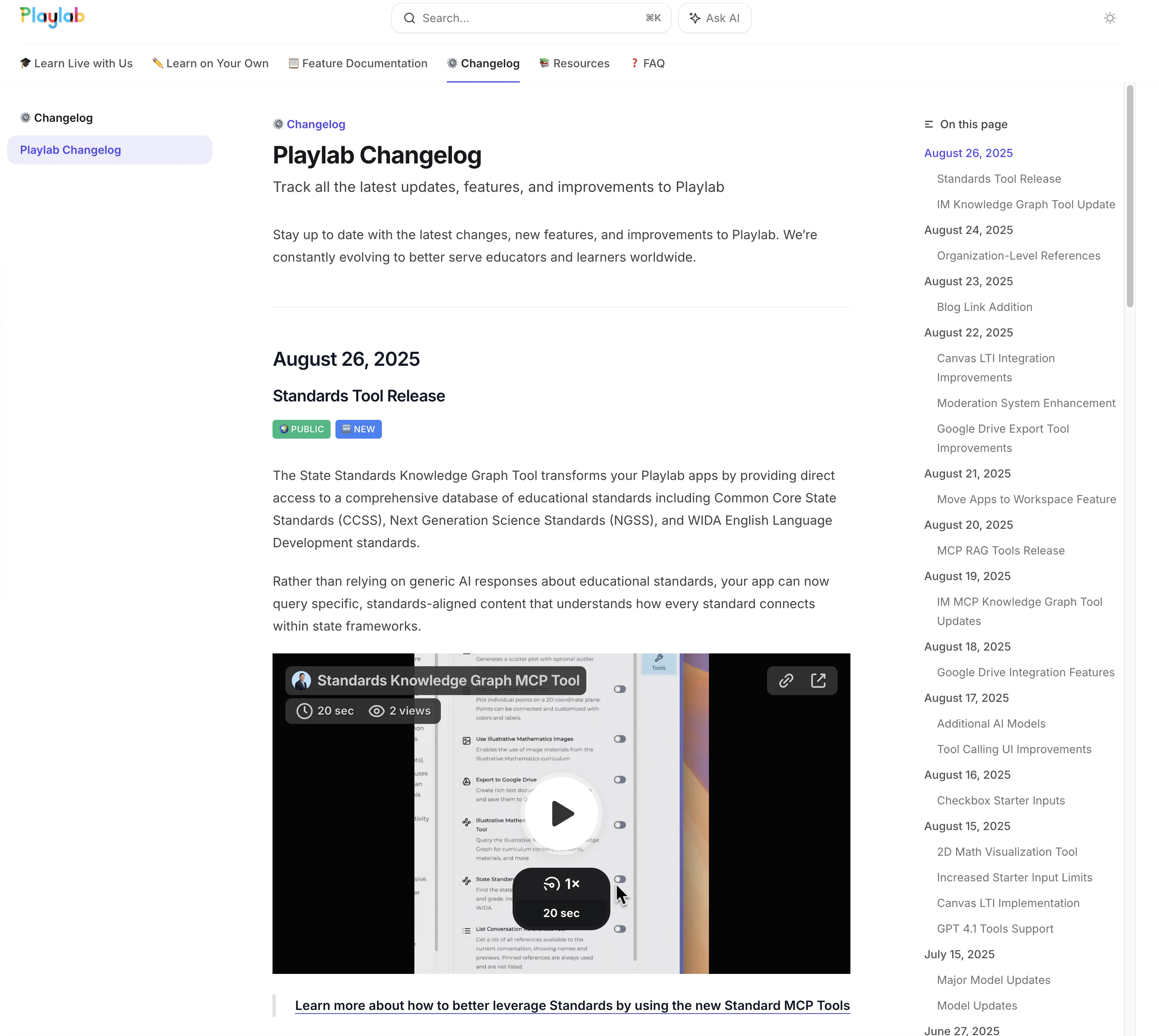
## August 26, 2025

### Standards Tool Release

<div style={{ display:"inline-flex",gap:"6px",marginBottom:"12px",flexWrap:"wrap" }}>
  <span style={{ backgroundColor:"#10b981",color:"white",padding:"2px 8px",fontSize:"11px",fontWeight:"500",borderRadius:"4px",textTransform:"uppercase",letterSpacing:"0.025em" }}>
    🌍 Public
  </span>

  <span style={{ backgroundColor:"#3b82f6",color:"white",padding:"2px 8px",fontSize:"11px",fontWeight:"500",borderRadius:"4px",textTransform:"uppercase",letterSpacing:"0.025em" }}>
    🆕 New
  </span>
</div>

The State Standards Knowledge Graph Tool transforms your Playlab apps by providing direct access to a comprehensive database of educational standards including Common Core State Standards (CCSS), Next Generation Science Standards (NGSS), and WIDA English Language Development standards.

Rather than relying on generic AI responses about educational standards, your app can now query specific, standards-aligned content that understands how every standard connects within state frameworks.

<iframe src="https://www.loom.com/embed/f417dc227e054c0bb5c3d525400b3296?sid=6c8afce3-573a-42c3-9b63-9d6fe27aeb09" width="100%" height="400" frameBorder="0" allowFullScreen />

> [Learn more about how to better leverage Standards by using the new Standard MCP Tools](/features/MCP%20Standards/)

### IM Knowledge Graph Tool Update

<div style={{ display:"inline-flex",gap:"6px",marginBottom:"12px",flexWrap:"wrap" }}>
  <span style={{ backgroundColor:"#10b981",color:"white",padding:"2px 8px",fontSize:"11px",fontWeight:"500",borderRadius:"4px",textTransform:"uppercase",letterSpacing:"0.025em" }}>
    🌍 Public
  </span>

  <span style={{ backgroundColor:"#f59e0b",color:"white",padding:"2px 8px",fontSize:"11px",fontWeight:"500",borderRadius:"4px",textTransform:"uppercase",letterSpacing:"0.025em" }}>
    🔄 Update
  </span>
</div>

The Illustrative Mathematics Knowledge Graph tool has been updated to be more reliable, especially when fetching cooldowns for lessons, and is now available to all users.

> [Learn more about the IM Knowledge Graph Tool](/features/MCP%20IMKG/)

***

## August 24, 2025

### Organization-Level References

<div style={{ display:"inline-flex",gap:"6px",marginBottom:"12px",flexWrap:"wrap" }}>
  <span style={{ backgroundColor:"#7c3aed",color:"white",padding:"2px 8px",fontSize:"11px",fontWeight:"500",borderRadius:"4px",textTransform:"uppercase",letterSpacing:"0.025em" }}>
    🏢 Enterprise
  </span>

  <span style={{ backgroundColor:"#3b82f6",color:"white",padding:"2px 8px",fontSize:"11px",fontWeight:"500",borderRadius:"4px",textTransform:"uppercase",letterSpacing:"0.025em" }}>
    🆕 New
  </span>
</div>

Organization-level references are now live. Similar to current workspace-level references, users can upload a reference via the reference library by selecting the Organization name. The reference will be immediately made available to all apps in that organization.

<Frame>
  <iframe src="https://drive.google.com/file/d/16PLS0VYYngHJ72CJ5Lt0pYypOK0xCyfY/preview" frameborder="0" webkitallowfullscreen mozallowfullscreen allowfullscreen style={{ width: "100%", maxWidth: "720px", aspectRatio: "16 / 9", margin: "1.5rem auto", display: "block" }} />
</Frame>

> [Learn more about Organizational References](/features/Organizational%20References)

***

## August 23, 2025

### Blog Link Addition

<div style={{ display:"inline-flex",gap:"6px",marginBottom:"12px",flexWrap:"wrap" }}>
  <span style={{ backgroundColor:"#10b981",color:"white",padding:"2px 8px",fontSize:"11px",fontWeight:"500",borderRadius:"4px",textTransform:"uppercase",letterSpacing:"0.025em" }}>
    🌍 Public
  </span>

  <span style={{ backgroundColor:"#3b82f6",color:"white",padding:"2px 8px",fontSize:"11px",fontWeight:"500",borderRadius:"4px",textTransform:"uppercase",letterSpacing:"0.025em" }}>
    🆕 New
  </span>
</div>

Added a link to the Playlab Blog in the desktop top navigation for easier access to company updates and resources.

<Frame>
  <img src="https://mintcdn.com/playlabai/UkJQg8tAJ4kk87mX/images/Changelog/blogbutton.png?fit=max&auto=format&n=UkJQg8tAJ4kk87mX&q=85&s=22bd9c0effb1414c8b706bb8e355d895" alt="" width="1454" height="132" data-path="images/Changelog/blogbutton.png" />
</Frame>

<Frame />

***

## August 22, 2025

### Canvas LTI Integration Improvements
<div style={{ display:"inline-flex",gap:"6px",marginBottom:"12px",flexWrap:"wrap" }}>
  <span style={{ backgroundColor:"#7c3aed",color:"white",padding:"2px 8px",fontSize:"11px",fontWeight:"500",borderRadius:"4px",textTransform:"uppercase",letterSpacing:"0.025em" }}>
    🏢 Enterprise
  </span>

  <span style={{ backgroundColor:"#f59e0b",color:"white",padding:"2px 8px",fontSize:"11px",fontWeight:"500",borderRadius:"4px",textTransform:"uppercase",letterSpacing:"0.025em" }}>
    🔄 Update
  </span>
</div>

Updated Canvas-provisioned users to land on their organization's apps page by default. Additionally, Canvas-provisioned users are now unable to create workspaces or apps by default, per institutional requirements.

### Moderation System Enhancement

<div style={{ display:"inline-flex",gap:"6px",marginBottom:"12px",flexWrap:"wrap" }}>
  <span style={{ backgroundColor:"#10b981",color:"white",padding:"2px 8px",fontSize:"11px",fontWeight:"500",borderRadius:"4px",textTransform:"uppercase",letterSpacing:"0.025em" }}>
    🌍 Public
  </span>

  <span style={{ backgroundColor:"#f59e0b",color:"white",padding:"2px 8px",fontSize:"11px",fontWeight:"500",borderRadius:"4px",textTransform:"uppercase",letterSpacing:"0.025em" }}>
    🔄 Update
  </span>
</div>

Switched the moderation system to use a custom Llama-4 Scout model based on analysis of weeks of usage data for improved accuracy and performance.

### Google Drive Export Tool Improvements

<div style={{ display:"inline-flex",gap:"6px",marginBottom:"12px",flexWrap:"wrap" }}>
  <span style={{ backgroundColor:"#10b981",color:"white",padding:"2px 8px",fontSize:"11px",fontWeight:"500",borderRadius:"4px",textTransform:"uppercase",letterSpacing:"0.025em" }}>
    🌍 Public
  </span>

  <span style={{ backgroundColor:"#f59e0b",color:"white",padding:"2px 8px",fontSize:"11px",fontWeight:"500",borderRadius:"4px",textTransform:"uppercase",letterSpacing:"0.025em" }}>
    🔄 Update
  </span>
</div>

Made various improvements to the Google Drive export tool in preparation for public release, including major UX enhancements.

> [Export to Google Drive demo app](https://www.loom.com/share/37617c279cb54a0e8f430d315a086e83?sid=10c3ffdb-bbe8-47e2-a8d5-c255fd3da7b7)

***

## August 21, 2025

### Move Apps to Workspace Feature

<div style={{ display:"inline-flex",gap:"6px",marginBottom:"12px",flexWrap:"wrap" }}>
  <span style={{ backgroundColor:"#10b981",color:"white",padding:"2px 8px",fontSize:"11px",fontWeight:"500",borderRadius:"4px",textTransform:"uppercase",letterSpacing:"0.025em" }}>
    🌍 Public
  </span>

  <span style={{ backgroundColor:"#3b82f6",color:"white",padding:"2px 8px",fontSize:"11px",fontWeight:"500",borderRadius:"4px",textTransform:"uppercase",letterSpacing:"0.025em" }}>
    🆕 New
  </span>
</div>

Moving apps to workspace allows you to transfer apps you’ve created from one workspace to another within your organization. This feature helps you reorganize your projects without the need to remix or duplicate apps when your workspace needs change.
This is particularly useful when you initially create an app in one workspace but later decide it would be better suited in a different workspace, or when you need to transfer personal projects to team workspaces.

<iframe src="https://www.loom.com/embed/171a27ee360842d7a25ae75bc021395a?sid=4ef5361e-2417-4536-99c3-e8c0ea8ce891" width="100%" height="400" frameBorder="0" allowFullScreen />

> [Learn how to move apps to different workspaces](/features/Move%20Apps%20to%20Workspace)

***

## August 20, 2025

### MCP RAG Tools Release

<div style={{ display:"inline-flex",gap:"6px",marginBottom:"12px",flexWrap:"wrap" }}>
  <span style={{ backgroundColor:"#10b981",color:"white",padding:"2px 8px",fontSize:"11px",fontWeight:"500",borderRadius:"4px",textTransform:"uppercase",letterSpacing:"0.025em" }}>
    🌍 Public
  </span>

  <span style={{ backgroundColor:"#3b82f6",color:"white",padding:"2px 8px",fontSize:"11px",fontWeight:"500",borderRadius:"4px",textTransform:"uppercase",letterSpacing:"0.025em" }}>
    🆕 New
  </span>
</div>

The MCP RAG tool is now available to everybody to use. The Reference Search Tool transforms how your Playlab apps access and utilize uploaded reference materials. Instead of relying on the traditional reference system that finds only the 10 most similar snippets, this MCP-powered tool provides intelligent search capabilities that can navigate through your documents like an expert would, finding specific information with greater precision and context awareness.
Think of it like having a knowledgeable research assistant who knows exactly where to look in your filing cabinet. Rather than randomly pulling out the first 10 files that seem related, this tool can systematically search through your organized materials until it finds exactly what’s needed for the conversation.

<iframe src="https://www.loom.com/embed/55b26f97f2304792ade4cd55fc6639f1?sid=6c8afce3-573a-42c3-9b63-9d6fe27aeb09" width="100%" height="400" frameBorder="0" allowFullScreen />

> [Learn how to use the MCP Referencing Tools](/features/MCP%20RAG)

***

## August 19, 2025

### IM MCP Knowledge Graph Tool Updates

<div style={{ display:"inline-flex",gap:"6px",marginBottom:"12px",flexWrap:"wrap" }}>
  <span style={{ backgroundColor:"#10b981",color:"white",padding:"2px 8px",fontSize:"11px",fontWeight:"500",borderRadius:"4px",textTransform:"uppercase",letterSpacing:"0.025em" }}>
    🌍 Public
  </span>

  <span style={{ backgroundColor:"#f59e0b",color:"white",padding:"2px 8px",fontSize:"11px",fontWeight:"500",borderRadius:"4px",textTransform:"uppercase",letterSpacing:"0.025em" }}>
    🔄 Update
  </span>
</div>

Updated the IM MCP Knowledge Graph tool to support additional operations including "get\_dependent\_units," "get\_prerequisites\_for\_unit," "get\_activities\_by\_routine\_and\_grade," and "get\_standards\_for\_content." The update also resolves issues with LLM tool argument parsing errors.

***

## August 18, 2025

### Google Drive Integration Features

<div style={{ display:"inline-flex",gap:"6px",marginBottom:"12px",flexWrap:"wrap" }}>
  <span style={{ backgroundColor:"#10b981",color:"white",padding:"2px 8px",fontSize:"11px",fontWeight:"500",borderRadius:"4px",textTransform:"uppercase",letterSpacing:"0.025em" }}>
    🌍 Public
  </span>

  <span style={{ backgroundColor:"#3b82f6",color:"white",padding:"2px 8px",fontSize:"11px",fontWeight:"500",borderRadius:"4px",textTransform:"uppercase",letterSpacing:"0.025em" }}>
    🆕 New
  </span>
</div>

Released Account Connections screen where users can connect external systems such as Google accounts for Google Drive access.

<Frame>
  <img src="https://mintcdn.com/playlabai/UkJQg8tAJ4kk87mX/images/Changelog/googledriveexport.png?fit=max&auto=format&n=UkJQg8tAJ4kk87mX&q=85&s=fa5241acc1cc288058fcff1c1b493036" alt="" width="758" height="278" data-path="images/Changelog/googledriveexport.png" />
</Frame>

***

## August 17, 2025

### Additional AI Models
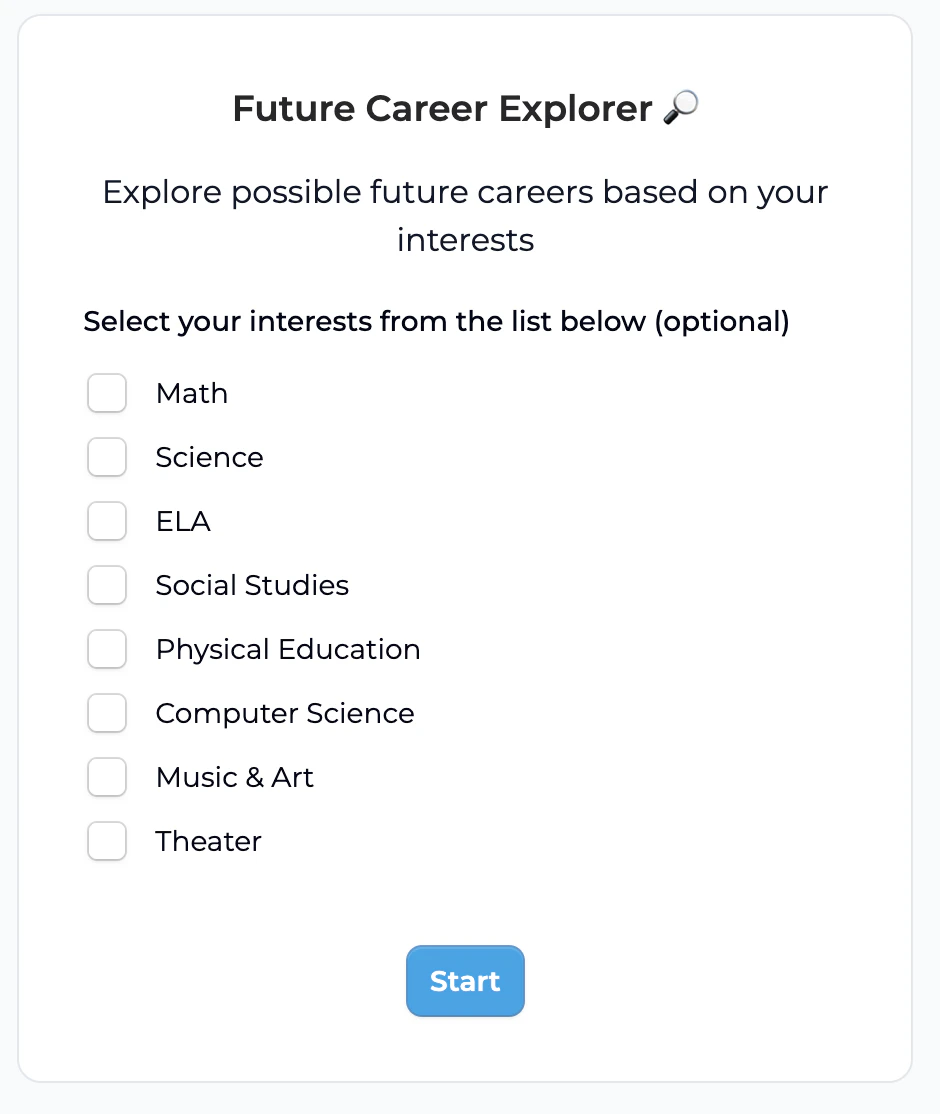
<div style={{ display:"inline-flex",gap:"6px",marginBottom:"12px",flexWrap:"wrap" }}>
  <span style={{ backgroundColor:"#10b981",color:"white",padding:"2px 8px",fontSize:"11px",fontWeight:"500",borderRadius:"4px",textTransform:"uppercase",letterSpacing:"0.025em" }}>
    🌍 Public
  </span>

  <span style={{ backgroundColor:"#3b82f6",color:"white",padding:"2px 8px",fontSize:"11px",fontWeight:"500",borderRadius:"4px",textTransform:"uppercase",letterSpacing:"0.025em" }}>
    🆕 New
  </span>
</div>

The following new open weight LLMs are now available to all users. Playlab is committed to allowing users to increasingly have access to open weight models.

<Card title="New Open Weight Models">
  * **Kimi K2** by Moonshot AI
  * **gpt-oss-120b** (OpenAI's new large open weight model)
  * **gpt-oss-20b** (OpenAI's new medium sized open weight model)
</Card>

### Tool Calling UI Improvements

<div style={{ display:"inline-flex",gap:"6px",marginBottom:"12px",flexWrap:"wrap" }}>
  <span style={{ backgroundColor:"#10b981",color:"white",padding:"2px 8px",fontSize:"11px",fontWeight:"500",borderRadius:"4px",textTransform:"uppercase",letterSpacing:"0.025em" }}>
    🌍 Public
  </span>

  <span style={{ backgroundColor:"#f59e0b",color:"white",padding:"2px 8px",fontSize:"11px",fontWeight:"500",borderRadius:"4px",textTransform:"uppercase",letterSpacing:"0.025em" }}>
    🔄 Update
  </span>
</div>

Improved tool calling UI that no longer displays excessive text for Google Drive exports. LLMs now have additional chances to respond or call another tool after initial tool calls, allowing for more complex tool call chains and better error recovery.

***

## August 16, 2025

### Checkbox Starter Inputs

<div style={{ display:"inline-flex",gap:"6px",marginBottom:"12px",flexWrap:"wrap" }}>
  <span style={{ backgroundColor:"#10b981",color:"white",padding:"2px 8px",fontSize:"11px",fontWeight:"500",borderRadius:"4px",textTransform:"uppercase",letterSpacing:"0.025em" }}>
    🌍 Public
  </span>

  <span style={{ backgroundColor:"#3b82f6",color:"white",padding:"2px 8px",fontSize:"11px",fontWeight:"500",borderRadius:"4px",textTransform:"uppercase",letterSpacing:"0.025em" }}>
    🆕 New
  </span>
</div>

Checkbox starter inputs are now available, expanding the range of input types available for app builders.

<Frame>
  <img src="https://mintcdn.com/playlabai/UkJQg8tAJ4kk87mX/images/Changelog/checkbox.png?fit=max&auto=format&n=UkJQg8tAJ4kk87mX&q=85&s=1f04bb18ab3449545d03cbfcd9d76bc4" alt="" width="940" height="1114" data-path="images/Changelog/checkbox.png" />
</Frame>

***

## August 15, 2025

### 2D Math Visualization Tool
<div style={{ display:"inline-flex",gap:"6px",marginBottom:"12px",flexWrap:"wrap" }}>
  <span style={{ backgroundColor:"#10b981",color:"white",padding:"2px 8px",fontSize:"11px",fontWeight:"500",borderRadius:"4px",textTransform:"uppercase",letterSpacing:"0.025em" }}>
    🌍 Public
  </span>

  <span style={{ backgroundColor:"#3b82f6",color:"white",padding:"2px 8px",fontSize:"11px",fontWeight:"500",borderRadius:"4px",textTransform:"uppercase",letterSpacing:"0.025em" }}>
    🆕 New
  </span>
</div>

Released a new math visualization tool for plotting points on a 2D plane, enhancing mathematical learning capabilities.

<Frame>
  <img src="https://mintcdn.com/playlabai/UkJQg8tAJ4kk87mX/images/Changelog/2dcoordinate.png?fit=max&auto=format&n=UkJQg8tAJ4kk87mX&q=85&s=bc661e499fc2d481fe1a09dfadddd5fd" alt="" width="760" height="296" data-path="images/Changelog/2dcoordinate.png" />

  <img src="https://mintcdn.com/playlabai/UkJQg8tAJ4kk87mX/images/Changelog/2dcoordinateoutput.png?fit=max&auto=format&n=UkJQg8tAJ4kk87mX&q=85&s=4267938369d6fbe66fe7280a31cdb89c" alt="" width="788" height="654" data-path="images/Changelog/2dcoordinateoutput.png" />
</Frame>

### Increased Starter Input Limits

<div style={{ display:"inline-flex",gap:"6px",marginBottom:"12px",flexWrap:"wrap" }}>
  <span style={{ backgroundColor:"#10b981",color:"white",padding:"2px 8px",fontSize:"11px",fontWeight:"500",borderRadius:"4px",textTransform:"uppercase",letterSpacing:"0.025em" }}>
    🌍 Public
  </span>

  <span style={{ backgroundColor:"#f59e0b",color:"white",padding:"2px 8px",fontSize:"11px",fontWeight:"500",borderRadius:"4px",textTransform:"uppercase",letterSpacing:"0.025em" }}>
    🔄 Update
  </span>
</div>

Increased the maximum number of starter inputs per app from 10 to 50, and input labels from 100 to 250 characters to meet real-world usage needs.

### Canvas LTI Implementation

<div style={{ display:"inline-flex",gap:"6px",marginBottom:"12px",flexWrap:"wrap" }}>
  <span style={{ backgroundColor:"#7c3aed",color:"white",padding:"2px 8px",fontSize:"11px",fontWeight:"500",borderRadius:"4px",textTransform:"uppercase",letterSpacing:"0.025em" }}>
    🏢 Enterprise
  </span>

  <span style={{ backgroundColor:"#3b82f6",color:"white",padding:"2px 8px",fontSize:"11px",fontWeight:"500",borderRadius:"4px",textTransform:"uppercase",letterSpacing:"0.025em" }}>
    🆕 New
  </span>
</div>

Implemented Canvas LTI for authentication and provisioning via Rosterstream, with ongoing refinement of permissions and roles assignment.

### GPT 4.1 Tools Support

<div style={{ display:"inline-flex",gap:"6px",marginBottom:"12px",flexWrap:"wrap" }}>
  <span style={{ backgroundColor:"#10b981",color:"white",padding:"2px 8px",fontSize:"11px",fontWeight:"500",borderRadius:"4px",textTransform:"uppercase",letterSpacing:"0.025em" }}>
    🌍 Public
  </span>

  <span style={{ backgroundColor:"#f59e0b",color:"white",padding:"2px 8px",fontSize:"11px",fontWeight:"500",borderRadius:"4px",textTransform:"uppercase",letterSpacing:"0.025em" }}>
    🔄 Update
  </span>
</div>

Updated builder UI to indicate that new GPT 4.1 models support tools functionality.

***

## July 15, 2025

### Major Model Updates

<div style={{ display:"inline-flex",gap:"6px",marginBottom:"12px",flexWrap:"wrap" }}>
  <span style={{ backgroundColor:"#10b981",color:"white",padding:"2px 8px",fontSize:"11px",fontWeight:"500",borderRadius:"4px",textTransform:"uppercase",letterSpacing:"0.025em" }}>
    🌍 Public
  </span>

  <span style={{ backgroundColor:"#f59e0b",color:"white",padding:"2px 8px",fontSize:"11px",fontWeight:"500",borderRadius:"4px",textTransform:"uppercase",letterSpacing:"0.025em" }}>
    🔄 Update
  </span>
</div>

### Model Updates

We're excited to share some updates to our available large language models:

* The default model for new apps is now **Claude Sonnet 4**.
* **GPT-4o** has been updated to the latest version of the model (from the August 2024 version to the **November 2024** version).
  * All apps previously using GPT-4o August will automatically transition to the improved GPT-4o November.
* Claude Sonnet 3.7 Reasoning has been updated to **Claude Sonnet 4 Reasoning.**
  * All apps previously using Sonnet 3.7 Reasoning will automatically transition to the improved Sonnet 4 Reasoning.
* Gemini 2.0 Flash has been updated to **Gemini 2.5 Flash.**
  * All apps previously using Gemini 2.0 Flash will automatically transition to the improved Gemini 2.5 Flash.
* 🆕 Added **Gemini 2.5 Pro.**
* 🆕 Added **GPT 4.1.**
* 🆕 Added **GPT 4.1 Nano.**

These updates are designed to elevate your experience and keep your projects running smoothly with the latest AI advancements.

***

## June 27, 2025

### Model Context Protocol (MCP) - Introducing Tools!

<div style={{ display:"inline-flex",gap:"6px",marginBottom:"12px",flexWrap:"wrap" }}>
  <span style={{ backgroundColor:"#10b981",color:"white",padding:"2px 8px",fontSize:"11px",fontWeight:"500",borderRadius:"4px",textTransform:"uppercase",letterSpacing:"0.025em" }}>
    🌍 Public
  </span>

  <span style={{ backgroundColor:"#3b82f6",color:"white",padding:"2px 8px",fontSize:"11px",fontWeight:"500",borderRadius:"4px",textTransform:"uppercase",letterSpacing:"0.025em" }}>
    🆕 New
  </span>
</div>

Transform your apps with precise, reliable tools that deliver consistent educational results. New MCP Tools include the Chart Generator Tool for creating bar, line, pie, doughnut, radar, and polar area charts, the Number Line Generator Tool for generating number lines with specified ranges and marked numbers, the Right Triangle Diagram Tool for creating precise right triangle diagrams with exact sides and angles, and the Cylinder Diagram Tool for generating clean 3D cylinder diagrams.

To get started, click the Tools icon in the Playlab builder, select your desired MCP Tools, and customize your app prompts accordingly.

<Frame>
  <iframe src="https://www.loom.com/embed/8fbfb3127a18448181d5eff6465ec809?sid=9d96870e-1eb3-4f8d-b95c-382986fcf74d" frameBorder="0" webkitAllowFullScreen mozAllowFullScreen allowFullScreen style={{ width: "100%", maxWidth: "720px", aspectRatio: "16 / 9", margin: "1.5rem auto", display: "block" }} />
</Frame>

> [Learn more about MCP Tools](/features/MCP%20tools)

***

## June 9, 2025

### Multi-app Remixing

<div style={{ display:"inline-flex",gap:"6px",marginBottom:"12px",flexWrap:"wrap" }}>
  <span style={{ backgroundColor:"#10b981",color:"white",padding:"2px 8px",fontSize:"11px",fontWeight:"500",borderRadius:"4px",textTransform:"uppercase",letterSpacing:"0.025em" }}>
    🌍 Public
  </span>

  <span style={{ backgroundColor:"#3b82f6",color:"white",padding:"2px 8px",fontSize:"11px",fontWeight:"500",borderRadius:"4px",textTransform:"uppercase",letterSpacing:"0.025em" }}>
    🆕 New
  </span>
</div>

Streamline your workflow with the ability to remix up to 10 Playlab apps simultaneously into your workspace. This batch remixing feature saves time when experimenting or building upon multiple apps.

<Frame>
  <img height="400" src="https://mintcdn.com/playlabai/2GudnHxecWf15e3-/images/remixing%20multiple%20apps.gif?s=31a02cd72bea4375fb44f6196632aadf" className="border border-gray-300 rounded-md shadow-sm" data-path="images/remixing multiple apps.gif" />
</Frame>

> [Learn how to Remix Multiple Apps](/features/Remixing%20multiple%20apps)

***

## June 3, 2025

### Model Updates
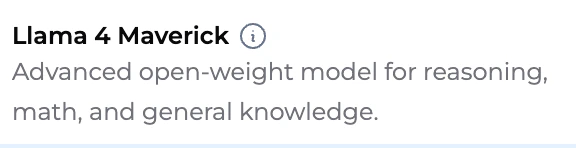
<div style={{ display:"inline-flex",gap:"6px",marginBottom:"12px",flexWrap:"wrap" }}>
  <span style={{ backgroundColor:"#10b981",color:"white",padding:"2px 8px",fontSize:"11px",fontWeight:"500",borderRadius:"4px",textTransform:"uppercase",letterSpacing:"0.025em" }}>
    🌍 Public
  </span>

  <span style={{ backgroundColor:"#f59e0b",color:"white",padding:"2px 8px",fontSize:"11px",fontWeight:"500",borderRadius:"4px",textTransform:"uppercase",letterSpacing:"0.025em" }}>
    🔄 Update
  </span>
</div>

Deepseek model is now available, allowing you to benefit from this efficient open-source model. Claude Haiku 3.5 has returned and is perfect for concise and impactful text generation. Sonnet 3.5 has been upgraded to 3.7 with automatic transition for existing apps.

***

## April 8, 2025

### New Models

<div style={{ display:"inline-flex",gap:"6px",marginBottom:"12px",flexWrap:"wrap" }}>
  <span style={{ backgroundColor:"#10b981",color:"white",padding:"2px 8px",fontSize:"11px",fontWeight:"500",borderRadius:"4px",textTransform:"uppercase",letterSpacing:"0.025em" }}>
    🌍 Public
  </span>

  <span style={{ backgroundColor:"#3b82f6",color:"white",padding:"2px 8px",fontSize:"11px",fontWeight:"500",borderRadius:"4px",textTransform:"uppercase",letterSpacing:"0.025em" }}>
    🆕 New
  </span>
</div>

Llama 4 Maverick open-weight model is now available. OpenAI o1 has been updated to o3 Mini for improved performance across most benchmarks.

<Frame>
  <img src="https://mintcdn.com/playlabai/UkJQg8tAJ4kk87mX/images/Changelog/llama4.png?fit=max&auto=format&n=UkJQg8tAJ4kk87mX&q=85&s=35feb2318c86b93361a21d7f97cb9371" alt="" width="576" height="148" data-path="images/Changelog/llama4.png" />
</Frame>

***

## March 13, 2025

### Richer Starter Inputs
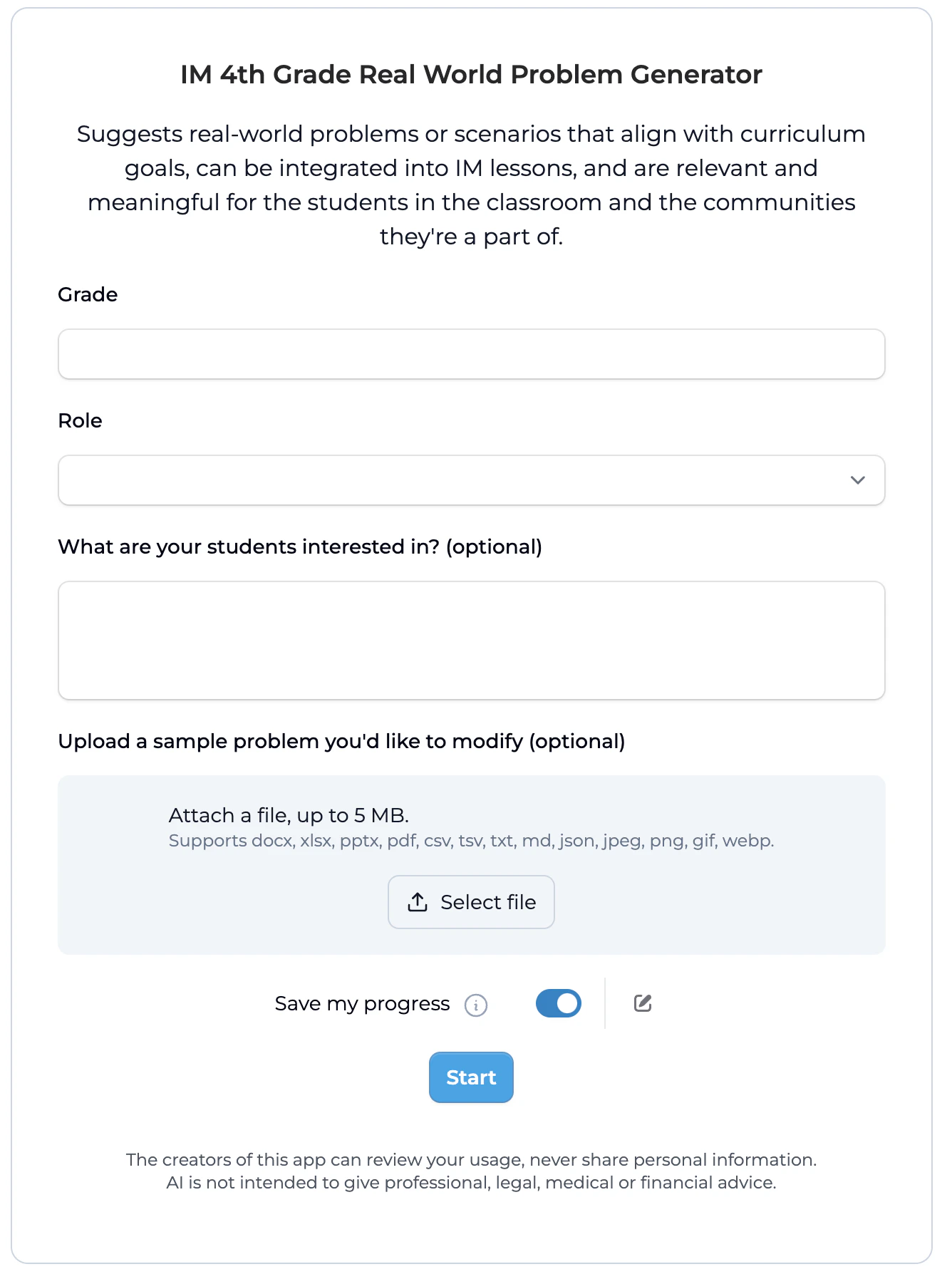
<div style={{ display:"inline-flex",gap:"6px",marginBottom:"12px",flexWrap:"wrap" }}>
  <span style={{ backgroundColor:"#10b981",color:"white",padding:"2px 8px",fontSize:"11px",fontWeight:"500",borderRadius:"4px",textTransform:"uppercase",letterSpacing:"0.025em" }}>
    🌍 Public
  </span>

  <span style={{ backgroundColor:"#f59e0b",color:"white",padding:"2px 8px",fontSize:"11px",fontWeight:"500",borderRadius:"4px",textTransform:"uppercase",letterSpacing:"0.025em" }}>
    🔄 Update
  </span>
</div>

Enhance user interaction with expanded input types including short text and long text inputs, dropdown selections, file uploads, required/optional input settings, and easy reordering of inputs.

<Frame>
  <img src="https://mintcdn.com/playlabai/UkJQg8tAJ4kk87mX/images/Changelog/starterinputsuser.png?fit=max&auto=format&n=UkJQg8tAJ4kk87mX&q=85&s=e481900cfbfb0f652da5c89abd199e68" alt="" width="1336" height="1788" data-path="images/Changelog/starterinputsuser.png" />
</Frame>

> \| [Learn about Richer Starter Inputs](/features/Richer%20Starter%20Inputs)

***

## February 28, 2025

### Expanded Model Library
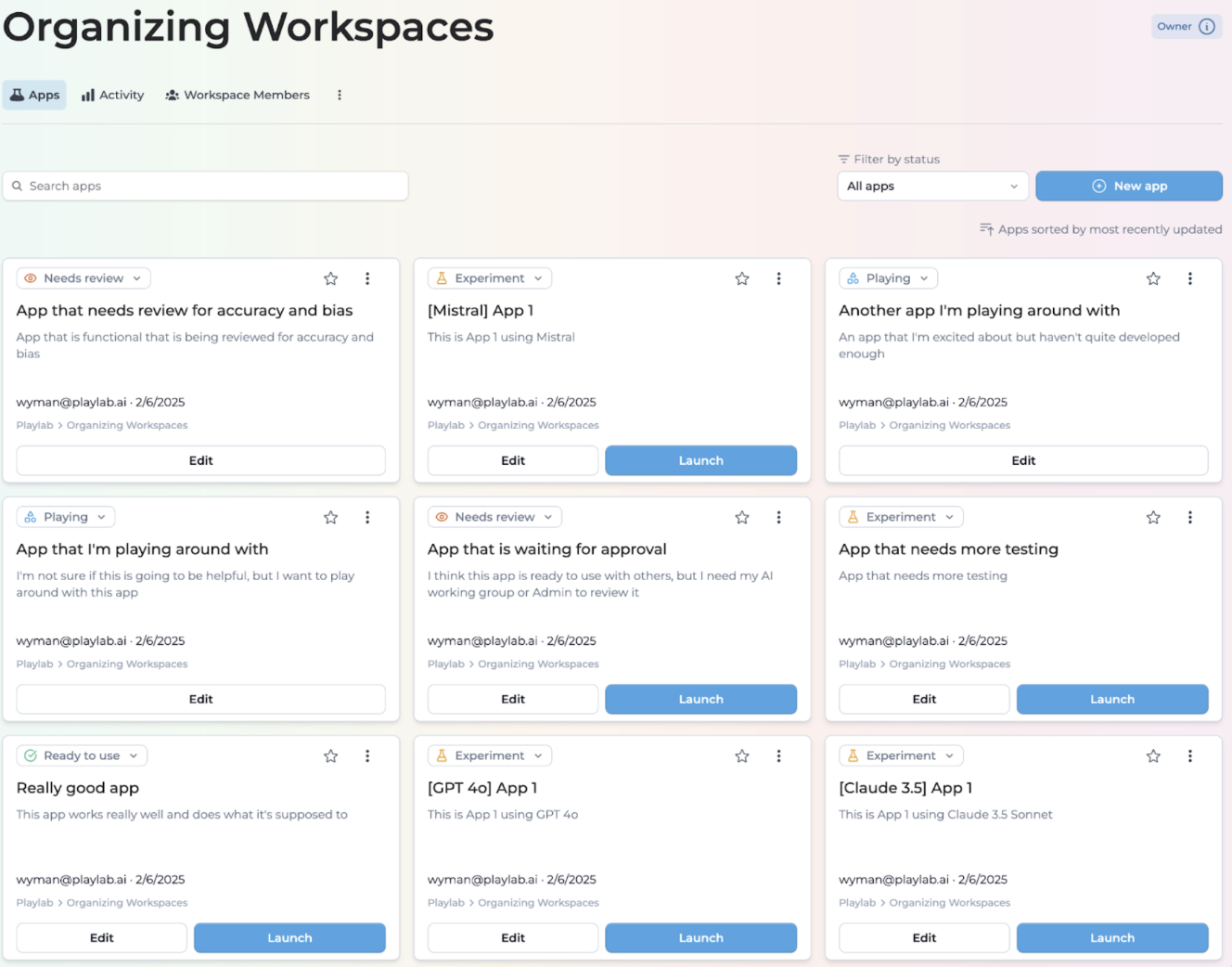
<div style={{ display:"inline-flex",gap:"6px",marginBottom:"12px",flexWrap:"wrap" }}>
  <span style={{ backgroundColor:"#10b981",color:"white",padding:"2px 8px",fontSize:"11px",fontWeight:"500",borderRadius:"4px",textTransform:"uppercase",letterSpacing:"0.025em" }}>
    🌍 Public
  </span>

  <span style={{ backgroundColor:"#3b82f6",color:"white",padding:"2px 8px",fontSize:"11px",fontWeight:"500",borderRadius:"4px",textTransform:"uppercase",letterSpacing:"0.025em" }}>
    🆕 New
  </span>
</div>

New models available include Claude 3.7 Sonnet (standard and extended reasoning modes), Gemini 2 Flash, LearnLM (experimental), Llama 3.3 70B Instruct, and o1. A total of 9 different AI models are now available in Playlab.

Model deprecations include Claude 3.5 Haiku (defaults to Claude 3.5 Sonnet), GPT 4o Mini (defaults to GPT 4o), and Mistral Large (defaults to GPT 4o).

> [Selecting an LLM Model Guide](/features/Selecting%20an%20LLM)

***

## February 14, 2025

### Organizing Workspaces

<div style={{ display:"inline-flex",gap:"6px",marginBottom:"12px",flexWrap:"wrap" }}>
  <span style={{ backgroundColor:"#7c3aed",color:"white",padding:"2px 8px",fontSize:"11px",fontWeight:"500",borderRadius:"4px",textTransform:"uppercase",letterSpacing:"0.025em" }}>
    🏢 Enterprise
  </span>

  <span style={{ backgroundColor:"#3b82f6",color:"white",padding:"2px 8px",fontSize:"11px",fontWeight:"500",borderRadius:"4px",textTransform:"uppercase",letterSpacing:"0.025em" }}>
    🆕 New
  </span>
</div>

**Organizing Workspaces**

You can now better organize and distinguish between apps in your workspaces based on their development status. This feature allows you to sort apps by different statuses, making it easier to identify which apps are ready for use, in progress, or need review.

Better organize your apps with development status tracking. App statuses include Playing (default for new apps in prototype stage), Experimenting (for prototypes ready for testing), In Review (apps awaiting administrator review), and Ready to Use (tested, reviewed, and production-ready apps).

Filter apps by status to streamline your workspace and focus on specific development stages.

<Frame>
  <img src="https://mintcdn.com/playlabai/UkJQg8tAJ4kk87mX/images/Changelog/organizingworkspaces.png?fit=max&auto=format&n=UkJQg8tAJ4kk87mX&q=85&s=dc6ab12825b8efbae1d6df07ded2c3ff" alt="" width="1328" height="1042" data-path="images/Changelog/organizingworkspaces.png" />
</Frame>

> [Organizing Workspaces Guide](/features/Organizing%20Workspaces)

***

## December 3, 2024

### Enhanced Organization Management

<div style={{ display:"inline-flex",gap:"6px",marginBottom:"12px",flexWrap:"wrap" }}>
  <span style={{ backgroundColor:"#7c3aed",color:"white",padding:"2px 8px",fontSize:"11px",fontWeight:"500",borderRadius:"4px",textTransform:"uppercase",letterSpacing:"0.025em" }}>
    🏢 Enterprise
  </span>

  <span style={{ backgroundColor:"#f59e0b",color:"white",padding:"2px 8px",fontSize:"11px",fontWeight:"500",borderRadius:"4px",textTransform:"uppercase",letterSpacing:"0.025em" }}>
    🔄 Update
  </span>
</div>

The new "Workspace Only" Role serves as the default organization role for new members. Members with this role only see workspaces they're explicitly added to, cannot access the organization-wide Apps page, and benefit from improved member filtering by role.

Publishing controls have been updated so only Admin, Creator, and Explorer roles can publish organization-wide or publicly, while Workspace Only members can only publish within their assigned workspaces.

***

## November 20, 2024

### Community App Discovery

<div style={{ display:"inline-flex",gap:"6px",marginBottom:"12px",flexWrap:"wrap" }}>
  <span style={{ backgroundColor:"#10b981",color:"white",padding:"2px 8px",fontSize:"11px",fontWeight:"500",borderRadius:"4px",textTransform:"uppercase",letterSpacing:"0.025em" }}>
    🌍 Public
  </span>

  <span style={{ backgroundColor:"#3b82f6",color:"white",padding:"2px 8px",fontSize:"11px",fontWeight:"500",borderRadius:"4px",textTransform:"uppercase",letterSpacing:"0.025em" }}>
    🆕 New
  </span>
</div>

Search and discover community apps on the Explore page to find inspiration and resources from fellow educators.

<Frame>
  <img src="https://mintcdn.com/playlabai/UkJQg8tAJ4kk87mX/images/Changelog/explore.png?fit=max&auto=format&n=UkJQg8tAJ4kk87mX&q=85&s=b076116a4267bf02371e8d55db4899e7" alt="" width="4024" height="490" data-path="images/Changelog/explore.png" />
</Frame>

> [Explore page](https://www.playlab.ai/explore)

***

## November 18, 2024

### Quick App & Conversation Sharing
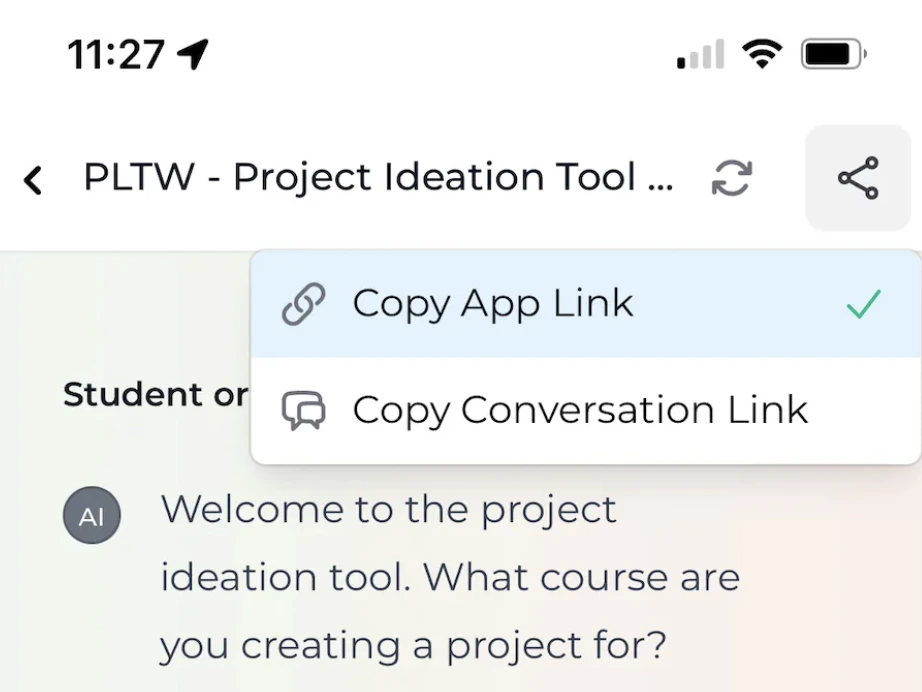
<div style={{ display:"inline-flex",gap:"6px",marginBottom:"12px",flexWrap:"wrap" }}>
  <span style={{ backgroundColor:"#10b981",color:"white",padding:"2px 8px",fontSize:"11px",fontWeight:"500",borderRadius:"4px",textTransform:"uppercase",letterSpacing:"0.025em" }}>
    🌍 Public
  </span>

  <span style={{ backgroundColor:"#3b82f6",color:"white",padding:"2px 8px",fontSize:"11px",fontWeight:"500",borderRadius:"4px",textTransform:"uppercase",letterSpacing:"0.025em" }}>
    🆕 New
  </span>
</div>

Instantly generate shareable links for your apps or specific conversations. This feature is perfect for collaborating with colleagues or sharing work with students.

<Frame>
  <img src="https://mintcdn.com/playlabai/UkJQg8tAJ4kk87mX/images/Changelog/shareconvo.png?fit=max&auto=format&n=UkJQg8tAJ4kk87mX&q=85&s=4d472ac659634e273d83ba577c683f32" alt="" width="922" height="692" data-path="images/Changelog/shareconvo.png" />
</Frame>

***

## November 14, 2024

### Improved Model Selection
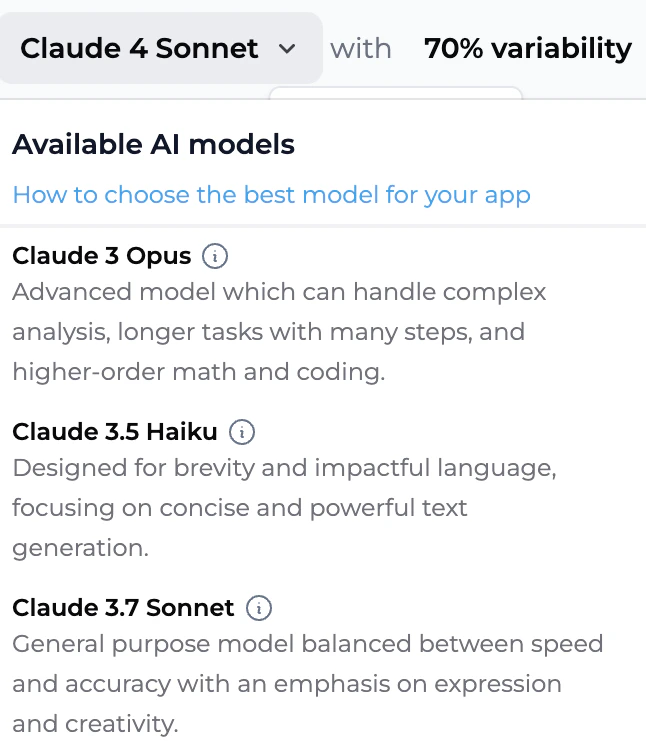
<div style={{ display:"inline-flex",gap:"6px",marginBottom:"12px",flexWrap:"wrap" }}>
  <span style={{ backgroundColor:"#10b981",color:"white",padding:"2px 8px",fontSize:"11px",fontWeight:"500",borderRadius:"4px",textTransform:"uppercase",letterSpacing:"0.025em" }}>
    🌍 Public
  </span>

  <span style={{ backgroundColor:"#f59e0b",color:"white",padding:"2px 8px",fontSize:"11px",fontWeight:"500",borderRadius:"4px",textTransform:"uppercase",letterSpacing:"0.025em" }}>
    🔄 Update
  </span>
</div>

Model descriptions now appear when selecting LLMs to help choose the best fit for your use case.

<Frame>
  <img src="https://mintcdn.com/playlabai/UkJQg8tAJ4kk87mX/images/Changelog/modeldescription.png?fit=max&auto=format&n=UkJQg8tAJ4kk87mX&q=85&s=a9a4c229e206e64691980d995f67f8d8" alt="" width="646" height="748" data-path="images/Changelog/modeldescription.png" />
</Frame>

Enhanced conversation filtering with date range options is also available.
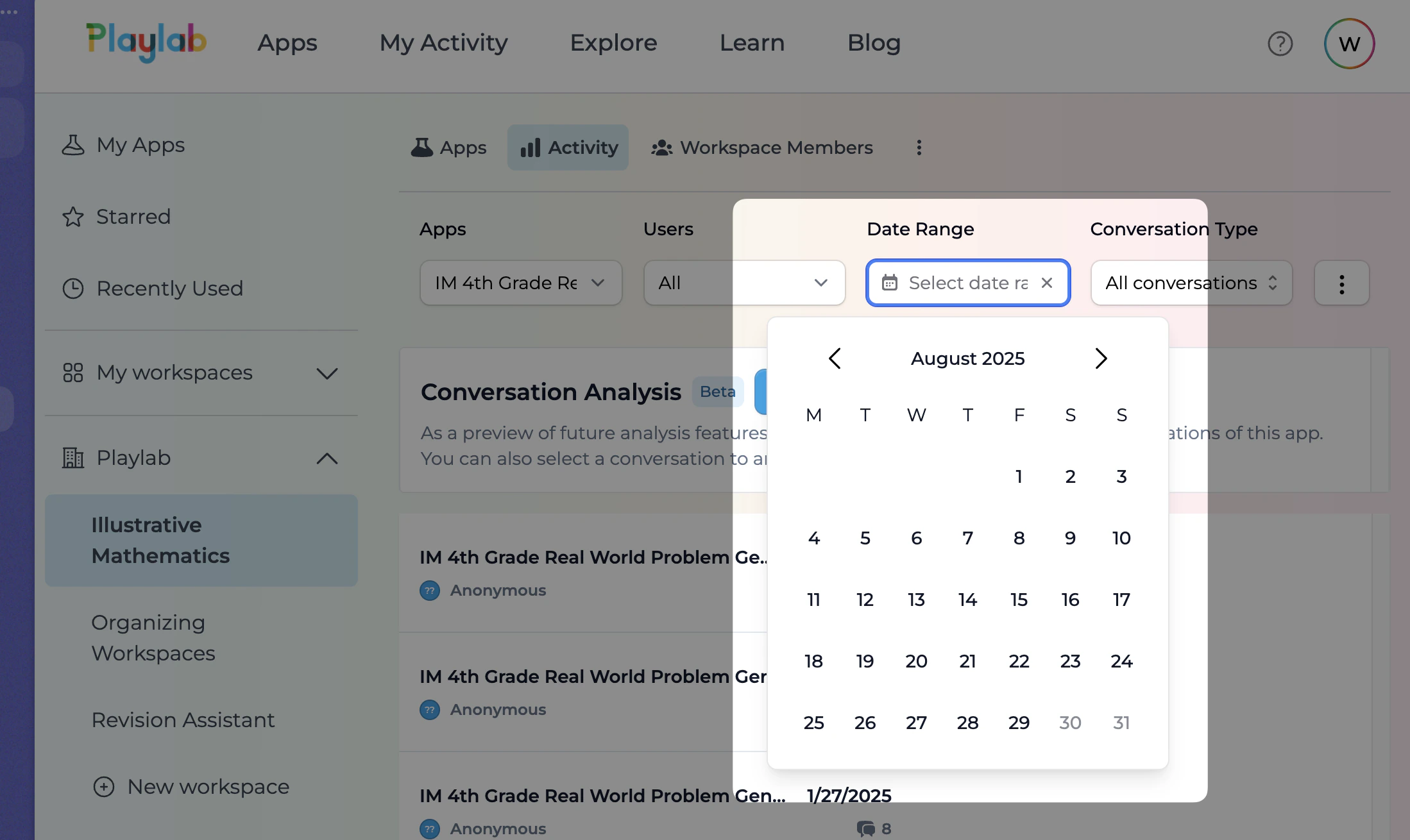
<Frame>
  <img src="https://mintcdn.com/playlabai/UkJQg8tAJ4kk87mX/images/Changelog/daterange.png?fit=max&auto=format&n=UkJQg8tAJ4kk87mX&q=85&s=a747e8c8ee7a85875687c9ca715f9687" alt="" width="2198" height="1310" data-path="images/Changelog/daterange.png" />
</Frame>

***

## November 12, 2024

### Claude Model Updates
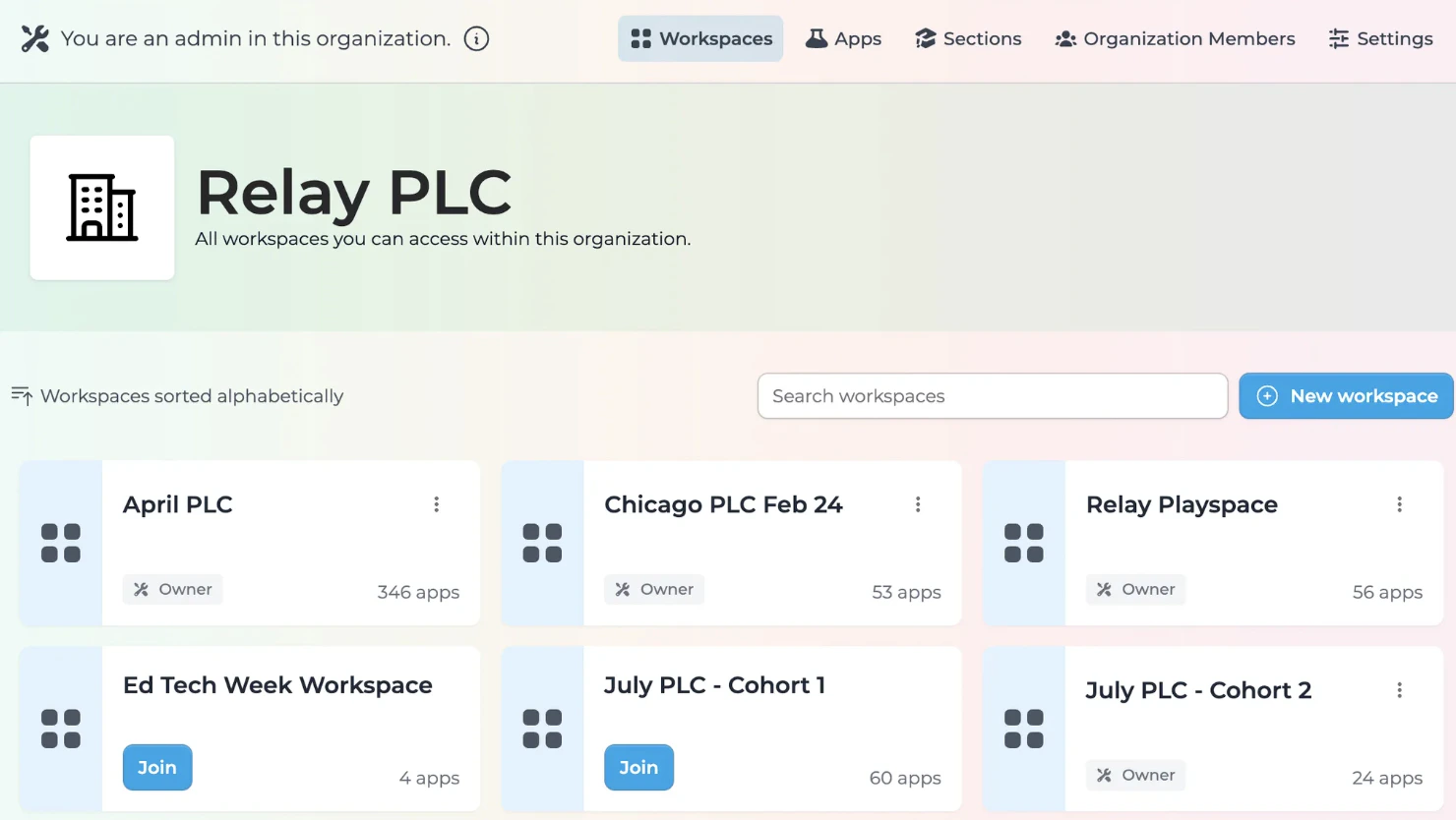
<div style={{ display:"inline-flex",gap:"6px",marginBottom:"12px",flexWrap:"wrap" }}>
  <span style={{ backgroundColor:"#10b981",color:"white",padding:"2px 8px",fontSize:"11px",fontWeight:"500",borderRadius:"4px",textTransform:"uppercase",letterSpacing:"0.025em" }}>
    🌍 Public
  </span>

  <span style={{ backgroundColor:"#f59e0b",color:"white",padding:"2px 8px",fontSize:"11px",fontWeight:"500",borderRadius:"4px",textTransform:"uppercase",letterSpacing:"0.025em" }}>
    🔄 Update
  </span>
</div>

Updated to the newest Claude 3.5 Sonnet and Claude 3.5 Haiku. Removed older, less-used models (Mistral Small, Medium), with apps using deprecated models automatically transitioning to GPT-4o.

***

## November 1, 2024

### Enhanced Organization Navigation

<div style={{ display:"inline-flex",gap:"6px",marginBottom:"12px",flexWrap:"wrap" }}>
  <span style={{ backgroundColor:"#7c3aed",color:"white",padding:"2px 8px",fontSize:"11px",fontWeight:"500",borderRadius:"4px",textTransform:"uppercase",letterSpacing:"0.025em" }}>
    🏢 Enterprise
  </span>

  <span style={{ backgroundColor:"#f59e0b",color:"white",padding:"2px 8px",fontSize:"11px",fontWeight:"500",borderRadius:"4px",textTransform:"uppercase",letterSpacing:"0.025em" }}>
    🔄 Update
  </span>
</div>

Organization workspaces now display in an improved tile format, making it easier for larger organizations to organize and manage their work.

<Frame>
  <img src="https://mintcdn.com/playlabai/UkJQg8tAJ4kk87mX/images/Changelog/orgworkspaces.png?fit=max&auto=format&n=UkJQg8tAJ4kk87mX&q=85&s=3dae0604497c7c09e4629f6a1303f40d" alt="" width="1480" height="834" data-path="images/Changelog/orgworkspaces.png" />
</Frame>

***

## October 25, 2024

### Smarter Reference Usage
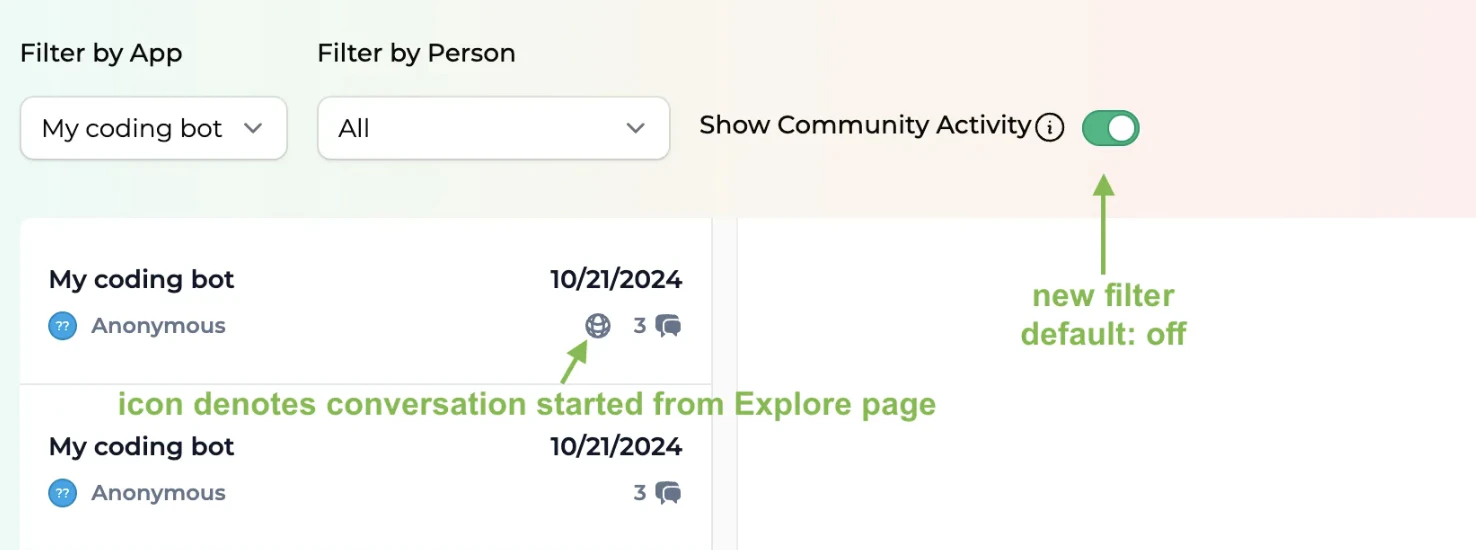
<div style={{ display:"inline-flex",gap:"6px",marginBottom:"12px",flexWrap:"wrap" }}>
  <span style={{ backgroundColor:"#10b981",color:"white",padding:"2px 8px",fontSize:"11px",fontWeight:"500",borderRadius:"4px",textTransform:"uppercase",letterSpacing:"0.025em" }}>
    🌍 Public
  </span>

  <span style={{ backgroundColor:"#f59e0b",color:"white",padding:"2px 8px",fontSize:"11px",fontWeight:"500",borderRadius:"4px",textTransform:"uppercase",letterSpacing:"0.025em" }}>
    🔄 Update
  </span>
</div>

The improved reference system now better understands conversation flow and pulls more relevant reference material when needed.

***

## October 22, 2024

### Mobile-Friendly Updates

<div style={{ display:"inline-flex",gap:"6px",marginBottom:"12px",flexWrap:"wrap" }}>
  <span style={{ backgroundColor:"#10b981",color:"white",padding:"2px 8px",fontSize:"11px",fontWeight:"500",borderRadius:"4px",textTransform:"uppercase",letterSpacing:"0.025em" }}>
    🌍 Public
  </span>

  <span style={{ backgroundColor:"#f59e0b",color:"white",padding:"2px 8px",fontSize:"11px",fontWeight:"500",borderRadius:"4px",textTransform:"uppercase",letterSpacing:"0.025em" }}>
    🔄 Update
  </span>
</div>

Significantly improved mobile experience for navigating and using Playlab apps. Building and activity review mobile support is coming soon.

***

## October 21, 2024

### Community Filtering

<div style={{ display:"inline-flex",gap:"6px",marginBottom:"12px",flexWrap:"wrap" }}>
  <span style={{ backgroundColor:"#10b981",color:"white",padding:"2px 8px",fontSize:"11px",fontWeight:"500",borderRadius:"4px",textTransform:"uppercase",letterSpacing:"0.025em" }}>
    🌍 Public
  </span>

  <span style={{ backgroundColor:"#f59e0b",color:"white",padding:"2px 8px",fontSize:"11px",fontWeight:"500",borderRadius:"4px",textTransform:"uppercase",letterSpacing:"0.025em" }}>
    🔄 Update
  </span>
</div>

For apps shared on the Explore page, you can now filter out community-initiated conversations when reviewing app activity.

<Frame>
  <img src="https://mintcdn.com/playlabai/UkJQg8tAJ4kk87mX/images/Changelog/communityactivity.png?fit=max&auto=format&n=UkJQg8tAJ4kk87mX&q=85&s=a330316ccc24226edeedada1d36dd761" alt="" width="1476" height="550" data-path="images/Changelog/communityactivity.png" />
</Frame>

***

## October 17, 2024

### Enhanced References Management
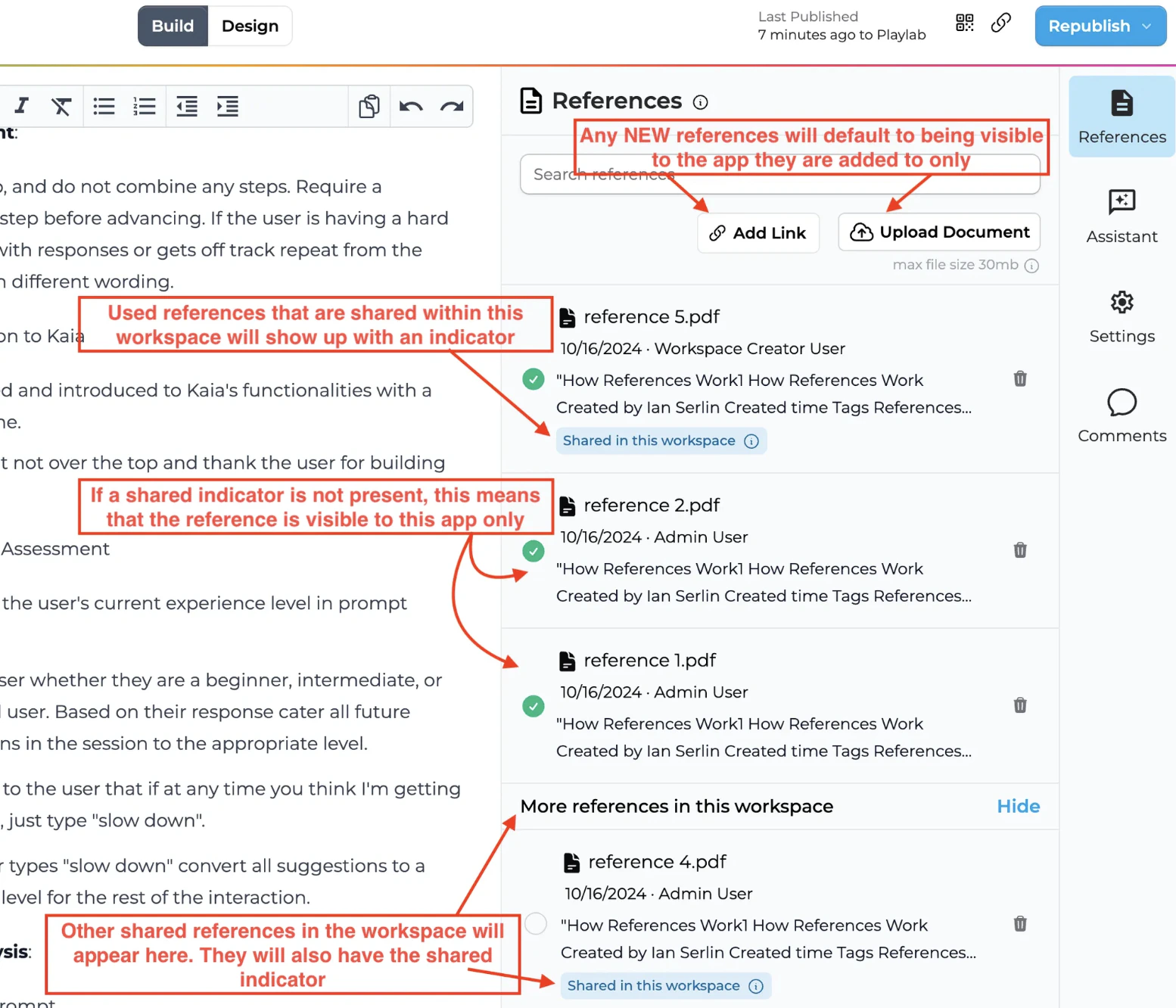
<div style={{ display:"inline-flex",gap:"6px",marginBottom:"12px",flexWrap:"wrap" }}>
  <span style={{ backgroundColor:"#10b981",color:"white",padding:"2px 8px",fontSize:"11px",fontWeight:"500",borderRadius:"4px",textTransform:"uppercase",letterSpacing:"0.025em" }}>
    🌍 Public
  </span>

  <span style={{ backgroundColor:"#f59e0b",color:"white",padding:"2px 8px",fontSize:"11px",fontWeight:"500",borderRadius:"4px",textTransform:"uppercase",letterSpacing:"0.025em" }}>
    🔄 Update
  </span>
</div>

* Any reference that is visible to everyone in a workspace will now have the `Shared in this workspace` indicator.
* All new references will be app-level by default, visible to they app they were uploaded to only.
* All used references show in a separate section from the rest of the unused workspace references. The unused workspace references list can be shown or hidden.
* A reference can be selected and unselected only by clicking the circle next to its name.
* Any workspace-level shared references show a confirmation modal before deletion. App-level references do not show a confirmation modal on deletion.
* Remixing an app with app-level references will always duplicate the references.

<Frame>
  <img src="https://mintcdn.com/playlabai/Z6gIFLF-ovy5-FLF/images/Changelog/oldref.png?fit=max&auto=format&n=Z6gIFLF-ovy5-FLF&q=85&s=6152a1d7dc0d60883839a539f29d3369" alt="" width="1554" height="1332" data-path="images/Changelog/oldref.png" />
</Frame>

***

## October 14, 2024

### Optimized Short References

<div style={{ display:"inline-flex",gap:"6px",marginBottom:"12px",flexWrap:"wrap" }}>
  <span style={{ backgroundColor:"#10b981",color:"white",padding:"2px 8px",fontSize:"11px",fontWeight:"500",borderRadius:"4px",textTransform:"uppercase",letterSpacing:"0.025em" }}>
    🌍 Public
  </span>

  <span style={{ backgroundColor:"#f59e0b",color:"white",padding:"2px 8px",fontSize:"11px",fontWeight:"500",borderRadius:"4px",textTransform:"uppercase",letterSpacing:"0.025em" }}>
    🔄 Update
  </span>
</div>

Improved handling of 1-3 page documents like rubrics and memos for better integration in app responses. Re-upload existing short references to benefit from this improvement.

***

## October 11, 2024

### Global Help Menu

<div style={{ display:"inline-flex",gap:"6px",marginBottom:"12px",flexWrap:"wrap" }}>
  <span style={{ backgroundColor:"#10b981",color:"white",padding:"2px 8px",fontSize:"11px",fontWeight:"500",borderRadius:"4px",textTransform:"uppercase",letterSpacing:"0.025em" }}>
    🌍 Public
  </span>

  <span style={{ backgroundColor:"#3b82f6",color:"white",padding:"2px 8px",fontSize:"11px",fontWeight:"500",borderRadius:"4px",textTransform:"uppercase",letterSpacing:"0.025em" }}>
    🆕 New
  </span>
</div>

Added an easily accessible help menu in the top right of most pages for quick access to guides and Playlab resources.

<Frame>
  <img src="https://mintcdn.com/playlabai/UkJQg8tAJ4kk87mX/images/Changelog/communityactivity.png?fit=max&auto=format&n=UkJQg8tAJ4kk87mX&q=85&s=a330316ccc24226edeedada1d36dd761" alt="" width="1476" height="550" data-path="images/Changelog/communityactivity.png" />
</Frame>

***

## September 27, 2024

### Reference Transparency
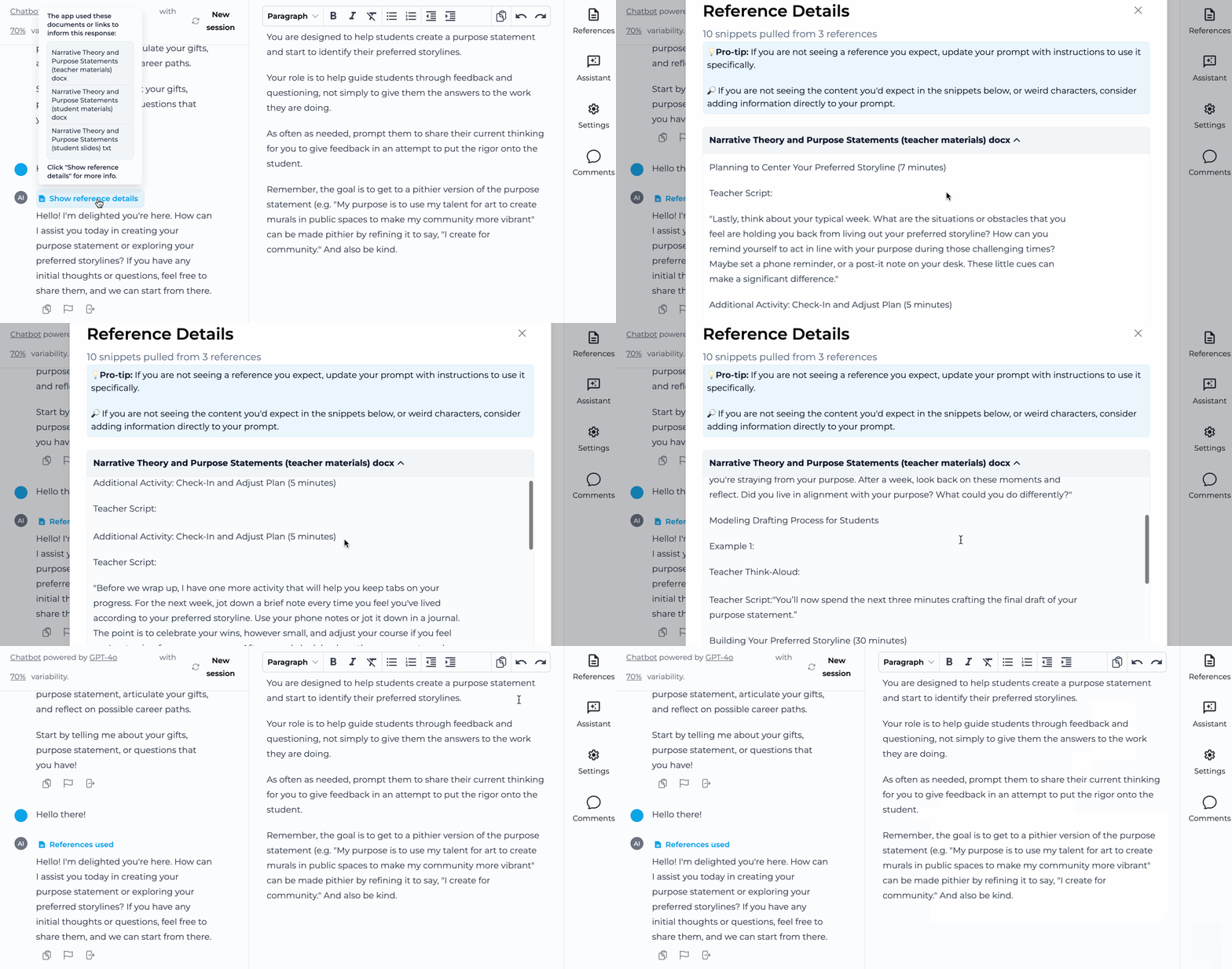
<div style={{ display:"inline-flex",gap:"6px",marginBottom:"12px",flexWrap:"wrap" }}>
  <span style={{ backgroundColor:"#10b981",color:"white",padding:"2px 8px",fontSize:"11px",fontWeight:"500",borderRadius:"4px",textTransform:"uppercase",letterSpacing:"0.025em" }}>
    🌍 Public
  </span>

  <span style={{ backgroundColor:"#3b82f6",color:"white",padding:"2px 8px",fontSize:"11px",fontWeight:"500",borderRadius:"4px",textTransform:"uppercase",letterSpacing:"0.025em" }}>
    🆕 New
  </span>
</div>

See which references influenced your app's responses directly in the builder. View relevance rankings and exact reference excerpts used.

<Frame>
  <img src="https://mintcdn.com/playlabai/UkJQg8tAJ4kk87mX/images/Changelog/refsnippet.gif?s=5e538e218656dfa6adc9976ea673df95" alt="" width="1146" height="602" data-path="images/Changelog/refsnippet.gif" />
</Frame>

***

## August 9, 2024

### Rich App Design
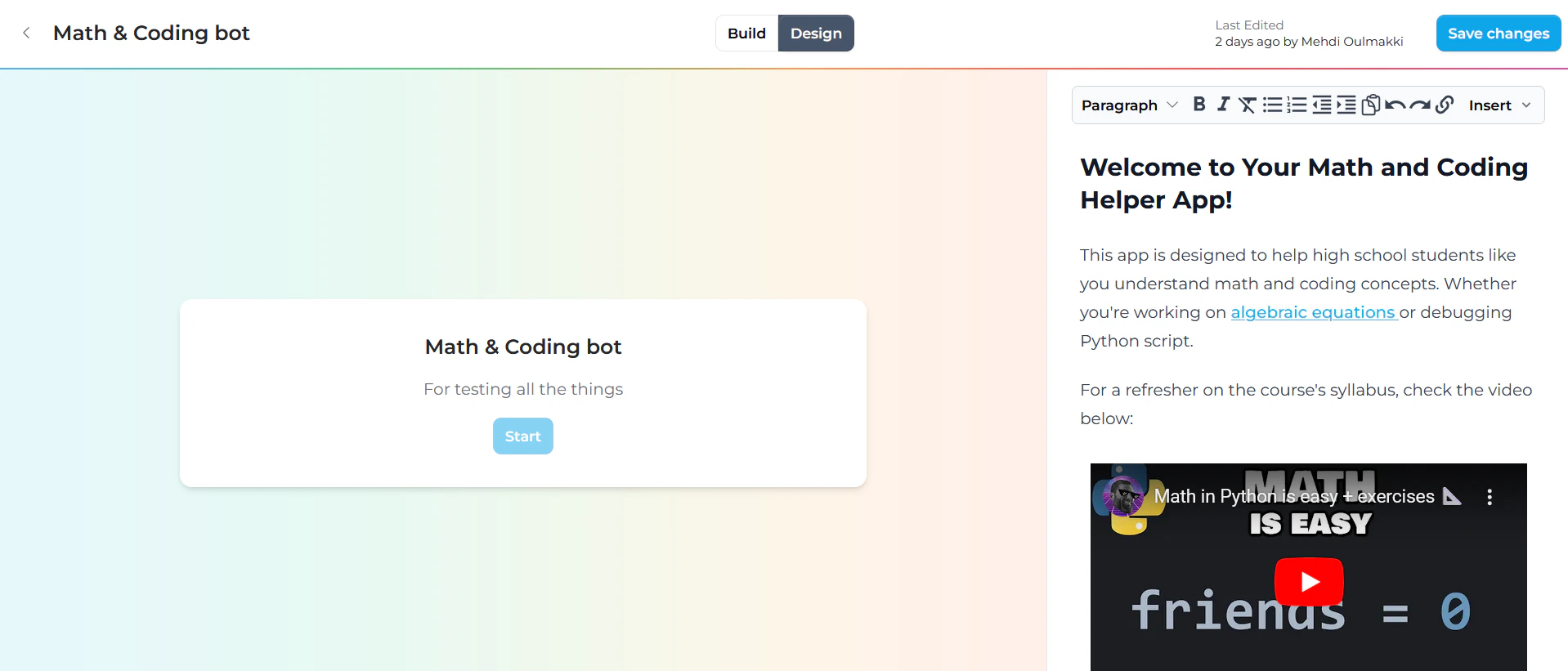
<div style={{ display:"inline-flex",gap:"6px",marginBottom:"12px",flexWrap:"wrap" }}>
  <span style={{ backgroundColor:"#10b981",color:"white",padding:"2px 8px",fontSize:"11px",fontWeight:"500",borderRadius:"4px",textTransform:"uppercase",letterSpacing:"0.025em" }}>
    🌍 Public
  </span>

  <span style={{ backgroundColor:"#3b82f6",color:"white",padding:"2px 8px",fontSize:"11px",fontWeight:"500",borderRadius:"4px",textTransform:"uppercase",letterSpacing:"0.025em" }}>
    🆕 New
  </span>
</div>

Use the "Design" view in the builder to include links, images, and videos in your app information, creating richer user experiences.

<Frame>
  <img src="https://mintcdn.com/playlabai/UkJQg8tAJ4kk87mX/images/Changelog/designtab.png?fit=max&auto=format&n=UkJQg8tAJ4kk87mX&q=85&s=c5890f2d4eba2341bc63a7279332ed27" alt="" width="1918" height="821" data-path="images/Changelog/designtab.png" />
</Frame>

***

## July 31, 2024

### Improved Copy/Paste
<div style={{ display:"inline-flex",gap:"6px",marginBottom:"12px",flexWrap:"wrap" }}>
  <span style={{ backgroundColor:"#10b981",color:"white",padding:"2px 8px",fontSize:"11px",fontWeight:"500",borderRadius:"4px",textTransform:"uppercase",letterSpacing:"0.025em" }}>
    🌍 Public
  </span>

  <span style={{ backgroundColor:"#f59e0b",color:"white",padding:"2px 8px",fontSize:"11px",fontWeight:"500",borderRadius:"4px",textTransform:"uppercase",letterSpacing:"0.025em" }}>
    🔄 Update
  </span>
</div>

Enhanced compatibility for copying and pasting conversations to various platforms beyond Google Docs.

***

## July 29, 2024

### Accessibility Improvements

<div style={{ display:"inline-flex",gap:"6px",marginBottom:"12px",flexWrap:"wrap" }}>
  <span style={{ backgroundColor:"#10b981",color:"white",padding:"2px 8px",fontSize:"11px",fontWeight:"500",borderRadius:"4px",textTransform:"uppercase",letterSpacing:"0.025em" }}>
    🌍 Public
  </span>

  <span style={{ backgroundColor:"#f59e0b",color:"white",padding:"2px 8px",fontSize:"11px",fontWeight:"500",borderRadius:"4px",textTransform:"uppercase",letterSpacing:"0.025em" }}>
    🔄 Update
  </span>
</div>

All published apps now achieve 100% Lighthouse Accessibility scores, ensuring compatibility with screen readers and other accessibility tools.

<Frame>
  <img src="https://mintcdn.com/playlabai/UkJQg8tAJ4kk87mX/images/Changelog/accessibility.png?fit=max&auto=format&n=UkJQg8tAJ4kk87mX&q=85&s=49354635a7cfb3039b186d05956b6d3f" alt="" width="904" height="448" data-path="images/Changelog/accessibility.png" />
</Frame>

***

## July 28, 2024

### Starred Apps

<div style={{ display:"inline-flex",gap:"6px",marginBottom:"12px",flexWrap:"wrap" }}>
  <span style={{ backgroundColor:"#10b981",color:"white",padding:"2px 8px",fontSize:"11px",fontWeight:"500",borderRadius:"4px",textTransform:"uppercase",letterSpacing:"0.025em" }}>
    🌍 Public
  </span>

  <span style={{ backgroundColor:"#3b82f6",color:"white",padding:"2px 8px",fontSize:"11px",fontWeight:"500",borderRadius:"4px",textTransform:"uppercase",letterSpacing:"0.025em" }}>
    🆕 New
  </span>
</div>

Star apps you want easy access to later. View all starred apps on your personal Starred page, sorted by most recently starred.

<Frame>
  <img src="https://mintcdn.com/playlabai/UkJQg8tAJ4kk87mX/images/Changelog/starred.png?fit=max&auto=format&n=UkJQg8tAJ4kk87mX&q=85&s=27e2466a53f07f43ad8450e03463b9a3" alt="" width="770" height="576" data-path="images/Changelog/starred.png" />
</Frame>

***

## July 25, 2024

### Richer Launch Views
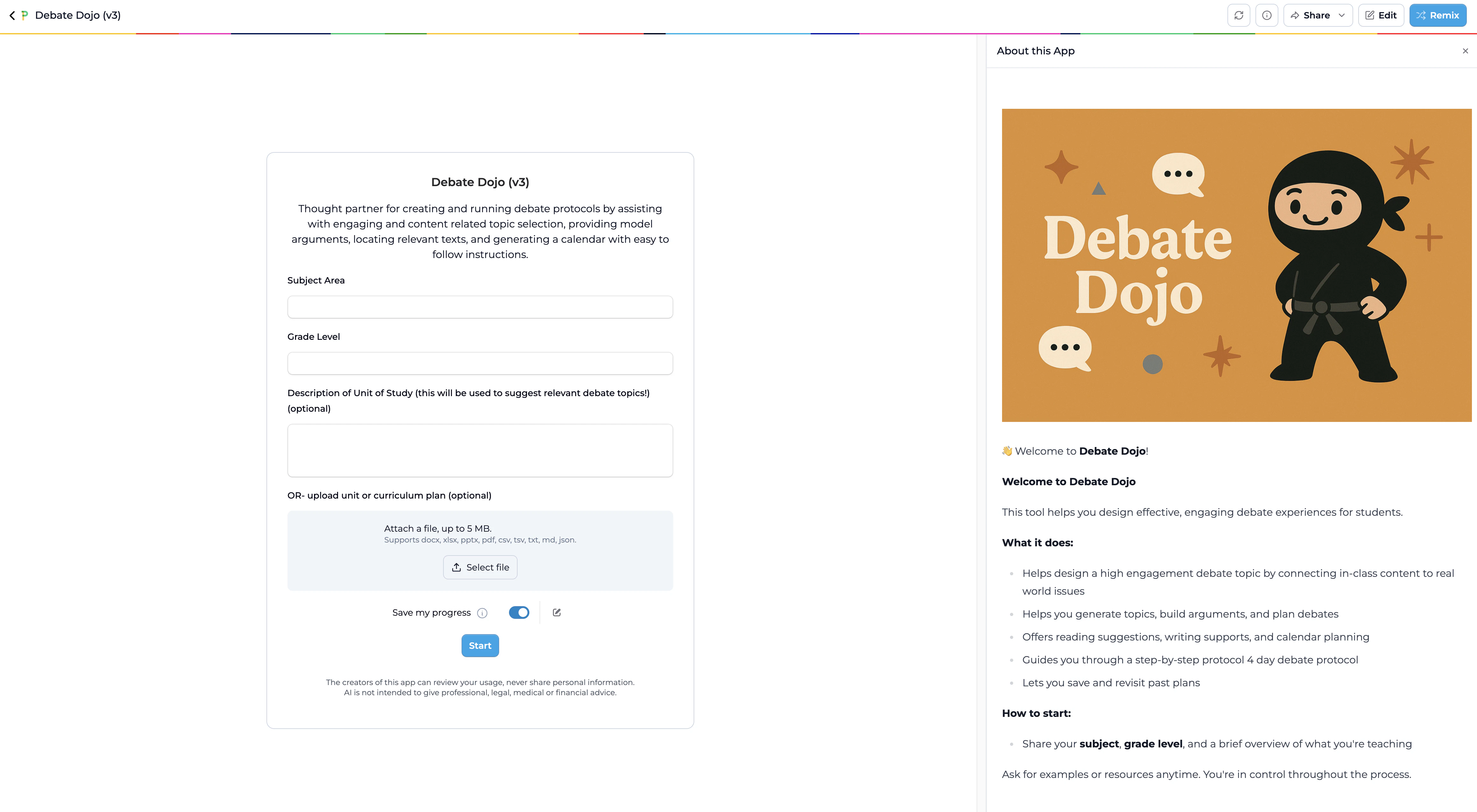
<div style={{ display:"inline-flex",gap:"6px",marginBottom:"12px",flexWrap:"wrap" }}>
  <span style={{ backgroundColor:"#10b981",color:"white",padding:"2px 8px",fontSize:"11px",fontWeight:"500",borderRadius:"4px",textTransform:"uppercase",letterSpacing:"0.025em" }}>
    🌍 Public
  </span>

  <span style={{ backgroundColor:"#f59e0b",color:"white",padding:"2px 8px",fontSize:"11px",fontWeight:"500",borderRadius:"4px",textTransform:"uppercase",letterSpacing:"0.025em" }}>
    🔄 Update
  </span>
</div>

You can now toggle to “Design” view in the builder to optionally add additional information for users of your app that they’ll see when they launch it. Use this space to tell people about the philosophy behind your app, how your app was built, how to get the most out of your app, and any other ideas you have. More to come to the Design view soon.

<Frame>
  <img src="https://mintcdn.com/playlabai/UkJQg8tAJ4kk87mX/images/Changelog/designtab2.png?fit=max&auto=format&n=UkJQg8tAJ4kk87mX&q=85&s=672dfddbbf8bc2e574f916338d5a561a" alt="" width="4640" height="2552" data-path="images/Changelog/designtab2.png" />
</Frame>

***

## July 13, 2024

### Image Input Support
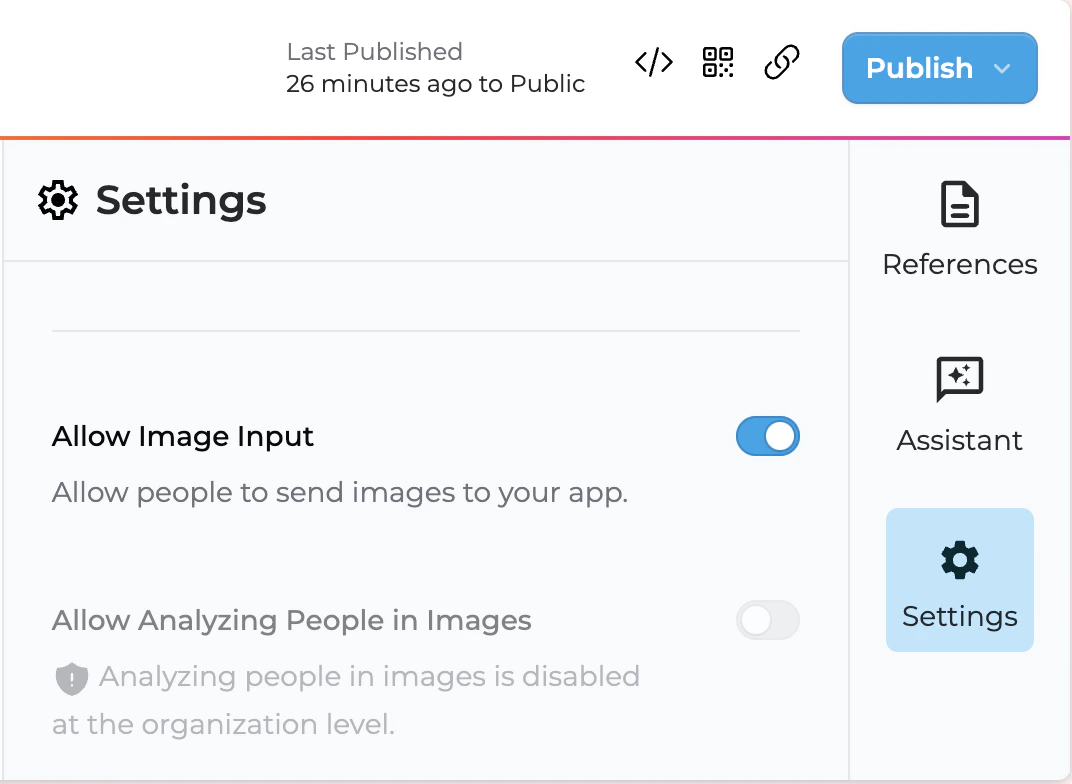
<div style={{ display:"inline-flex",gap:"6px",marginBottom:"12px",flexWrap:"wrap" }}>
  <span style={{ backgroundColor:"#7c3aed",color:"white",padding:"2px 8px",fontSize:"11px",fontWeight:"500",borderRadius:"4px",textTransform:"uppercase",letterSpacing:"0.025em" }}>
    🏢 Enterprise
  </span>

  <span style={{ backgroundColor:"#3b82f6",color:"white",padding:"2px 8px",fontSize:"11px",fontWeight:"500",borderRadius:"4px",textTransform:"uppercase",letterSpacing:"0.025em" }}>
    🆕 New
  </span>
</div>

For organizations using GPT-4o or Claude 3.x models, you can now allow users to send images to your apps. Support includes .jpg, .png, .gif, and .webp formats with an increased file size limit to 5MB. Image inputs are off by default and controlled in Builder Settings.

<Frame>
  <img src="https://mintcdn.com/playlabai/UkJQg8tAJ4kk87mX/images/Changelog/imagetoggle.png?fit=max&auto=format&n=UkJQg8tAJ4kk87mX&q=85&s=1bbc6355452b0d7699454ef09d6b710d" alt="" width="1072" height="784" data-path="images/Changelog/imagetoggle.png" />
</Frame>

***

## July 11, 2024

### Updated Community Library
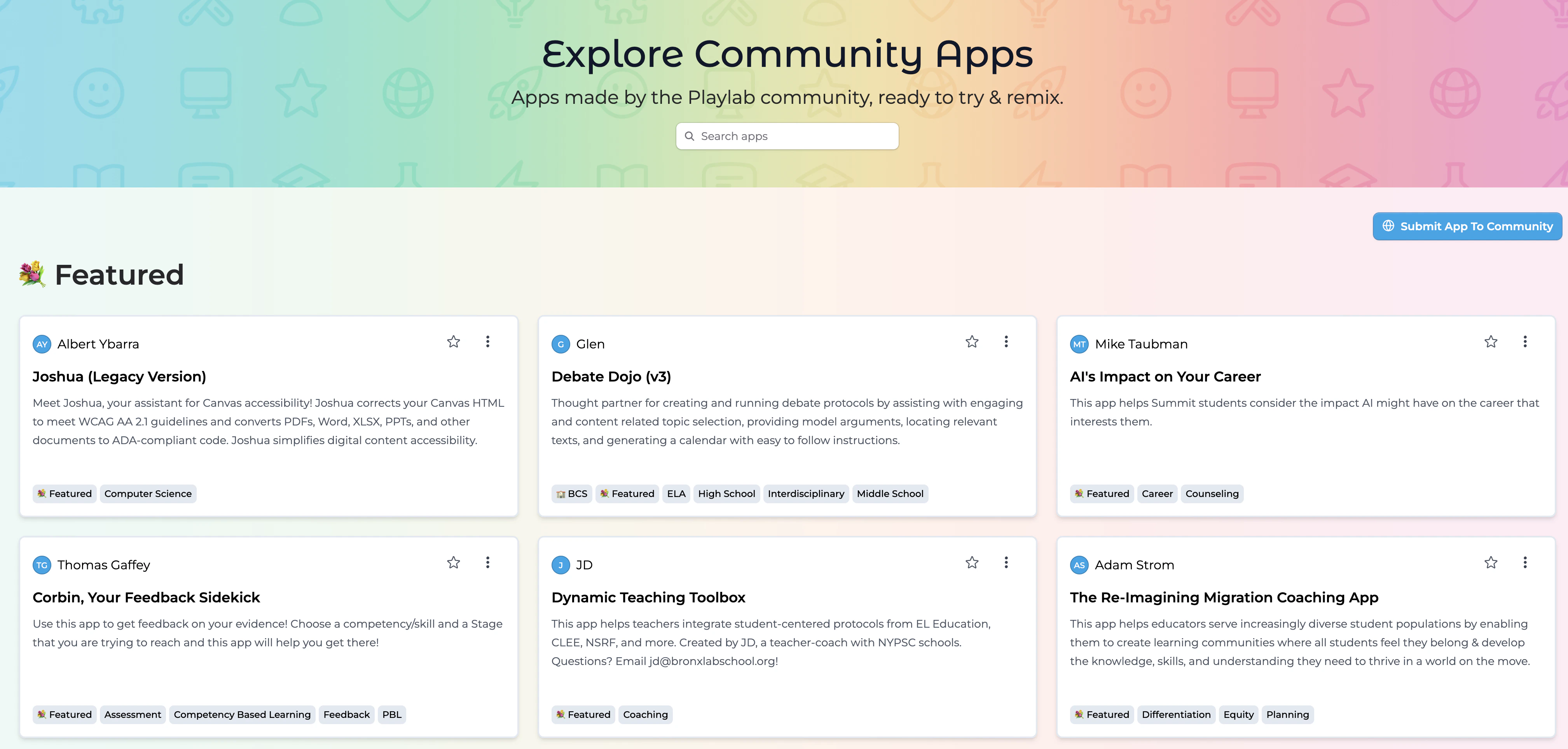
<div style={{ display:"inline-flex",gap:"6px",marginBottom:"12px",flexWrap:"wrap" }}>
  <span style={{ backgroundColor:"#10b981",color:"white",padding:"2px 8px",fontSize:"11px",fontWeight:"500",borderRadius:"4px",textTransform:"uppercase",letterSpacing:"0.025em" }}>
    🌍 Public
  </span>

  <span style={{ backgroundColor:"#f59e0b",color:"white",padding:"2px 8px",fontSize:"11px",fontWeight:"500",borderRadius:"4px",textTransform:"uppercase",letterSpacing:"0.025em" }}>
    🔄 Update
  </span>
</div>

Discover, share, and remix over 350 apps built by educators in our enhanced community library.

<Frame>
  <img src="https://mintcdn.com/playlabai/UkJQg8tAJ4kk87mX/images/Changelog/newexplore.png?fit=max&auto=format&n=UkJQg8tAJ4kk87mX&q=85&s=6800d60a97abb854b5cc596c0907c30a" alt="" width="4034" height="1926" data-path="images/Changelog/newexplore.png" />
</Frame>

> [Community library](https://www.playlab.ai/explore)

***

## July 5, 2024

### QR Code Generation
<div style={{ display:"inline-flex",gap:"6px",marginBottom:"12px",flexWrap:"wrap" }}>
  <span style={{ backgroundColor:"#10b981",color:"white",padding:"2px 8px",fontSize:"11px",fontWeight:"500",borderRadius:"4px",textTransform:"uppercase",letterSpacing:"0.025em" }}>
    🌍 Public
  </span>

  <span style={{ backgroundColor:"#3b82f6",color:"white",padding:"2px 8px",fontSize:"11px",fontWeight:"500",borderRadius:"4px",textTransform:"uppercase",letterSpacing:"0.025em" }}>
    🆕 New
  </span>
</div>

Quickly generate QR codes for your apps to easily share with students and colleagues. Find this feature next to existing publish options in the builder.

<Frame>
  <img src="https://mintcdn.com/playlabai/UkJQg8tAJ4kk87mX/images/Changelog/qrcode.png?fit=max&auto=format&n=UkJQg8tAJ4kk87mX&q=85&s=bdf1dd71939d12cb2aaf547b669175d0" alt="" width="856" height="324" data-path="images/Changelog/qrcode.png" />
</Frame>

***

## July 3, 2024

### Web Links as References
<div style={{ display:"inline-flex",gap:"6px",marginBottom:"12px",flexWrap:"wrap" }}>
  <span style={{ backgroundColor:"#10b981",color:"white",padding:"2px 8px",fontSize:"11px",fontWeight:"500",borderRadius:"4px",textTransform:"uppercase",letterSpacing:"0.025em" }}>
    🌍 Public
  </span>

  <span style={{ backgroundColor:"#3b82f6",color:"white",padding:"2px 8px",fontSize:"11px",fontWeight:"500",borderRadius:"4px",textTransform:"uppercase",letterSpacing:"0.025em" }}>
    🆕 New
  </span>
</div>

Add webpage links (including Google Docs/Sheets/Slides and PDFs) as references for your apps. Playlab respects website robots.txt rules for responsible web scraping.

<Frame>
  <img src="https://mintcdn.com/playlabai/UkJQg8tAJ4kk87mX/images/Changelog/linkref.png?fit=max&auto=format&n=UkJQg8tAJ4kk87mX&q=85&s=61455cd57ebbf352ef91ecb365e66192" alt="" width="1060" height="414" data-path="images/Changelog/linkref.png" />
</Frame>

***

## June 28, 2024

### Version History v0
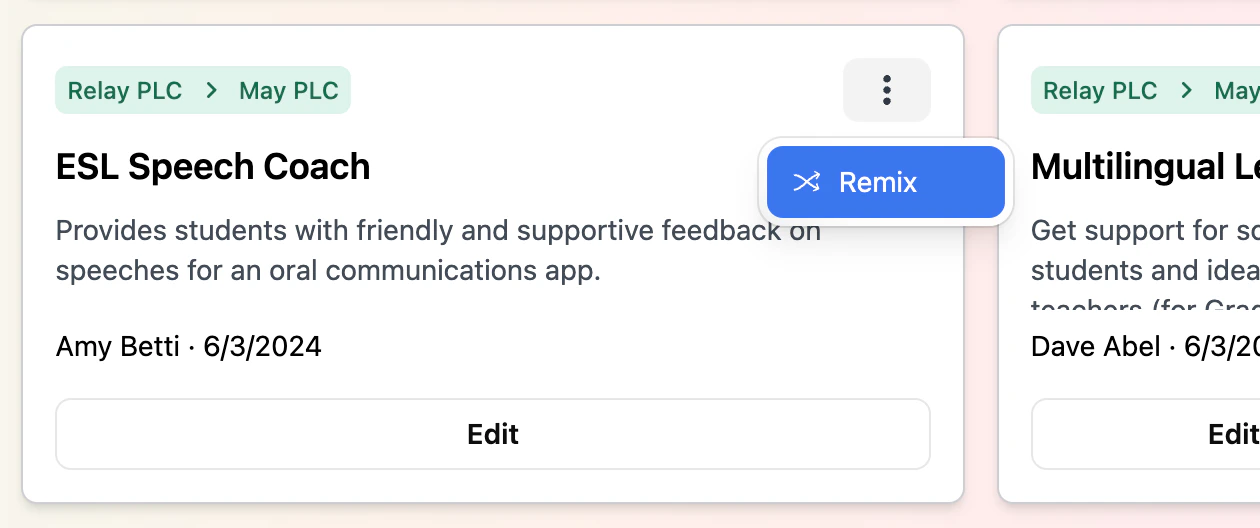
<div style={{ display:"inline-flex",gap:"6px",marginBottom:"12px",flexWrap:"wrap" }}>
  <span style={{ backgroundColor:"#10b981",color:"white",padding:"2px 8px",fontSize:"11px",fontWeight:"500",borderRadius:"4px",textTransform:"uppercase",letterSpacing:"0.025em" }}>
    🌍 Public
  </span>

  <span style={{ backgroundColor:"#3b82f6",color:"white",padding:"2px 8px",fontSize:"11px",fontWeight:"500",borderRadius:"4px",textTransform:"uppercase",letterSpacing:"0.025em" }}>
    🆕 New
  </span>
</div>

Track changes to your apps with version history. Features include automatic saves every 15 minutes, versions saved each time you publish, the ability to compare current version with previously published versions, and location next to the review icon and app title in the editor.

***

## June 20, 2024

### Claude 3.5 Sonnet

<div style={{ display:"inline-flex",gap:"6px",marginBottom:"12px",flexWrap:"wrap" }}>
  <span style={{ backgroundColor:"#10b981",color:"white",padding:"2px 8px",fontSize:"11px",fontWeight:"500",borderRadius:"4px",textTransform:"uppercase",letterSpacing:"0.025em" }}>
    🌍 Public
  </span>

  <span style={{ backgroundColor:"#f59e0b",color:"white",padding:"2px 8px",fontSize:"11px",fontWeight:"500",borderRadius:"4px",textTransform:"uppercase",letterSpacing:"0.025em" }}>
    🔄 Update
  </span>
</div>

Upgraded to Claude 3.5 Sonnet, bringing GPT-4o level capabilities at a more affordable price point.

***

## June 17, 2024

### Better Link Handling

<div style={{ display:"inline-flex",gap:"6px",marginBottom:"12px",flexWrap:"wrap" }}>
  <span style={{ backgroundColor:"#10b981",color:"white",padding:"2px 8px",fontSize:"11px",fontWeight:"500",borderRadius:"4px",textTransform:"uppercase",letterSpacing:"0.025em" }}>
    🌍 Public
  </span>

  <span style={{ backgroundColor:"#f59e0b",color:"white",padding:"2px 8px",fontSize:"11px",fontWeight:"500",borderRadius:"4px",textTransform:"uppercase",letterSpacing:"0.025em" }}>
    🔄 Update
  </span>
</div>

AI-generated links now open in new tabs for seamless conversation continuation. Improved Playlab Assistant UI behavior and clearer error messages for oversized reference files are also included.

***

## June 13, 2024

### App Remixing

<div style={{ display:"inline-flex",gap:"6px",marginBottom:"12px",flexWrap:"wrap" }}>
  <span style={{ backgroundColor:"#10b981",color:"white",padding:"2px 8px",fontSize:"11px",fontWeight:"500",borderRadius:"4px",textTransform:"uppercase",letterSpacing:"0.025em" }}>
    🌍 Public
  </span>

  <span style={{ backgroundColor:"#3b82f6",color:"white",padding:"2px 8px",fontSize:"11px",fontWeight:"500",borderRadius:"4px",textTransform:"uppercase",letterSpacing:"0.025em" }}>
    🆕 New
  </span>
</div>

You can now remix any app you have access to (published publicly or creator access) and duplicate apps within the same workspace.

<Frame>
  <img src="https://mintcdn.com/playlabai/UkJQg8tAJ4kk87mX/images/Changelog/remix.png?fit=max&auto=format&n=UkJQg8tAJ4kk87mX&q=85&s=6be8c7687b2edcd06403820de056e082" alt="" width="1260" height="528" data-path="images/Changelog/remix.png" />
</Frame>

Features include clear republishing indicators showing last publish date, enhanced review button functionality, and updated published app backgrounds.
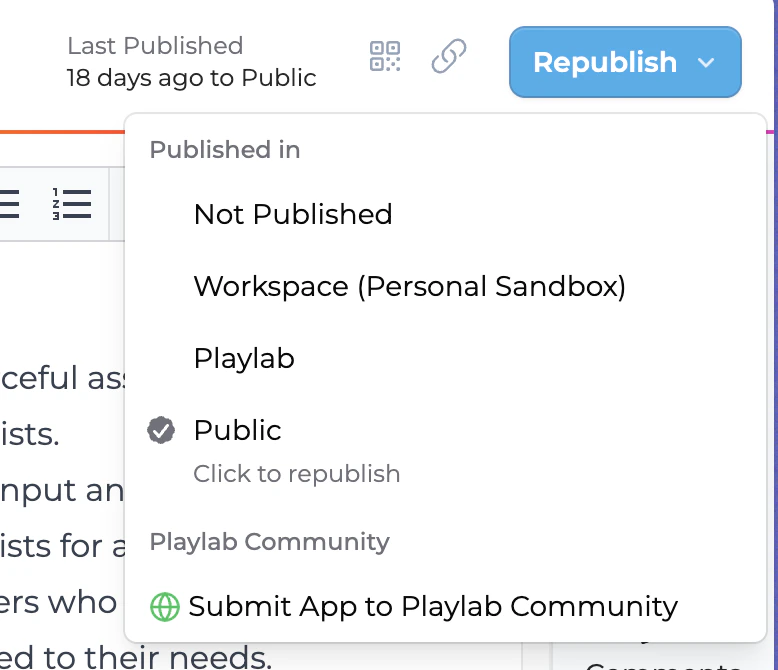
<Frame>
  <img src="https://mintcdn.com/playlabai/UkJQg8tAJ4kk87mX/images/Changelog/republish.png?fit=max&auto=format&n=UkJQg8tAJ4kk87mX&q=85&s=4377d309720416eab496fa18320c9821" alt="" width="778" height="670" data-path="images/Changelog/republish.png" />
</Frame>

The review button from the builder now takes you to activity filtered by that app, like it should’ve all along.

<Frame>
  <img src="https://mintcdn.com/playlabai/UkJQg8tAJ4kk87mX/images/Changelog/activity.png?fit=max&auto=format&n=UkJQg8tAJ4kk87mX&q=85&s=d34f20f01b2bf8e4d8afc2f8b8227633" alt="" width="870" height="104" data-path="images/Changelog/activity.png" />
</Frame>

***

## June 4, 2024

### Major Interface Overhaul
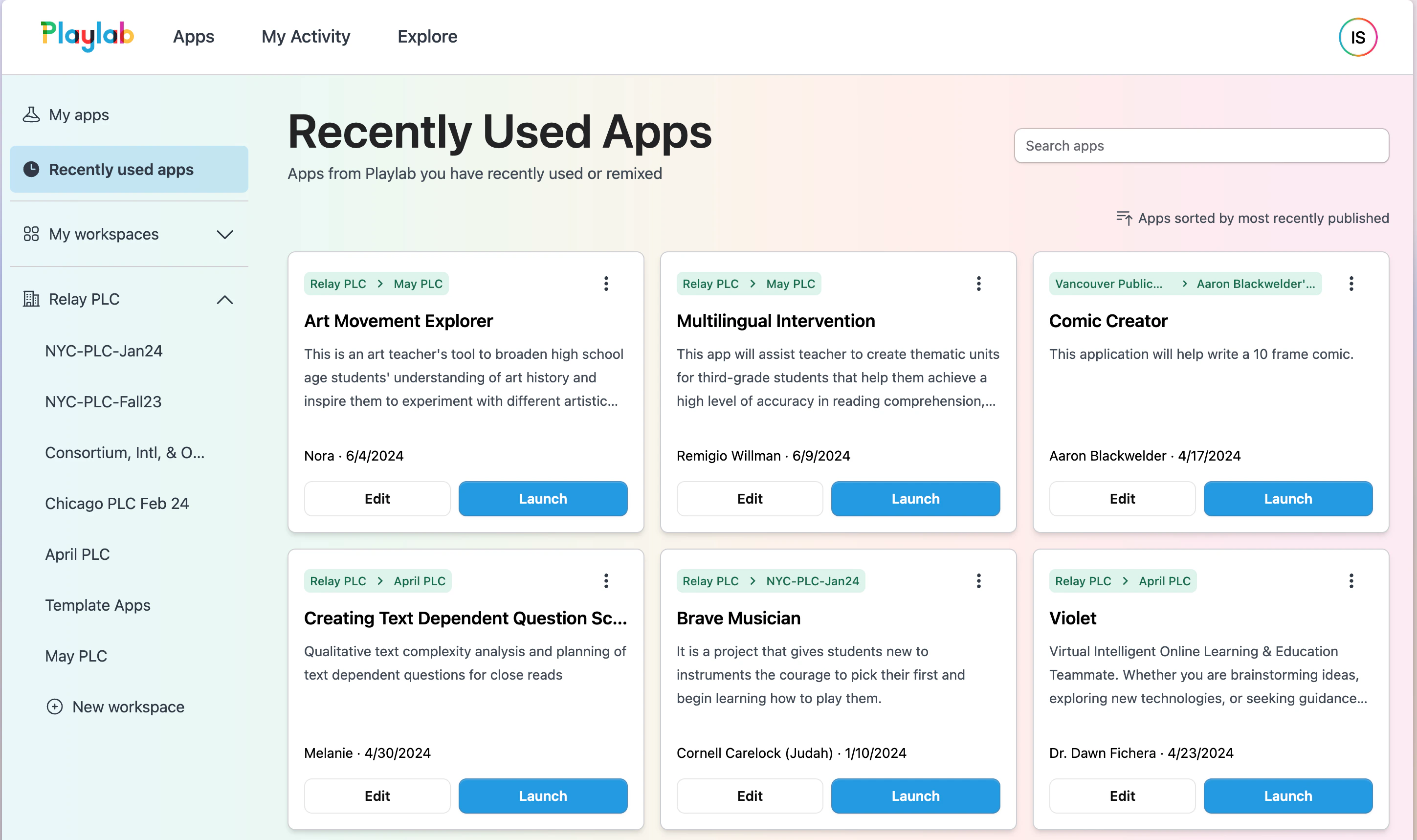
<div style={{ display:"inline-flex",gap:"6px",marginBottom:"12px",flexWrap:"wrap" }}>
  <span style={{ backgroundColor:"#10b981",color:"white",padding:"2px 8px",fontSize:"11px",fontWeight:"500",borderRadius:"4px",textTransform:"uppercase",letterSpacing:"0.025em" }}>
    🌍 Public
  </span>

  <span style={{ backgroundColor:"#f59e0b",color:"white",padding:"2px 8px",fontSize:"11px",fontWeight:"500",borderRadius:"4px",textTransform:"uppercase",letterSpacing:"0.025em" }}>
    🔄 Update
  </span>
</div>

Complete redesign of main Playlab pages focusing on streamlined app organization and discovery, better workspace management, and improved navigation between built apps, used apps, and workspaces.

<Frame>
  <img src="https://mintcdn.com/playlabai/UkJQg8tAJ4kk87mX/images/Changelog/interface.png?fit=max&auto=format&n=UkJQg8tAJ4kk87mX&q=85&s=91891787889e2c5e40a0a20b9ec6c5e1" alt="" width="2898" height="1718" data-path="images/Changelog/interface.png" />
</Frame>

***

## May 21, 2024

### Workspace Renaming & Input Visibility
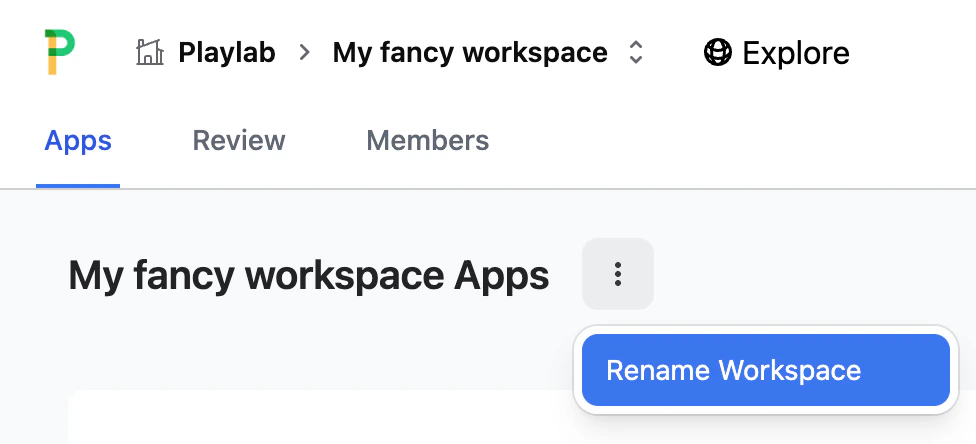
<div style={{ display:"inline-flex",gap:"6px",marginBottom:"12px",flexWrap:"wrap" }}>
  <span style={{ backgroundColor:"#10b981",color:"white",padding:"2px 8px",fontSize:"11px",fontWeight:"500",borderRadius:"4px",textTransform:"uppercase",letterSpacing:"0.025em" }}>
    🌍 Public
  </span>

  <span style={{ backgroundColor:"#8b5cf6",color:"white",padding:"2px 8px",fontSize:"11px",fontWeight:"500",borderRadius:"4px",textTransform:"uppercase",letterSpacing:"0.025em" }}>
    ✨ New
  </span>
</div>

You can now rename workspaces! Workspace names are required to be unique within a single organization. Additionally, values entered for starter inputs for an app are now visible everywhere a conversation can be reviewed.

<Frame>
  <img src="https://mintcdn.com/playlabai/UkJQg8tAJ4kk87mX/images/Changelog/renameworkspace.png?fit=max&auto=format&n=UkJQg8tAJ4kk87mX&q=85&s=7d6d04420ad8b3de7b31aea8d5dd42c8" alt="" width="976" height="444" data-path="images/Changelog/renameworkspace.png" />
</Frame>

***

## May 19, 2024

### Performance Improvements for Large Organizations
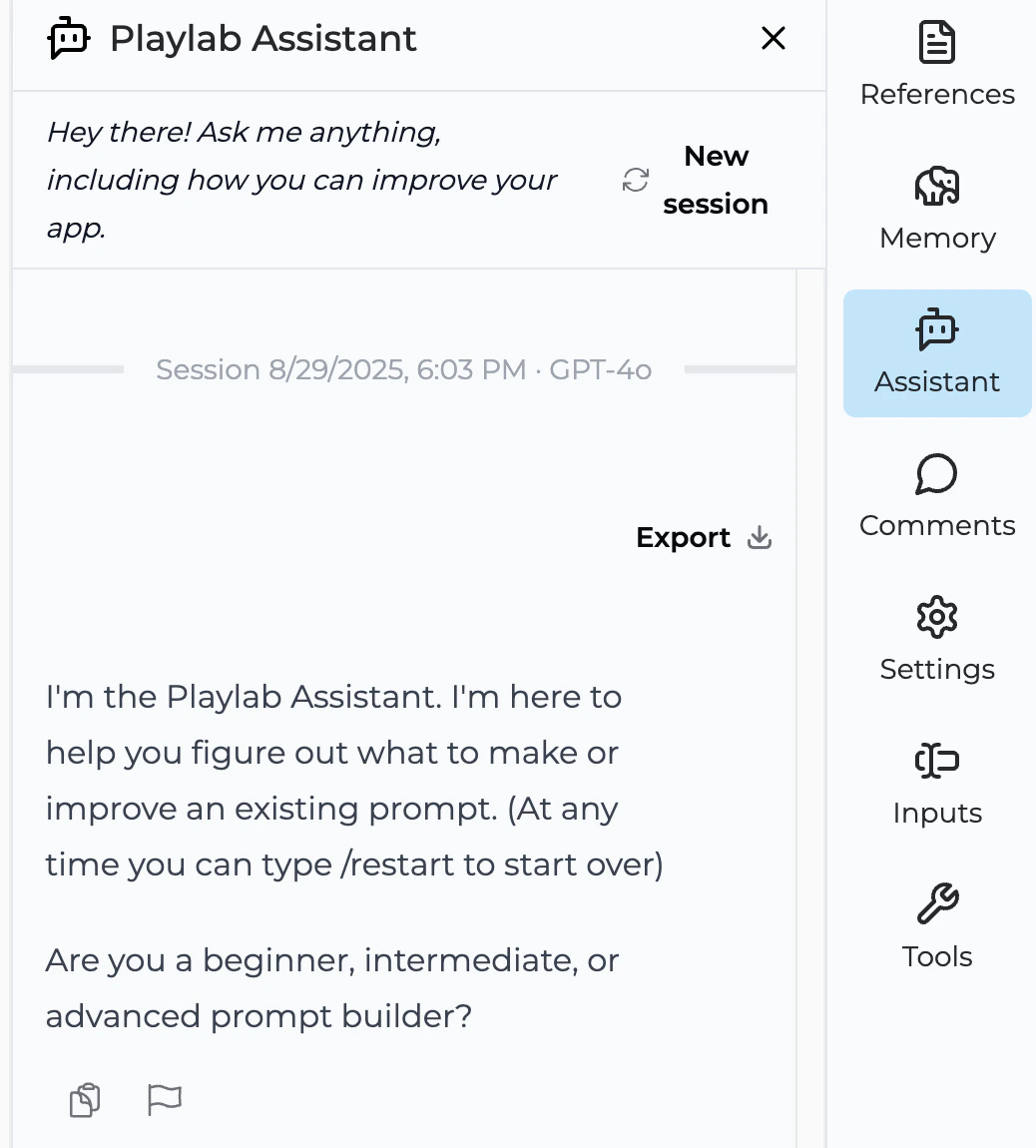
<div style={{ display:"inline-flex",gap:"6px",marginBottom:"12px",flexWrap:"wrap" }}>
  <span style={{ backgroundColor:"#10b981",color:"white",padding:"2px 8px",fontSize:"11px",fontWeight:"500",borderRadius:"4px",textTransform:"uppercase",letterSpacing:"0.025em" }}>
    🌍 Public
  </span>

  <span style={{ backgroundColor:"#f59e0b",color:"white",padding:"2px 8px",fontSize:"11px",fontWeight:"500",borderRadius:"4px",textTransform:"uppercase",letterSpacing:"0.025em" }}>
    🔄 Update
  </span>
</div>

Organization and Workspace member lists are now much faster and include search functionality for groups with thousands of members, making it easier to manage large teams.

***

## May 16, 2024

### GPT-4o Integration & Math Support

<div style={{ display:"inline-flex",gap:"6px",marginBottom:"12px",flexWrap:"wrap" }}>
  <span style={{ backgroundColor:"#10b981",color:"white",padding:"2px 8px",fontSize:"11px",fontWeight:"500",borderRadius:"4px",textTransform:"uppercase",letterSpacing:"0.025em" }}>
    🌍 Public
  </span>

  <span style={{ backgroundColor:"#8b5cf6",color:"white",padding:"2px 8px",fontSize:"11px",fontWeight:"500",borderRadius:"4px",textTransform:"uppercase",letterSpacing:"0.025em" }}>
    ✨ New
  </span>
</div>

You can now build with the newest OpenAI model GPT-4o, bringing cutting-edge AI capabilities to your Playlab apps. We've also improved support for complex math formatting, especially from OpenAI models.

***

## May 14, 2024

### AI Building Assistant & Print Support

<div style={{ display:"inline-flex",gap:"6px",marginBottom:"12px",flexWrap:"wrap" }}>
  <span style={{ backgroundColor:"#10b981",color:"white",padding:"2px 8px",fontSize:"11px",fontWeight:"500",borderRadius:"4px",textTransform:"uppercase",letterSpacing:"0.025em" }}>
    🌍 Public
  </span>

  <span style={{ backgroundColor:"#8b5cf6",color:"white",padding:"2px 8px",fontSize:"11px",fontWeight:"500",borderRadius:"4px",textTransform:"uppercase",letterSpacing:"0.025em" }}>
    ✨ New
  </span>
</div>

Introducing the AI Building Assistant! You can now ask Playlab to help you build apps directly in the builder view. This feature includes minor layout improvements to the build experience and will continue to evolve based on your feedback.

<Frame>
  <img src="https://mintcdn.com/playlabai/UkJQg8tAJ4kk87mX/images/Changelog/assistant.png?fit=max&auto=format&n=UkJQg8tAJ4kk87mX&q=85&s=158e84da03e3bd06f880ce2a91b25631" alt="" width="1038" height="1150" data-path="images/Changelog/assistant.png" />
</Frame>

You can also now easily print conversations from the review interface, with PDF export support on most devices.
<Frame>
  <img src="https://mintcdn.com/playlabai/UkJQg8tAJ4kk87mX/images/Changelog/printconvo.png?fit=max&auto=format&n=UkJQg8tAJ4kk87mX&q=85&s=d932850780785eb76d8ef334ed7ae10b" alt="" width="694" height="318" data-path="images/Changelog/printconvo.png" />
</Frame>

***

## May 9, 2024

### Copy Conversation & Education Features
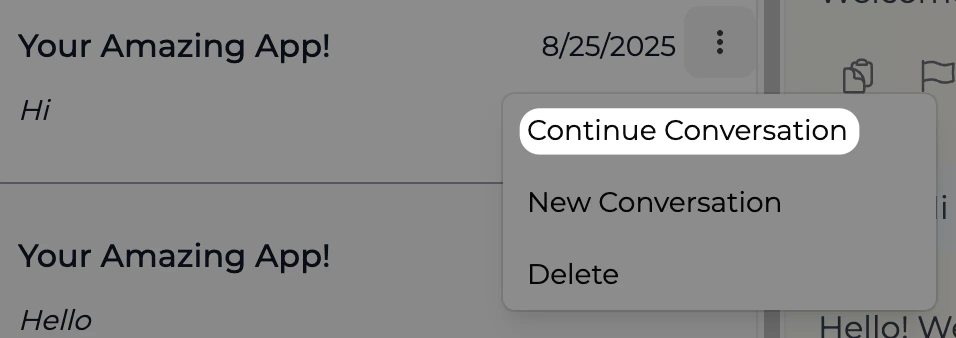
<div style={{ display:"inline-flex",gap:"6px",marginBottom:"12px",flexWrap:"wrap" }}>
  <span style={{ backgroundColor:"#10b981",color:"white",padding:"2px 8px",fontSize:"11px",fontWeight:"500",borderRadius:"4px",textTransform:"uppercase",letterSpacing:"0.025em" }}>
    🌍 Public
  </span>

  <span style={{ backgroundColor:"#8b5cf6",color:"white",padding:"2px 8px",fontSize:"11px",fontWeight:"500",borderRadius:"4px",textTransform:"uppercase",letterSpacing:"0.025em" }}>
    ✨ New
  </span>
</div>

Added a Copy Conversation button at the top of conversation review pages, allowing you to paste conversations into Google Docs or Word with much better formatting than manual copying. Additionally, rostering and SSO support via Google, Clever, and OpenID is now in beta for educational institutions.

## May 1, 2024

### Continue Previous Conversations

<div style={{ display:"inline-flex",gap:"6px",marginBottom:"12px",flexWrap:"wrap" }}>
  <span style={{ backgroundColor:"#10b981",color:"white",padding:"2px 8px",fontSize:"11px",fontWeight:"500",borderRadius:"4px",textTransform:"uppercase",letterSpacing:"0.025em" }}>
    🌍 Public
  </span>

  <span style={{ backgroundColor:"#8b5cf6",color:"white",padding:"2px 8px",fontSize:"11px",fontWeight:"500",borderRadius:"4px",textTransform:"uppercase",letterSpacing:"0.025em" }}>
    ✨ New
  </span>
</div>

You can now continue previous conversations you've had with apps directly from the My Conversations page, making it easier to pick up where you left off with your favorite Playlab applications.

<Frame>
  <img src="https://mintcdn.com/playlabai/UkJQg8tAJ4kk87mX/images/Changelog/continueconvo.png?fit=max&auto=format&n=UkJQg8tAJ4kk87mX&q=85&s=8ba450edfcafea53eaa172979bd78f9f" alt="" width="956" height="338" data-path="images/Changelog/continueconvo.png" />
</Frame>

## April 15, 2024

### Performance Enhancements
<div style={{ display:"inline-flex",gap:"6px",marginBottom:"12px",flexWrap:"wrap" }}>
  <span style={{ backgroundColor:"#10b981",color:"white",padding:"2px 8px",fontSize:"11px",fontWeight:"500",borderRadius:"4px",textTransform:"uppercase",letterSpacing:"0.025em" }}>
    🌍 Public
  </span>

  <span style={{ backgroundColor:"#f59e0b",color:"white",padding:"2px 8px",fontSize:"11px",fontWeight:"500",borderRadius:"4px",textTransform:"uppercase",letterSpacing:"0.025em" }}>
    🔄 Update
  </span>
</div>

Improved builder and app user experience performance to better support sustained continuous usage as our community grows.

***

## April 11, 2024

### Updated Public Site

<div style={{ display:"inline-flex",gap:"6px",marginBottom:"12px",flexWrap:"wrap" }}>
  <span style={{ backgroundColor:"#10b981",color:"white",padding:"2px 8px",fontSize:"11px",fontWeight:"500",borderRadius:"4px",textTransform:"uppercase",letterSpacing:"0.025em" }}>
    🌍 Public
  </span>

  <span style={{ backgroundColor:"#f59e0b",color:"white",padding:"2px 8px",fontSize:"11px",fontWeight:"500",borderRadius:"4px",textTransform:"uppercase",letterSpacing:"0.025em" }}>
    🔄 Update
  </span>
</div>

Refreshed public website with better explanations of Playlab's mission and acknowledgment of our supporting community.

<Frame>
  <img src="https://mintcdn.com/playlabai/UkJQg8tAJ4kk87mX/images/Changelog/gtmwebsite.png?fit=max&auto=format&n=UkJQg8tAJ4kk87mX&q=85&s=70a3efcb110044355d254ba0e5f2e069" alt="" width="2104" height="1926" data-path="images/Changelog/gtmwebsite.png" />
</Frame>

***

## April 6, 2024

### Bug Fixes

<div style={{ display:"inline-flex",gap:"6px",marginBottom:"12px",flexWrap:"wrap" }}>
  <span style={{ backgroundColor:"#10b981",color:"white",padding:"2px 8px",fontSize:"11px",fontWeight:"500",borderRadius:"4px",textTransform:"uppercase",letterSpacing:"0.025em" }}>
    🌍 Public
  </span>

  <span style={{ backgroundColor:"#dc2626",color:"white",padding:"2px 8px",fontSize:"11px",fontWeight:"500",borderRadius:"4px",textTransform:"uppercase",letterSpacing:"0.025em" }}>
    🐛 Fix
  </span>
</div>

Fixed formatting issues with sub-bullets within app instructions.

***

## April 5, 2024

### App Templates

<div style={{ display:"inline-flex",gap:"6px",marginBottom:"12px",flexWrap:"wrap" }}>
  <span style={{ backgroundColor:"#10b981",color:"white",padding:"2px 8px",fontSize:"11px",fontWeight:"500",borderRadius:"4px",textTransform:"uppercase",letterSpacing:"0.025em" }}>
    🌍 Public
  </span>

  <span style={{ backgroundColor:"#3b82f6",color:"white",padding:"2px 8px",fontSize:"11px",fontWeight:"500",borderRadius:"4px",textTransform:"uppercase",letterSpacing:"0.025em" }}>
    🆕 New
  </span>
</div>

New set of app templates to help builders kickstart their projects.

***

## April 3, 2024

### Direct File Upload

<div style={{ display:"inline-flex",gap:"6px",marginBottom:"12px",flexWrap:"wrap" }}>
  <span style={{ backgroundColor:"#10b981",color:"white",padding:"2px 8px",fontSize:"11px",fontWeight:"500",borderRadius:"4px",textTransform:"uppercase",letterSpacing:"0.025em" }}>
    🌍 Public
  </span>

  <span style={{ backgroundColor:"#3b82f6",color:"white",padding:"2px 8px",fontSize:"11px",fontWeight:"500",borderRadius:"4px",textTransform:"uppercase",letterSpacing:"0.025em" }}>
    🆕 New
  </span>
</div>

Upload files directly into app conversations for AI processing. Increased file size limit to 5MB.

***

## April 2, 2024

### Enhanced Explore Page

<div style={{ display:"inline-flex",gap:"6px",marginBottom:"12px",flexWrap:"wrap" }}>
  <span style={{ backgroundColor:"#10b981",color:"white",padding:"2px 8px",fontSize:"11px",fontWeight:"500",borderRadius:"4px",textTransform:"uppercase",letterSpacing:"0.025em" }}>
    🌍 Public
  </span>

  <span style={{ backgroundColor:"#f59e0b",color:"white",padding:"2px 8px",fontSize:"11px",fontWeight:"500",borderRadius:"4px",textTransform:"uppercase",letterSpacing:"0.025em" }}>
    🔄 Update
  </span>
</div>

New explore page with example apps and templates available once logged in.

***

## April 1, 2024

### Conversation Review

<div style={{ display:"inline-flex",gap:"6px",marginBottom:"12px",flexWrap:"wrap" }}>
  <span style={{ backgroundColor:"#10b981",color:"white",padding:"2px 8px",fontSize:"11px",fontWeight:"500",borderRadius:"4px",textTransform:"uppercase",letterSpacing:"0.025em" }}>
    🌍 Public
  </span>

  <span style={{ backgroundColor:"#3b82f6",color:"white",padding:"2px 8px",fontSize:"11px",fontWeight:"500",borderRadius:"4px",textTransform:"uppercase",letterSpacing:"0.025em" }}>
    🆕 New
  </span>
</div>

MVP ability to review past conversations with published apps through "My Conversations."

***

## March 16, 2024

### Mistral Models

<div style={{ display:"inline-flex",gap:"6px",marginBottom:"12px",flexWrap:"wrap" }}>
  <span style={{ backgroundColor:"#10b981",color:"white",padding:"2px 8px",fontSize:"11px",fontWeight:"500",borderRadius:"4px",textTransform:"uppercase",letterSpacing:"0.025em" }}>
    🌍 Public
  </span>

  <span style={{ backgroundColor:"#3b82f6",color:"white",padding:"2px 8px",fontSize:"11px",fontWeight:"500",borderRadius:"4px",textTransform:"uppercase",letterSpacing:"0.025em" }}>
    🆕 New
  </span>
</div>

Added support for new Mistral models including Mistral Large, offering faster and more capable alternatives suitable for GPT-4 Turbo-level tasks.

***

## March 15, 2024

### Advanced Math Formatting

<div style={{ display:"inline-flex",gap:"6px",marginBottom:"12px",flexWrap:"wrap" }}>
  <span style={{ backgroundColor:"#10b981",color:"white",padding:"2px 8px",fontSize:"11px",fontWeight:"500",borderRadius:"4px",textTransform:"uppercase",letterSpacing:"0.025em" }}>
    🌍 Public
  </span>

  <span style={{ backgroundColor:"#3b82f6",color:"white",padding:"2px 8px",fontSize:"11px",fontWeight:"500",borderRadius:"4px",textTransform:"uppercase",letterSpacing:"0.025em" }}>
    🆕 New
  </span>
</div>

Apps now support advanced mathematical formatting in generated outputs.

### Date Awareness

<div style={{ display:"inline-flex",gap:"6px",marginBottom:"12px",flexWrap:"wrap" }}>
  <span style={{ backgroundColor:"#10b981",color:"white",padding:"2px 8px",fontSize:"11px",fontWeight:"500",borderRadius:"4px",textTransform:"uppercase",letterSpacing:"0.025em" }}>
    🌍 Public
  </span>

  <span style={{ backgroundColor:"#3b82f6",color:"white",padding:"2px 8px",fontSize:"11px",fontWeight:"500",borderRadius:"4px",textTransform:"uppercase",letterSpacing:"0.025em" }}>
    🆕 New
  </span>
</div>

Apps built on Playlab now know today's date in the user's current timezone.

### Claude 3 Models

<div style={{ display:"inline-flex",gap:"6px",marginBottom:"12px",flexWrap:"wrap" }}>
  <span style={{ backgroundColor:"#10b981",color:"white",padding:"2px 8px",fontSize:"11px",fontWeight:"500",borderRadius:"4px",textTransform:"uppercase",letterSpacing:"0.025em" }}>
    🌍 Public
  </span>

  <span style={{ backgroundColor:"#3b82f6",color:"white",padding:"2px 8px",fontSize:"11px",fontWeight:"500",borderRadius:"4px",textTransform:"uppercase",letterSpacing:"0.025em" }}>
    🆕 New
  </span>
</div>

Anthropic's latest Claude 3 models (Opus, Sonnet, Haiku) replace Claude 2 and Claude Instant, offering capabilities comparable to GPT-4 Turbo.

***

## March 1, 2024

### Bulk User Addition

<div style={{ display:"inline-flex",gap:"6px",marginBottom:"12px",flexWrap:"wrap" }}>
  <span style={{ backgroundColor:"#7c3aed",color:"white",padding:"2px 8px",fontSize:"11px",fontWeight:"500",borderRadius:"4px",textTransform:"uppercase",letterSpacing:"0.025em" }}>
    🏢 Enterprise
  </span>

  <span style={{ backgroundColor:"#3b82f6",color:"white",padding:"2px 8px",fontSize:"11px",fontWeight:"500",borderRadius:"4px",textTransform:"uppercase",letterSpacing:"0.025em" }}>
    🆕 New
  </span>
</div>

Add multiple people to workspaces and organizations with the same role simultaneously instead of entering emails one by one.

***

## February 22, 2024

### Security Enhancements

<div style={{ display:"inline-flex",gap:"6px",marginBottom:"12px",flexWrap:"wrap" }}>
  <span style={{ backgroundColor:"#10b981",color:"white",padding:"2px 8px",fontSize:"11px",fontWeight:"500",borderRadius:"4px",textTransform:"uppercase",letterSpacing:"0.025em" }}>
    🌍 Public
  </span>

  <span style={{ backgroundColor:"#f59e0b",color:"white",padding:"2px 8px",fontSize:"11px",fontWeight:"500",borderRadius:"4px",textTransform:"uppercase",letterSpacing:"0.025em" }}>
    🔄 Update
  </span>
</div>

Additional security checks added to the Review Conversations feature.

Improved detection of issues with our email sender which was briefly affecting some users receiving password reset emails.

***

## February 20, 2024

### Security Updates

<div style={{ display:"inline-flex",gap:"6px",marginBottom:"12px",flexWrap:"wrap" }}>
  <span style={{ backgroundColor:"#10b981",color:"white",padding:"2px 8px",fontSize:"11px",fontWeight:"500",borderRadius:"4px",textTransform:"uppercase",letterSpacing:"0.025em" }}>
    🌍 Public
  </span>

  <span style={{ backgroundColor:"#f59e0b",color:"white",padding:"2px 8px",fontSize:"11px",fontWeight:"500",borderRadius:"4px",textTransform:"uppercase",letterSpacing:"0.025em" }}>
    🔄 Update
  </span>
</div>

Shortened login timeouts for improved security on shared computers.

Improved moderation of app instructions as part of our commitment to continue working to make Playlab a safe environment for education.

***

## February 17, 2024

### Navigation Improvements

<div style={{ display:"inline-flex",gap:"6px",marginBottom:"12px",flexWrap:"wrap" }}>
  <span style={{ backgroundColor:"#10b981",color:"white",padding:"2px 8px",fontSize:"11px",fontWeight:"500",borderRadius:"4px",textTransform:"uppercase",letterSpacing:"0.025em" }}>
    🌍 Public
  </span>

  <span style={{ backgroundColor:"#f59e0b",color:"white",padding:"2px 8px",fontSize:"11px",fontWeight:"500",borderRadius:"4px",textTransform:"uppercase",letterSpacing:"0.025em" }}>
    🔄 Update
  </span>
</div>

Builder back button now correctly navigates to app workspace.

Project names must be unique within workspaces. Removed legacy code for improved architecture.

***

## February 15, 2024

### Improved Error Handling

<div style={{ display:"inline-flex",gap:"6px",marginBottom:"12px",flexWrap:"wrap" }}>
  <span style={{ backgroundColor:"#10b981",color:"white",padding:"2px 8px",fontSize:"11px",fontWeight:"500",borderRadius:"4px",textTransform:"uppercase",letterSpacing:"0.025em" }}>
    🌍 Public
  </span>

  <span style={{ backgroundColor:"#f59e0b",color:"white",padding:"2px 8px",fontSize:"11px",fontWeight:"500",borderRadius:"4px",textTransform:"uppercase",letterSpacing:"0.025em" }}>
    🔄 Update
  </span>
</div>

Better feedback when remixing encounters issues.

***

## February 11, 2024

### Sections Support

<div style={{ display:"inline-flex",gap:"6px",marginBottom:"12px",flexWrap:"wrap" }}>
  <span style={{ backgroundColor:"#7c3aed",color:"white",padding:"2px 8px",fontSize:"11px",fontWeight:"500",borderRadius:"4px",textTransform:"uppercase",letterSpacing:"0.025em" }}>
    🏢 Enterprise
  </span>

  <span style={{ backgroundColor:"#3b82f6",color:"white",padding:"2px 8px",fontSize:"11px",fontWeight:"500",borderRadius:"4px",textTransform:"uppercase",letterSpacing:"0.025em" }}>
    🆕 New
  </span>
</div>

Introduced Sections for grouping users, which allows you to group users in order to quickly be able to review usage of apps by people within that group (think teachers reviewing student work). First step for us to prepare for direct SIS rostering integrations.

***

## February 8, 2024

### Mistral AI Integration

<div style={{ display:"inline-flex",gap:"6px",marginBottom:"12px",flexWrap:"wrap" }}>
  <span style={{ backgroundColor:"#10b981",color:"white",padding:"2px 8px",fontSize:"11px",fontWeight:"500",borderRadius:"4px",textTransform:"uppercase",letterSpacing:"0.025em" }}>
    🌍 Public
  </span>

  <span style={{ backgroundColor:"#3b82f6",color:"white",padding:"2px 8px",fontSize:"11px",fontWeight:"500",borderRadius:"4px",textTransform:"uppercase",letterSpacing:"0.025em" }}>
    🆕 New
  </span>
</div>

Mistral AI model support is now available for all builders (tiny, small, and medium model sizes).

***

## February 7, 2024

### Dark Mode

<div style={{ display:"inline-flex",gap:"6px",marginBottom:"12px",flexWrap:"wrap" }}>
  <span style={{ backgroundColor:"#10b981",color:"white",padding:"2px 8px",fontSize:"11px",fontWeight:"500",borderRadius:"4px",textTransform:"uppercase",letterSpacing:"0.025em" }}>
    🌍 Public
  </span>

  <span style={{ backgroundColor:"#3b82f6",color:"white",padding:"2px 8px",fontSize:"11px",fontWeight:"500",borderRadius:"4px",textTransform:"uppercase",letterSpacing:"0.025em" }}>
    🆕 New
  </span>
</div>

Playlab now supports dark mode!

***

## February 6, 2024

### Community Showcase

<div style={{ display:"inline-flex",gap:"6px",marginBottom:"12px",flexWrap:"wrap" }}>
  <span style={{ backgroundColor:"#10b981",color:"white",padding:"2px 8px",fontSize:"11px",fontWeight:"500",borderRadius:"4px",textTransform:"uppercase",letterSpacing:"0.025em" }}>
    🌍 Public
  </span>

  <span style={{ backgroundColor:"#f59e0b",color:"white",padding:"2px 8px",fontSize:"11px",fontWeight:"500",borderRadius:"4px",textTransform:"uppercase",letterSpacing:"0.025em" }}>
    🔄 Update
  </span>
</div>

Explore favorite community-built apps directly from our home page.

> [Home page](https://www.playlab.ai)

***

## January 22, 2024

Completely Refreshed App Builder

<div style={{ display:"inline-flex",gap:"6px",marginBottom:"12px",flexWrap:"wrap" }}>
  <span style={{ backgroundColor:"#10b981",color:"white",padding:"2px 8px",fontSize:"11px",fontWeight:"500",borderRadius:"4px",textTransform:"uppercase",letterSpacing:"0.025em" }}>
    🌍 Public
  </span>

  <span style={{ backgroundColor:"#8b5cf6",color:"white",padding:"2px 8px",fontSize:"11px",fontWeight:"500",borderRadius:"4px",textTransform:"uppercase",letterSpacing:"0.025em" }}>
    ✨ New
  </span>
</div>

Major overhaul of the app building experience with expanded instruction space, document-style formatting support, auto-save functionality, and streamlined reference management. Perfect for building complex and multi-step applications.

<Frame>
  <img src="https://mintcdn.com/playlabai/UkJQg8tAJ4kk87mX/images/Changelog/jan22-1.png?fit=max&auto=format&n=UkJQg8tAJ4kk87mX&q=85&s=0c7fe14181d815aa77f7846853db1d75" alt="" width="3368" height="2082" data-path="images/Changelog/jan22-1.png" />
</Frame>

Key improvements include:

Much more space to write your AI instructions along with support for regular formatting more like a document, especially nice for building complex and multi-step apps
Everything you change auto-saves by default, and your app preview now automatically refreshes as well
Add/remove/delete references without leaving the builder
Easily switch between tool and chatbot style apps, AI models and variability, no more starting over when you realize you really wanted to do the other thing
When you create a new app, you get a head start with a simple template

Starter Inputs
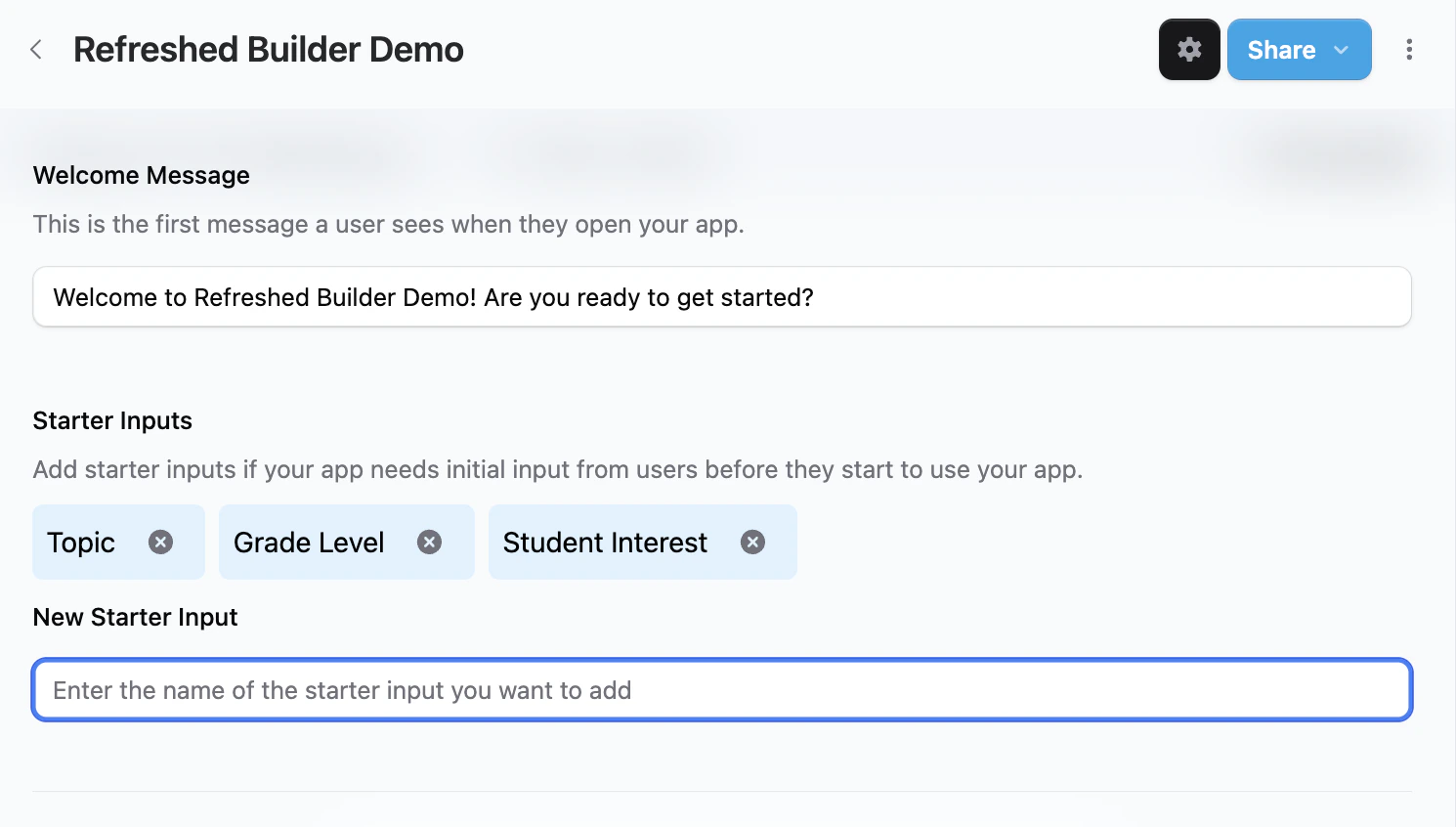
<div style={{ display:"inline-flex",gap:"6px",marginBottom:"12px",flexWrap:"wrap" }}>
  <span style={{ backgroundColor:"#10b981",color:"white",padding:"2px 8px",fontSize:"11px",fontWeight:"500",borderRadius:"4px",textTransform:"uppercase",letterSpacing:"0.025em" }}>
    🌍 Public
  </span>

  <span style={{ backgroundColor:"#8b5cf6",color:"white",padding:"2px 8px",fontSize:"11px",fontWeight:"500",borderRadius:"4px",textTransform:"uppercase",letterSpacing:"0.025em" }}>
    ✨ New
  </span>
</div>

If it's better for your AI to get some structured input from the user up front before launching into a conversation, you can now quickly add that to your design from the builder settings menu.

<Frame>
  <img src="https://mintcdn.com/playlabai/UkJQg8tAJ4kk87mX/images/Changelog/jan22-2.png?fit=max&auto=format&n=UkJQg8tAJ4kk87mX&q=85&s=a0d741627e43840f7de13f3ebffcc78e" alt="" width="1490" height="846" data-path="images/Changelog/jan22-2.png" />
</Frame>

Updated App Experience

<div style={{ display:"inline-flex",gap:"6px",marginBottom:"12px",flexWrap:"wrap" }}>
  <span style={{ backgroundColor:"#10b981",color:"white",padding:"2px 8px",fontSize:"11px",fontWeight:"500",borderRadius:"4px",textTransform:"uppercase",letterSpacing:"0.025em" }}>
    🌍 Public
  </span>

  <span style={{ backgroundColor:"#f59e0b",color:"white",padding:"2px 8px",fontSize:"11px",fontWeight:"500",borderRadius:"4px",textTransform:"uppercase",letterSpacing:"0.025em" }}>
    🔄 Update
  </span>
</div>

Fresh design for launching and interacting with your apps. Quick links let you jump to editing or remixing an app if you're signed in.

<Frame>
  <img src="https://mintcdn.com/playlabai/UkJQg8tAJ4kk87mX/images/Changelog/jan22-3.png?fit=max&auto=format&n=UkJQg8tAJ4kk87mX&q=85&s=192ea7c9a31ba4c996896abcfe747c8f" alt="" width="910" height="668" data-path="images/Changelog/jan22-3.png" />
</Frame>

My Playlab Dashboard

<div style={{ display:"inline-flex",gap:"6px",marginBottom:"12px",flexWrap:"wrap" }}>
  <span style={{ backgroundColor:"#10b981",color:"white",padding:"2px 8px",fontSize:"11px",fontWeight:"500",borderRadius:"4px",textTransform:"uppercase",letterSpacing:"0.025em" }}>
    🌍 Public
  </span>

  <span style={{ backgroundColor:"#8b5cf6",color:"white",padding:"2px 8px",fontSize:"11px",fontWeight:"500",borderRadius:"4px",textTransform:"uppercase",letterSpacing:"0.025em" }}>
    ✨ New
  </span>
</div>

Now see all your apps and workspaces in one place, quickly filter for apps you're looking for and jump directly to using an app. We'll be refreshing My Playlab over the next few months to make it more useful as your personal home within the community.

<Frame>
  <img src="https://mintcdn.com/playlabai/UkJQg8tAJ4kk87mX/images/Changelog/jan22-4.png?fit=max&auto=format&n=UkJQg8tAJ4kk87mX&q=85&s=0b3247f71b2e0eadd726195cbfaebad5" alt="" width="2576" height="2072" data-path="images/Changelog/jan22-4.png" />
</Frame>

Organizations for Schools and Impact Organizations
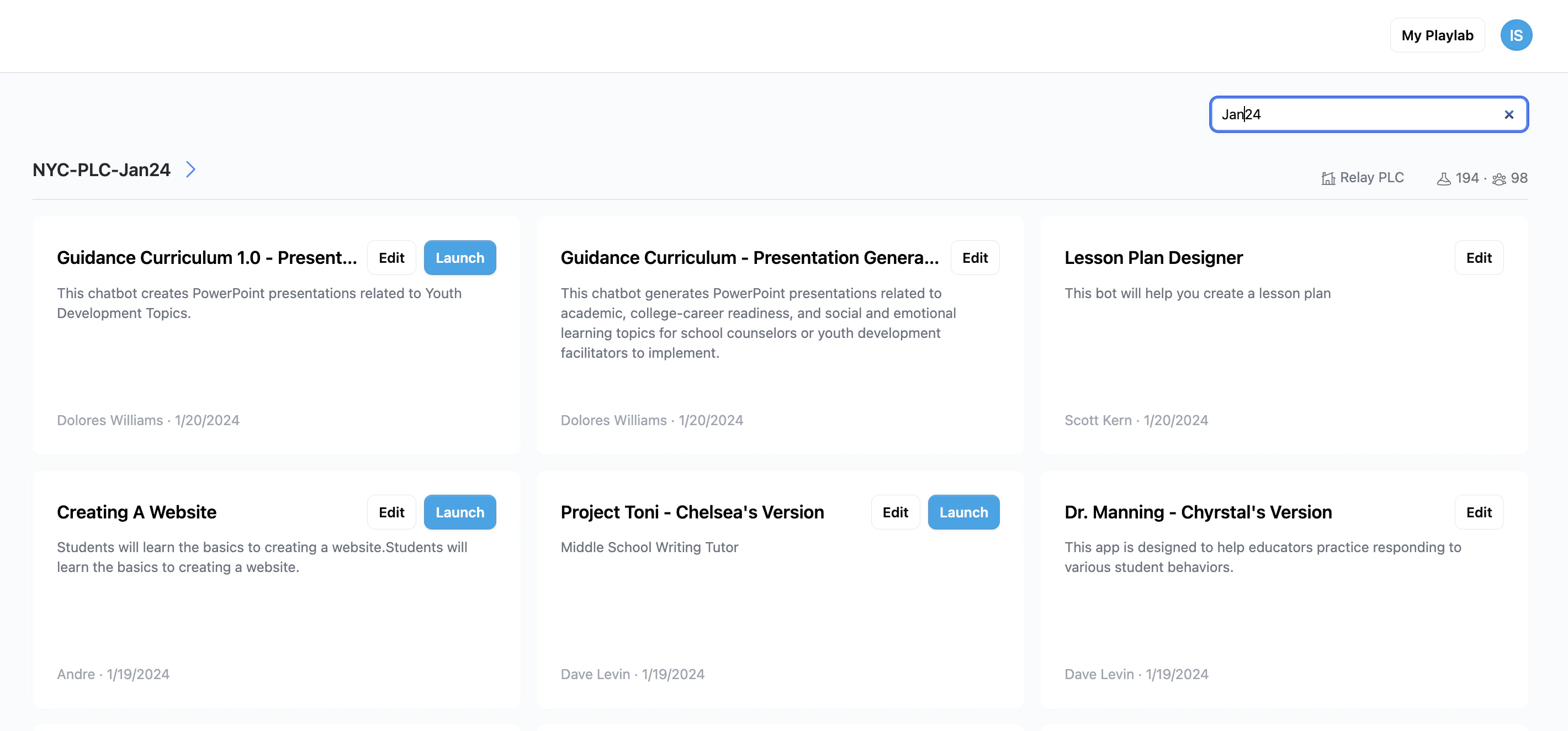
<div style={{ display:"inline-flex",gap:"6px",marginBottom:"12px",flexWrap:"wrap" }}>
  <span style={{ backgroundColor:"#10b981",color:"white",padding:"2px 8px",fontSize:"11px",fontWeight:"500",borderRadius:"4px",textTransform:"uppercase",letterSpacing:"0.025em" }}>
    🌍 Public
  </span>

  <span style={{ backgroundColor:"#8b5cf6",color:"white",padding:"2px 8px",fontSize:"11px",fontWeight:"500",borderRadius:"4px",textTransform:"uppercase",letterSpacing:"0.025em" }}>
    ✨ New
  </span>
</div>

Schools and impact organizations can now nest multiple workspaces underneath a Playlab Organization. This enables better organization of apps across different teams in your school, the ability to publish apps to your organization instead of all of Playlab, and the ability to see who's using which of your apps as long as that person also belongs to your organization.
The organizations update also comes with more fine-grained roles at both the Workspace and Organization level to accommodate the different needs of admins, staff and students.

<Frame>
  <img src="https://mintcdn.com/playlabai/UkJQg8tAJ4kk87mX/images/Changelog/jan22-5.png?fit=max&auto=format&n=UkJQg8tAJ4kk87mX&q=85&s=4f2a373aeb7e0134f70f649ceb6c11a1" alt="" width="2840" height="1324" data-path="images/Changelog/jan22-5.png" />
</Frame>

Simplified Sharing

<div style={{ display:"inline-flex",gap:"6px",marginBottom:"12px",flexWrap:"wrap" }}>
  <span style={{ backgroundColor:"#10b981",color:"white",padding:"2px 8px",fontSize:"11px",fontWeight:"500",borderRadius:"4px",textTransform:"uppercase",letterSpacing:"0.025em" }}>
    🌍 Public
  </span>

  <span style={{ backgroundColor:"#f59e0b",color:"white",padding:"2px 8px",fontSize:"11px",fontWeight:"500",borderRadius:"4px",textTransform:"uppercase",letterSpacing:"0.025em" }}>
    🔄 Update
  </span>
</div>

Quickly share the latest version of your app with a streamlined share menu, no more multi-step publish page.

<Frame>
  <img src="https://mintcdn.com/playlabai/UkJQg8tAJ4kk87mX/images/Changelog/simpleshare.png?fit=max&auto=format&n=UkJQg8tAJ4kk87mX&q=85&s=645e642fdfc4837bab6d5888028acf30" alt="" width="578" height="692" data-path="images/Changelog/simpleshare.png" />
</Frame>

***

## Questions?

If you have any questions about these updates or need help with any Playlab features, please email us at [support@playlab.ai](mailto:support@playlab.ai)

***

Last updated: 05-27-2026